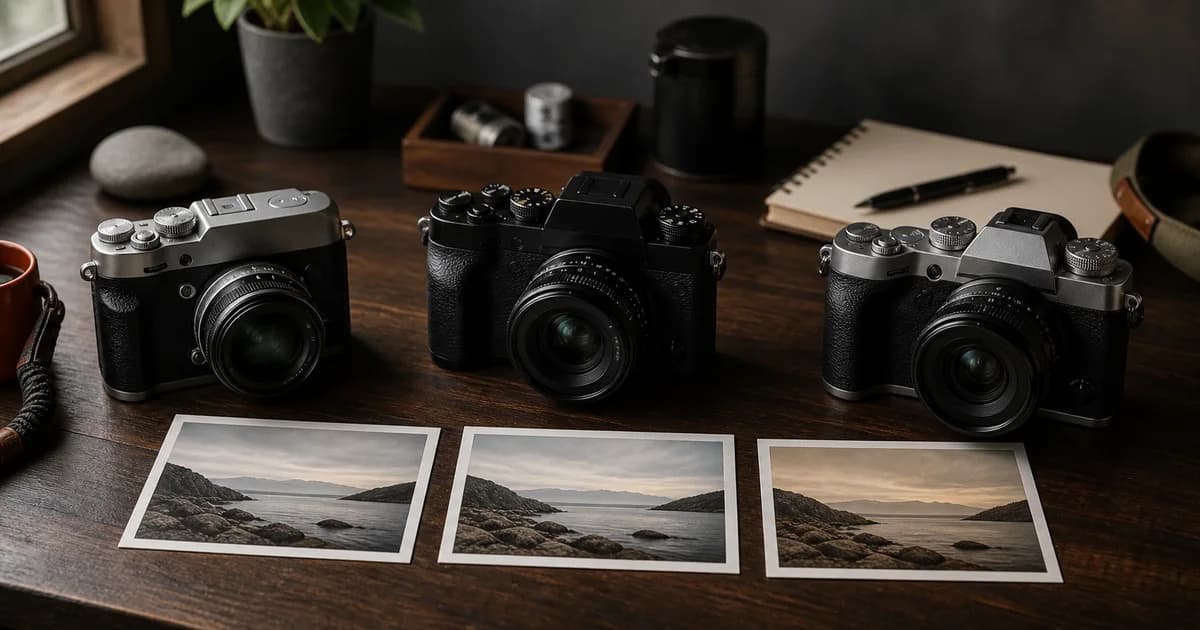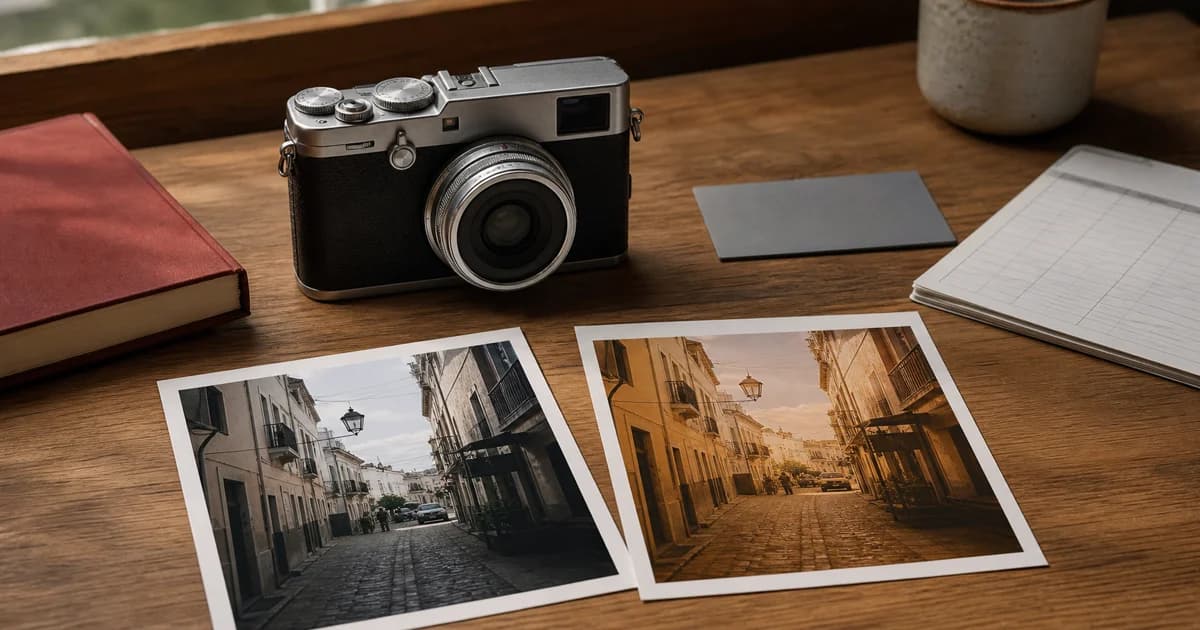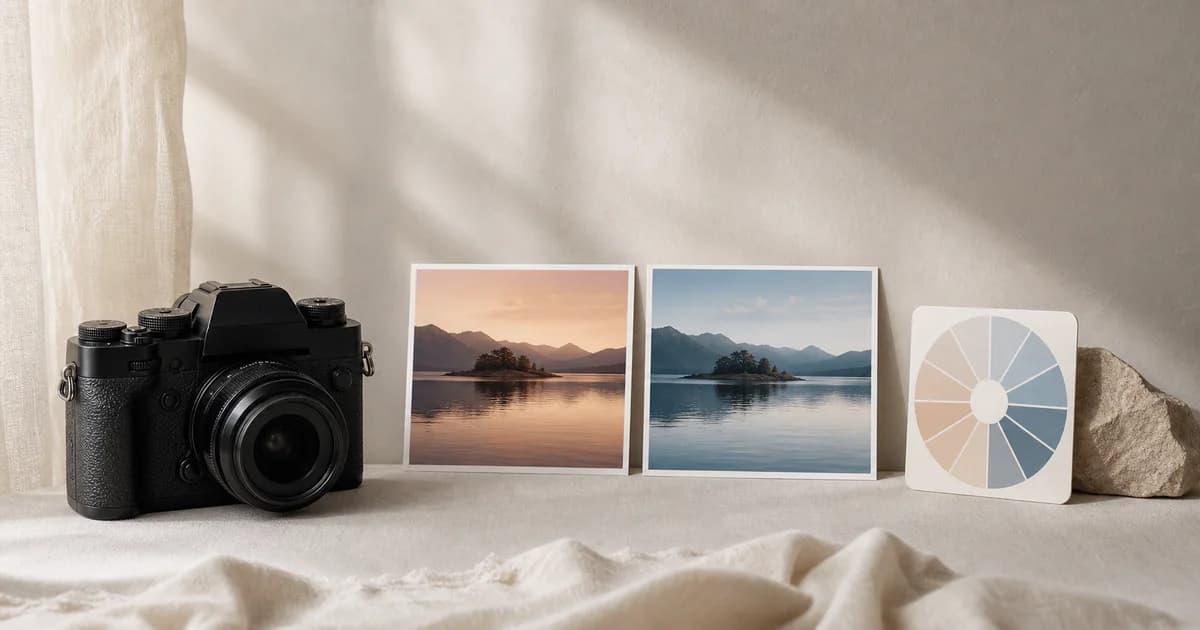


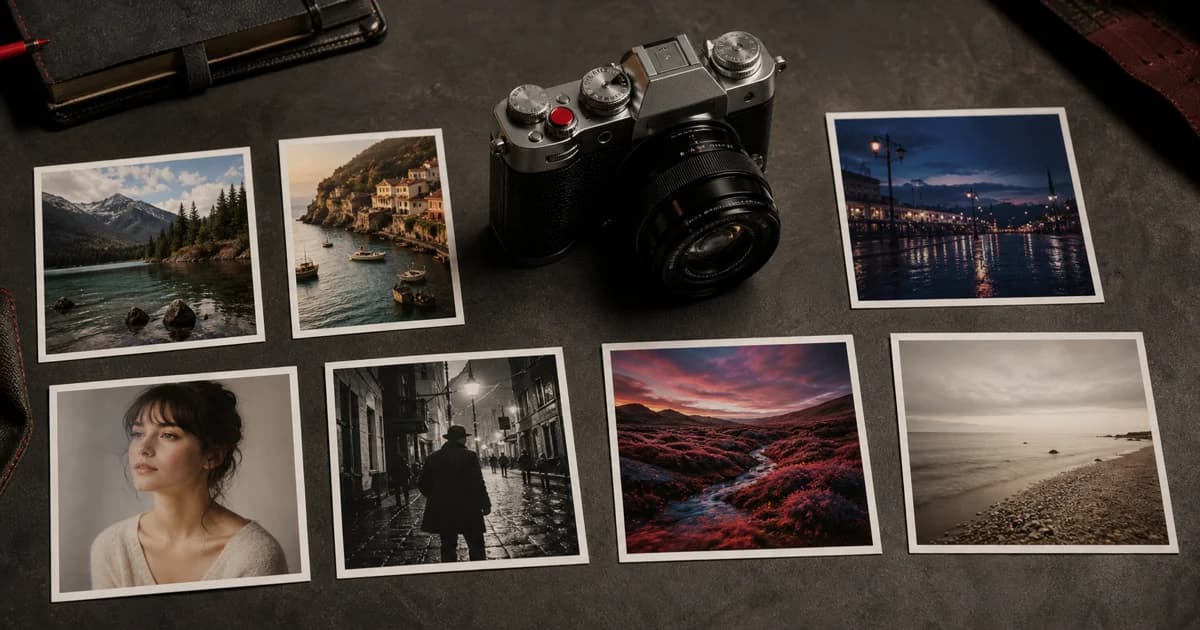
The best Fujifilm custom settings are not simply the seven most popular recipes. They are seven looks that make different decisions easy. When the light changes or a new subject appears, you should know why C3 exists and when C6 is worth choosing.
This guide turns the Fujifilm C1–C7 banks into a balanced straight-out-of-camera system. Every slot below links directly to a public recipe from the Receptree community, so you can inspect the full settings and sample images before programming your camera. If this is your first custom bank, follow the step-by-step recipe installation guide while entering the values.
Film Simulation vs Recipe vs Custom Setting
These three terms describe different layers of the Fujifilm JPEG workflow:
- A Film Simulation is the base profile, such as Classic Chrome, Classic Negative, ASTIA/Soft, ACROS, or ETERNA.
- A Fujifilm recipe combines that simulation with Dynamic Range, white balance and shift, highlight and shadow tone, color, grain, clarity, and other compatible JPEG adjustments.
- A Custom Setting is the C1–C7 memory bank used to save that group of choices in the camera.
In short: the film simulation is the foundation, the recipe is the complete look, and C1–C7 is how you organize those looks for shooting.
A Practical Fujifilm C1–C7 Recipe Setup
Each custom bank below has one clear job. The alternating previews show the actual primary image from the linked community recipe, so you can judge the character of the look before opening its complete settings.

Custom setting
Everyday color
Astia Vibes
Why this slot
A daily-use color recipe with a soft base, controlled highlights, and enough warmth for ordinary moments.

Custom setting
Warm travel
Summer Kodak
Why this slot
Bright, nostalgic color with lively reds and yellows for sunlit travel, holidays, and outdoor storytelling.

Custom setting
Low light and night
Cross-Process Retro Vibes
Why this slot
A grainy, misty, cross-processed look designed for moody street scenes and night photography.

Custom setting
Portrait and cinematic color
Eternal
Why this slot
A softer cinematic rendering built for portraits and urban daylight, with a distinctive warm shift.

Custom setting
Black and white
Monochrome Kodak
Why this slot
Strong grain and silvery contrast create an immediately recognizable monochrome alternative to the color slots.

Custom setting
Experimental
Cinematic Drama
Why this slot
A gritty, high-character option for scenes that benefit from contrast, desaturated atmosphere, and drama.

Custom setting
Natural reference
Fujicolor Reala 100
Why this slot
A clean, natural-color recipe with a neutral white balance shift—the useful baseline for judging the other looks.
Why These Seven Slots Work Together
The setup avoids a common problem: filling the camera with seven warm, nostalgic recipes that look appealing online but overlap in real use. Each slot instead changes either the lighting problem, the subject, or the visual intent.
C1 and C7 are your anchors
Astia Vibes gives C1 a forgiving everyday character, while Fujicolor Reala 100 keeps C7 closer to natural color. If an experimental look feels wrong, switch to one of these anchors rather than changing settings during the moment.
C2, C3, and C4 cover recurring situations
Summer Kodak handles bright travel color, Cross-Process Retro Vibes gives low-light scenes a deliberate identity, and Eternal offers softer cinematic color for portraits and daylight scenes.
C5 and C6 change the way you see
A dedicated monochrome slot such as Monochrome Kodak helps you compose around light, shape, and contrast. Cinematic Drama gives the final creative slot permission to be less universal and more expressive.
How to Save a Recipe to a Fujifilm Custom Slot
- Open the linked Receptree recipe and compare its listed camera with your own model.
- In the camera's Image Quality settings, enter every supported recipe value, including the base Film Simulation and white balance shift.
- Open Edit/Save Custom Setting, choose the intended C1–C7 bank, and save the current settings.
- Give the bank a short, functional name such as “DAILY,” “TRAVEL,” “NIGHT,” or “B&W” if your camera supports custom labels.
- Photograph the same scene with C1, C6, and C7. This quick test reveals whether the slots are genuinely different and whether any values were entered incorrectly.
Menu wording and the method for recalling a custom bank differ between Fujifilm bodies. Use your camera's manual for the exact button, dial, or menu sequence.
Check Camera Compatibility Before Copying Settings
A recipe is not automatically identical on every Fujifilm camera. Sensor generation, available Film Simulations, white balance behavior, and settings such as Clarity, Color Chrome FX Blue, Grain Size, or half-step tone controls can differ.
Most examples in this setup were created for the X100VI. The C7 reference recipe was created for the X100V. If you use an X-T5, X-T50, X-S20, X-M5, GFX body, or an older camera, review each setting individually. When a setting is unavailable, leave it at the camera default and judge the adapted result by photographs—not by the recipe name alone.
You can also browse recipes by camera from the main Fujifilm recipe library and replace any slot with a compatible look that serves the same purpose.
Make the Setup Your Own
Treat this seven-slot arrangement as a strong starting point, not a permanent rule. After several shoots, note which banks you actually select. If C2 and C4 produce similar results in your normal light, replace one. If you never shoot monochrome, turn C5 into a flash or harsh-daylight recipe. If your camera is mainly used for family photography, keep two portrait options and remove the experimental slot.
The goal is fast, intentional shooting. Seven clearly named custom settings are more valuable than a constantly changing list of fashionable recipes.
Frequently Asked Questions
What are Fujifilm C1–C7 custom settings?
C1–C7 are seven custom-setting banks available on many Fujifilm cameras. Each bank can store a group of JPEG settings such as Film Simulation, Dynamic Range, white balance, tone, color, sharpness, noise reduction, clarity, Grain Effect, and Color Chrome settings, depending on the camera.
Is a Fujifilm recipe the same as a film simulation?
No. A film simulation such as Classic Chrome or ETERNA is the base color profile. A recipe combines that simulation with additional JPEG settings, including white balance shift and tone adjustments. A custom setting is the camera slot in which that recipe is stored.
Can I copy an X100VI recipe to an X-T5 or X-T50?
Often, but not always exactly. Cameras from the same sensor generation usually share more settings, while older bodies may lack a simulation or adjustment. Compare every field with your camera menu and treat unsupported settings as a reason to adapt the recipe, not guess.
Should I fill all seven Fujifilm custom slots?
Only if every slot has a clear job. A seven-slot setup is useful when each recipe covers a distinct subject, light, or mood. Leaving a slot open for testing is better than saving several nearly identical looks.