
Receptree Studio

Present Fujifilm photographs with purpose

Crop and rotate photographs, create polished frames, add camera and recipe metadata, and build reusable Fujifilm Recipe Cards in one focused workspace.

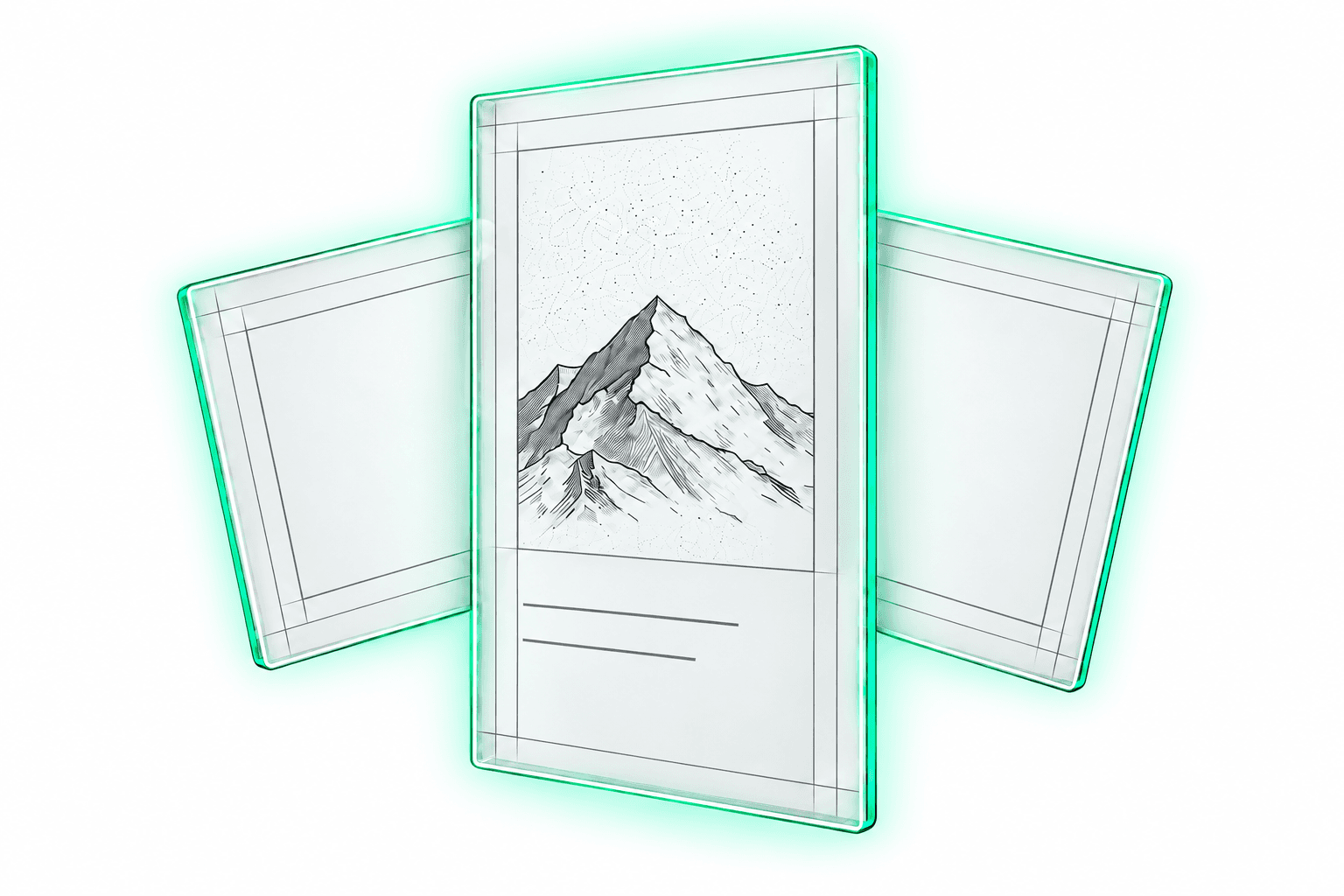
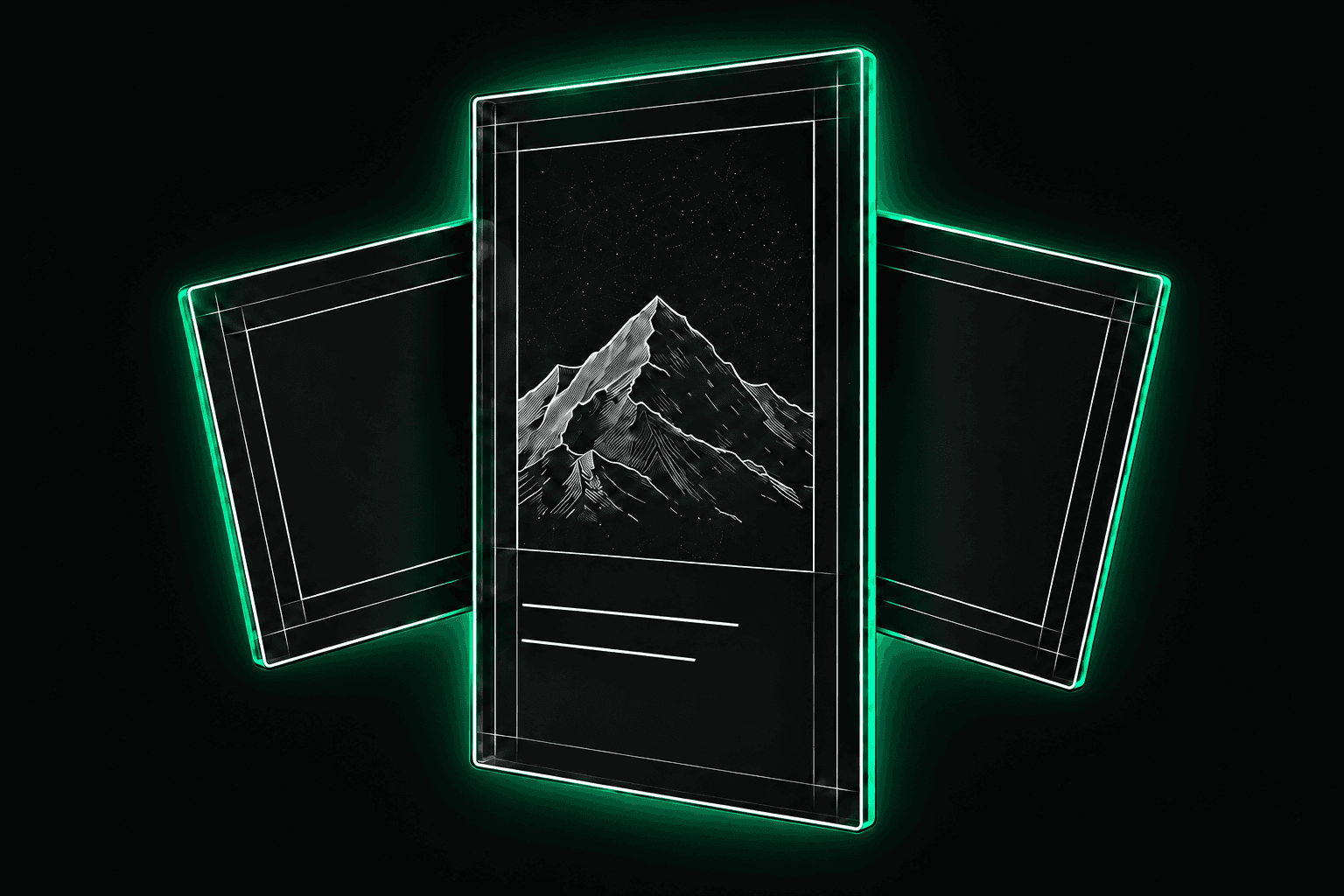
White Photo Frame mock preview for Fujifilm recipe photos in Receptree Studio
Frames
White EXIF Metaframe mock preview with Fujifilm camera metadata in Receptree Studio
Metaframes
White Recipe Card mock preview with Fujifilm recipe settings in Receptree Studio
Recipe Cards

Studio tools

One photograph, three ways to present it.

White Photo Frame mock preview for Fujifilm recipe photos in Receptree Studio

Frames

Give selected photographs a clean, export-ready border and presentation style.

Explore Frames
White EXIF Metaframe mock preview with Fujifilm camera metadata in Receptree Studio

Metaframes

Turn camera, lens, exposure and Fujifilm recipe metadata into part of the composition.

Explore Metaframes
White Recipe Card mock preview with Fujifilm recipe settings in Receptree Studio

Recipe Cards

Present a sample photograph and its complete Fujifilm settings in one reusable card.

Explore Recipe Cards

From selected photograph to finished presentation.

Studio keeps the editing path focused: bring in a photograph, prepare its composition and choose the output that best explains or presents the image.

  1. 1

    Add a photograph

    Upload an image or continue directly from a selected photograph in Review.

  2. 2

    Shape the presentation

    Crop, rotate and choose the Frame, Metaframe or Recipe Card treatment.

  3. 3

    Export the result

    Create a polished output at the intended quality with Receptree Premium.

Studio questions

Good to know.

What is the difference between Frames and Metaframes?

Frames focus on the visual presentation of a photograph. Metaframes make camera, exposure, lens or Fujifilm recipe metadata part of that presentation.

Can I send a photograph from Review to Studio?

Yes. Edit in Studio transfers the selected local photograph into the Frames workspace, where it can be cropped and rotated before presentation.

What are Recipe Cards for?

Recipe Cards combine a sample photograph with its Fujifilm recipe settings so the look can be documented or shared clearly.

Does exporting require Premium?

Yes. You can explore the Studio tools before upgrading, while exporting finished work requires Receptree Premium.

    Fujifilm Photo Frames, Metaframes and Recipe Cards | Receptree Studio