
How to Build Your Signature Fujifilm Recipe
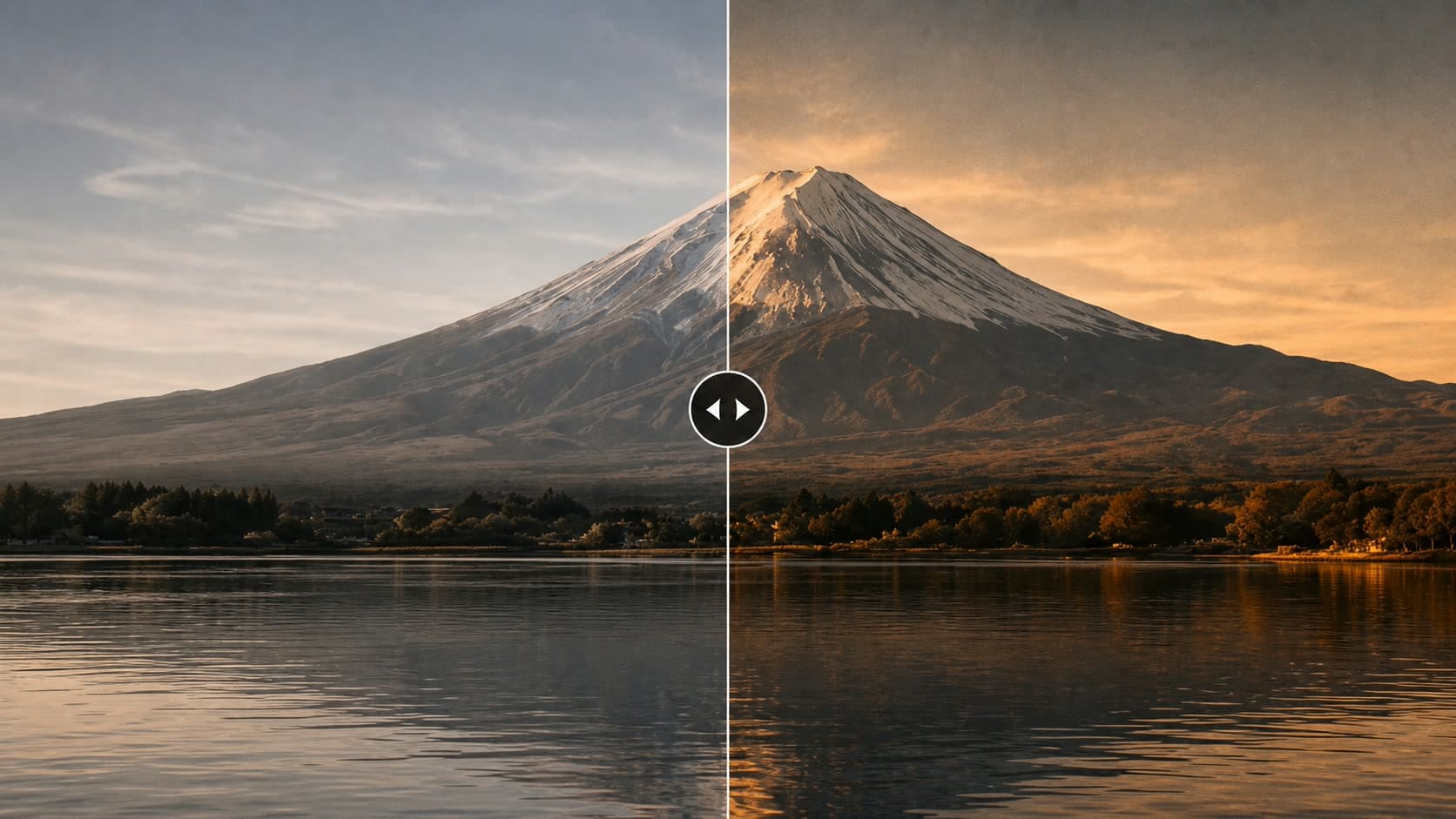
Create a repeatable Fujifilm recipe that matches your subjects, your light and the way you want your photographs to feel—without chasing every trend.
 Receptree
Applies to: Written for Fujifilm photographers. Camera menu names, film simulations and available settings vary by model and firmware.
Begin with the pictures you want to make
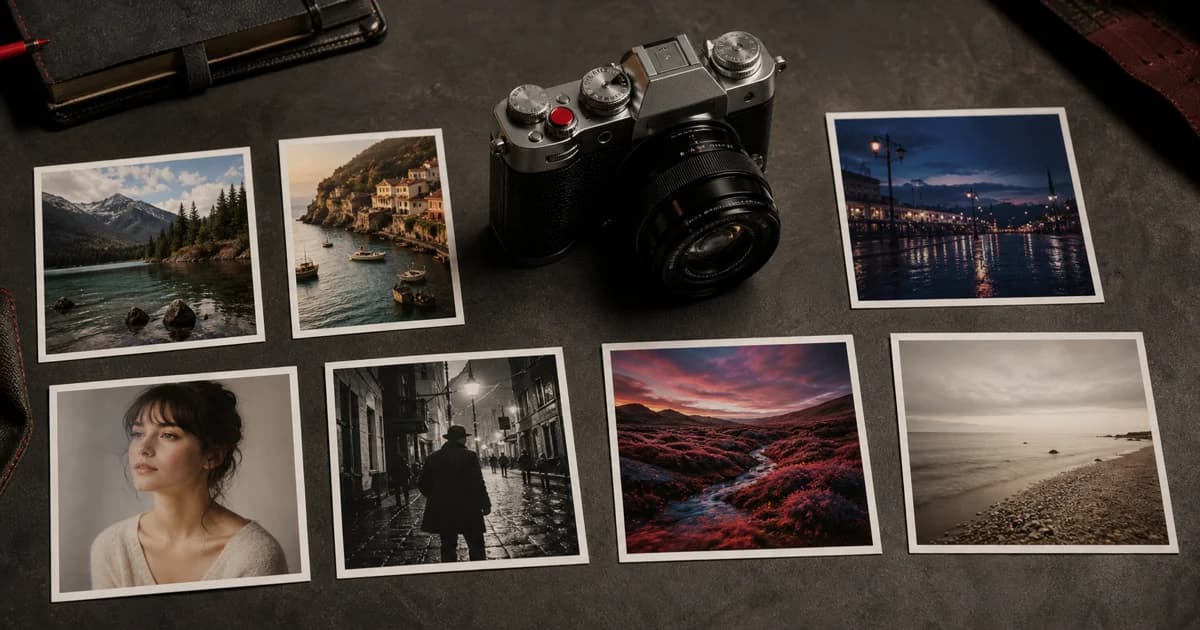
A signature recipe is not one that looks distinctive in every situation. It is one that helps you make the photographs you return to: quiet walks, family interiors, travel colour, portraits in open shade or graphic street scenes. Name the mood and conditions you want to support before touching a setting. This makes it easier to recognise whether a recipe is helping your photographs or only following a trend.
Choose a useful base, then make a small test set
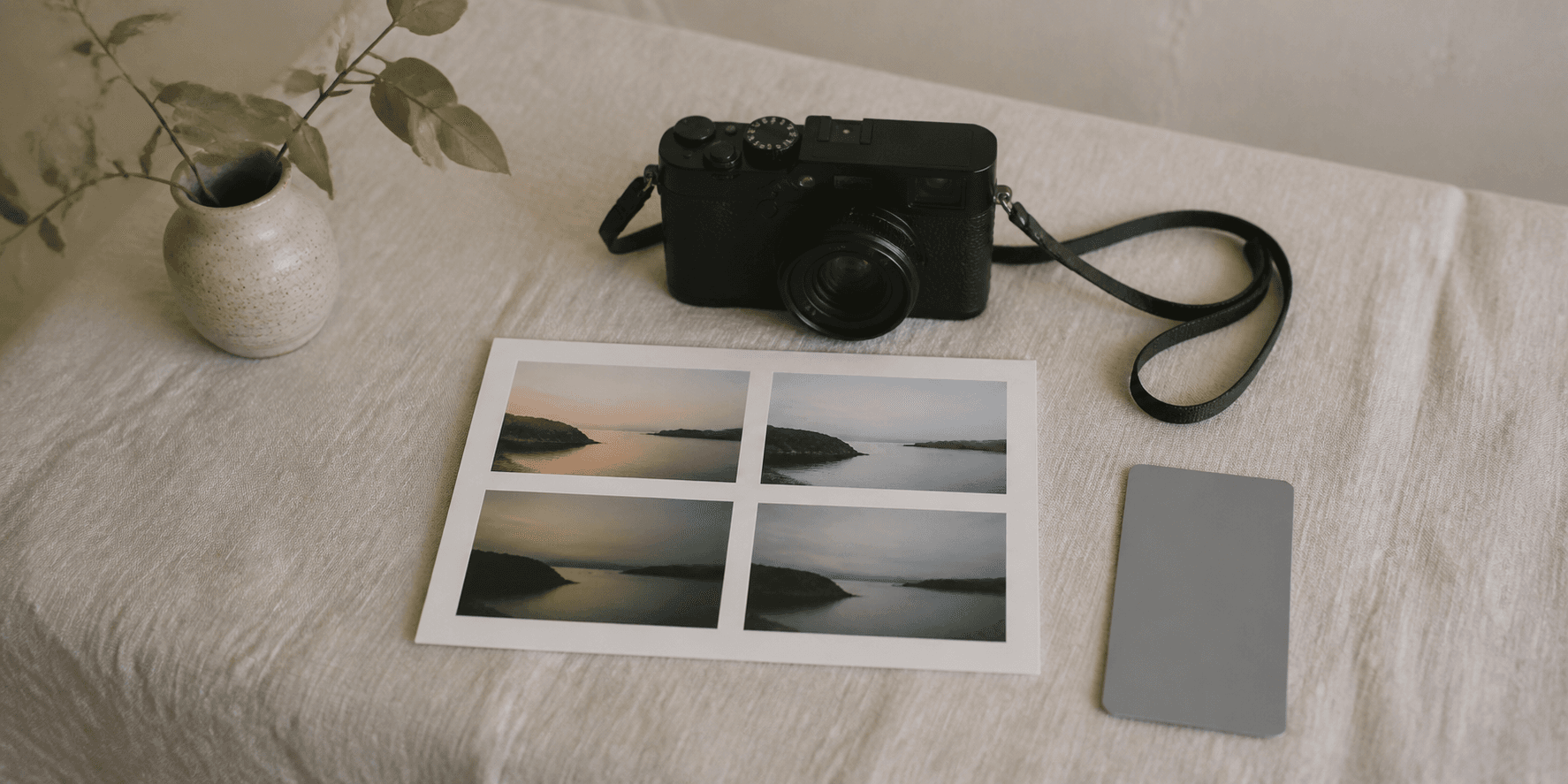
Select a base film simulation that makes sense for your subject and light, then save two or three candidate recipes in Receptree. Photograph the same familiar subjects in comparable light instead of trying to judge the result from unrelated files. Use the complete recipe—white balance, tonal settings, colour and grain—as your starting point. A small controlled set gives you clearer information than endlessly changing settings during a walk.
Write a short brief before you change a setting
Give the recipe a job in one sentence: for example, “quiet colour for open shade and cloudy walks” or “warm, contrasty interiors without losing faces”. Add the subject, light and feeling you are trying to protect. This brief is the reference point when you later compare versions. Without it, every setting change can feel equally plausible and the recipe gradually becomes a response to random files instead of a repeatable creative decision.
- Name the light where the recipe should work best.
- Name one subject or situation you regularly photograph.
- Name one quality you do not want to lose, such as highlight detail, quiet colour or natural skin.
Change one variable with a reason
When a recipe feels too warm, too flat or too intense, change the setting that is most likely responsible and keep a note of why. Exposure and the colour of the scene can change the JPEG as much as a menu value, so do not rewrite a look until you have compared like with like.
- Use white-balance shift for a subtle colour bias after choosing the correct base light.
- Use highlight and shadow settings to shape contrast without losing the important tones.
- Use colour, grain and detail controls to support the feeling of the picture rather than to make every frame louder.
Test the limits as well as the ideal scene
After the controlled test, take the promising version into normal use. Photograph it in the light it was designed for, then deliberately make a few frames near its limits: a brighter sky, a darker interior or a subject with more colour. This tells you whether the recipe has a useful range or needs a companion version for another condition. A signature look does not need to work everywhere; it needs an honest boundary that makes choosing it easier.
Version it so you can learn from it
When you make a change, give the version a clear name and retain a short note about why it changed. “Open Shade v2 - less warm” is more useful than replacing a recipe without context. In Receptree, keep the final tested version in a favourite or a small collection and leave experimental versions outside the working set. This creates a record of your decisions and makes it possible to return to a good earlier version without guessing.
Field-test the version you would really use
Give one promising version a week of normal use. Make photographs in the conditions it was designed for, then use Review to pick and compare the frames that matter. Save the recipe in a favourite or collection only when you can describe when you would choose it again. The result may be quieter than an online trend, but it will be more useful because it belongs to your own light and way of seeing.
Reference recipes for a deliberate starting point
Study how complete settings work together, then borrow one direction—not an entire identity—for your own controlled test.
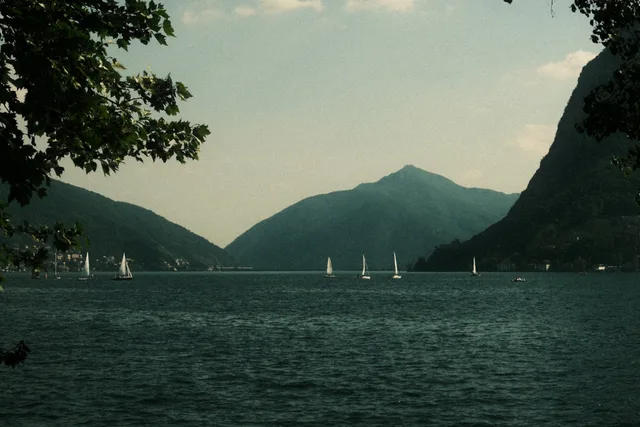
A soft and nostalgic look with warm tones and rich color depth. Classic Vintage brings an analog film vibe to everyday scenes, ideal for capturing gentle light, travel moments, and storytelling atmospheres.
 Receptree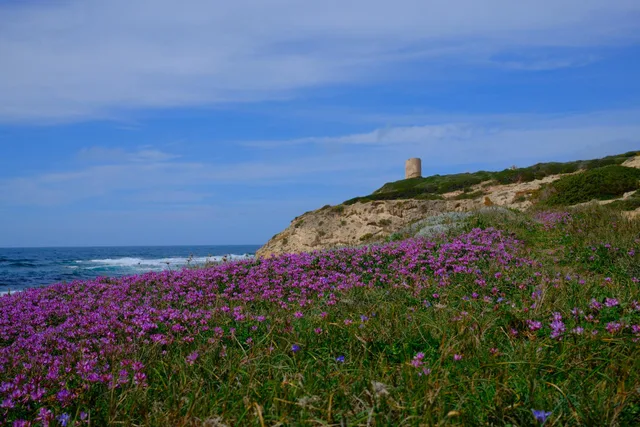
Brings out vivid, rich colors while keeping the contrast balanced. Perfect for capturing landscapes and nature in all their glory.
Receptree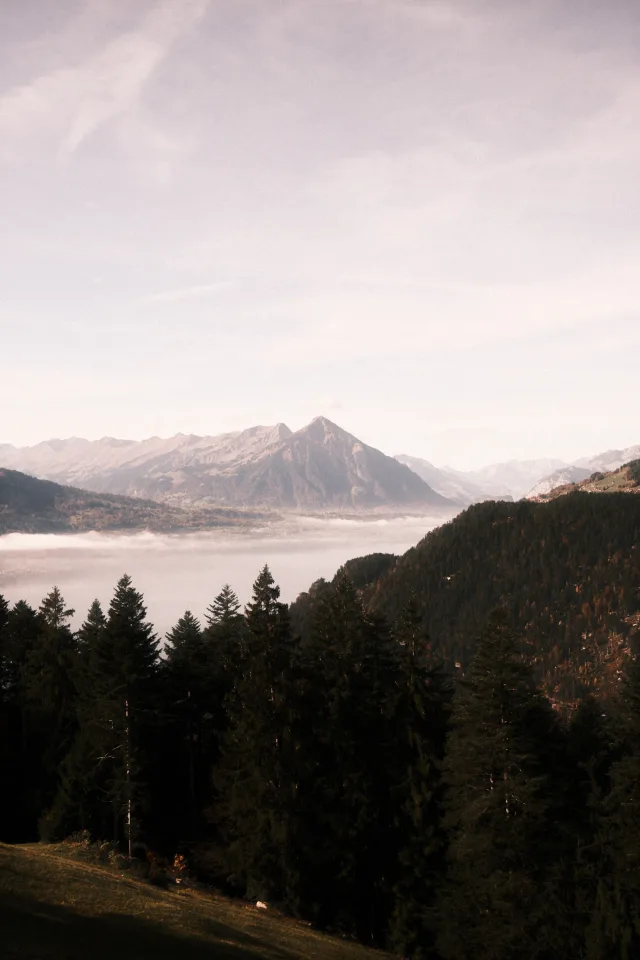
This recipe is designed to evoke a soft, vintage film aesthetic. It tones down saturation and contrast to create a gentle, hazy quality that diffuses the light and gives the image a dreamy, nostalgic mood.
 Marc
Marc
This recipe recreates a filmic, cross‑processed aesthetic. It uses Classic Negative with expressive highlights, strong grain, and a misty glow for a cinematic, nostalgic feel, perfect for moody street and night shots.
Receptree