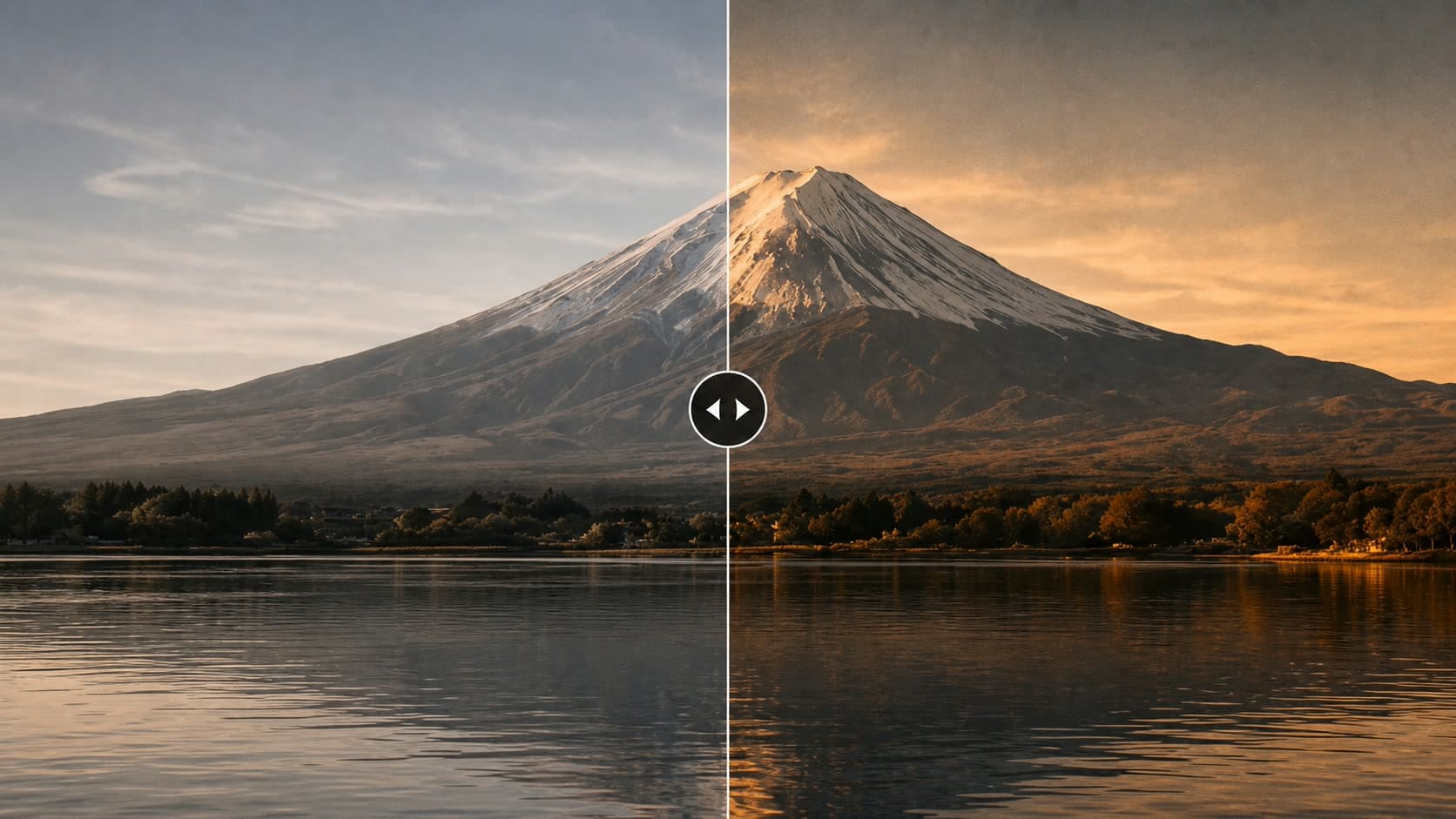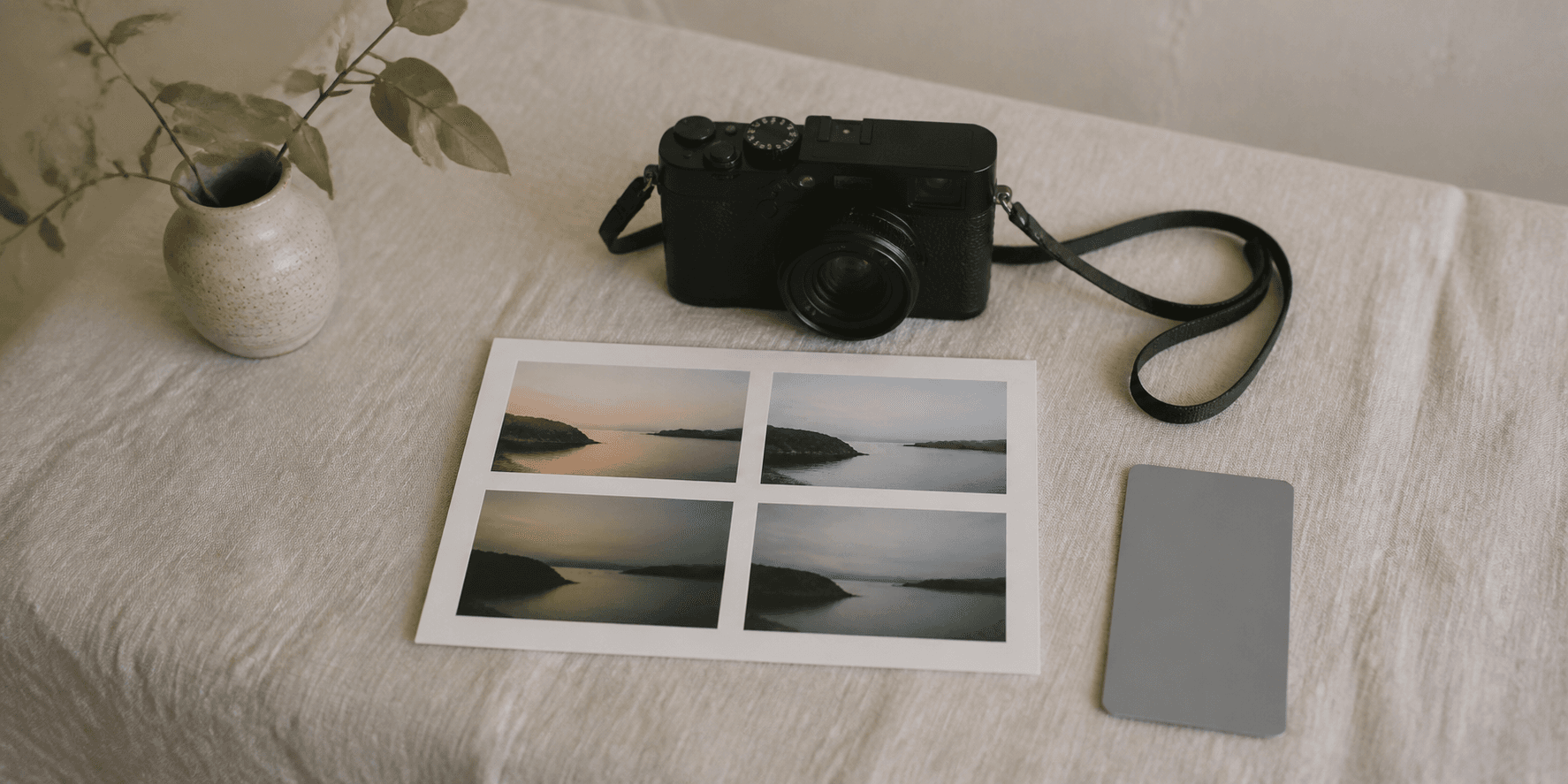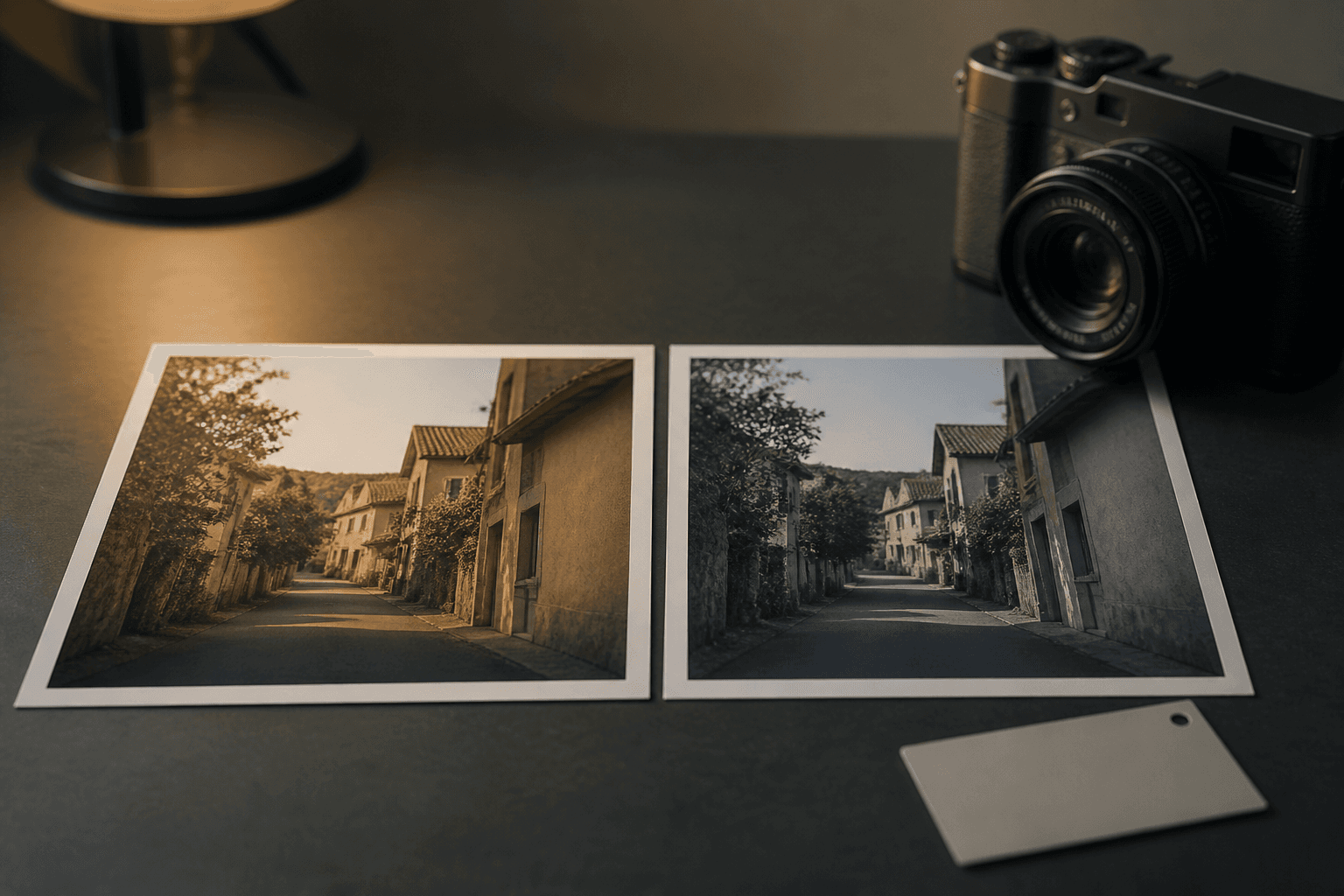

How to Test Fujifilm Recipes in Receptree
A practical field workflow for saving a look, testing it in consistent light and comparing the results without changing every variable at once.
 Receptree
Applies to: Written for Fujifilm photographers. Camera menu names, film simulations and available settings vary by model and firmware.
Save one recipe with a clear reason
Start in Receptree Recipes with a look that matches a real situation: soft overcast walks, late interiors or a high-contrast street scene. Read the settings, camera compatibility and sample photographs before saving it. The goal is not to find a universal favourite, but one useful starting point for the light you expect to meet.
Confirm the complete starting point
Before leaving home, read the whole recipe rather than copying only its film simulation. White balance and shift, highlight and shadow settings, colour, grain and exposure all influence the JPEG. Check that your camera supports the settings you plan to use; older bodies may offer a different film-simulation list or menu wording. If a value is unavailable, call the result an adaptation and change only that value first. A clear baseline makes the test useful even when your camera is not an exact match.
- Save the original recipe before making an adaptation.
- Note the camera body and the kind of light you intend to test.
- Use one custom slot or written reference so settings do not drift halfway through the test.
Make a small reference sequence
Photograph three to five frames of a familiar subject in the same patch of light. Keep your exposure intention consistent and do not add another recipe halfway through. A short, controlled sequence is enough to show whether the colour, contrast and white-balance direction support the photograph you wanted to make.
Keep the test fair
Use a familiar subject with a few useful tones: a face or neutral object, a bright area and some shadow. Make your first frame, then change your viewpoint or timing rather than the recipe. If the light changes from open shade to direct sun, start a new sequence and label it as a different condition. The aim is not laboratory perfection. It is enough consistency to tell whether the recipe supports the scene or whether the scene changed the result.
- Keep your exposure decision consistent across comparable frames.
- Avoid judging a recipe from one accidental frame.
- Make a second sequence only when the new light is a situation you also want the recipe to handle.
Compare the keepers, not every frame
Open the small sequence in Receptree Review and make a quick first pass for the frames that feel right. Then compare only those similar images for highlights, colour and timing. Separate the emotional first reaction from the close technical check; this makes it easier to see whether the recipe helped or whether the light simply changed.
Name the one thing you would change
Do not rebuild the recipe because one frame feels wrong. First identify the likely cause. If the scene is too warm while exposure and contrast feel right, the white-balance direction may deserve a small adjustment. If bright areas lose their feeling, revisit exposure or highlight treatment before changing colour. Make one change, repeat the small sequence and compare it with the first version. This keeps a recipe understandable and prevents a promising look from turning into a collection of unrelated tweaks.
Keep the result with its context
Return to the saved recipe and add a useful note in your own system: where it worked, which camera you used and what you would adjust next time. Keep the recipe in a Receptree favourite or collection only if you can name the situation in which you would reach for it again.
Recent recipes to take into the field
Choose one complete recipe, check it against your camera and test a short sequence without changing several variables at once.
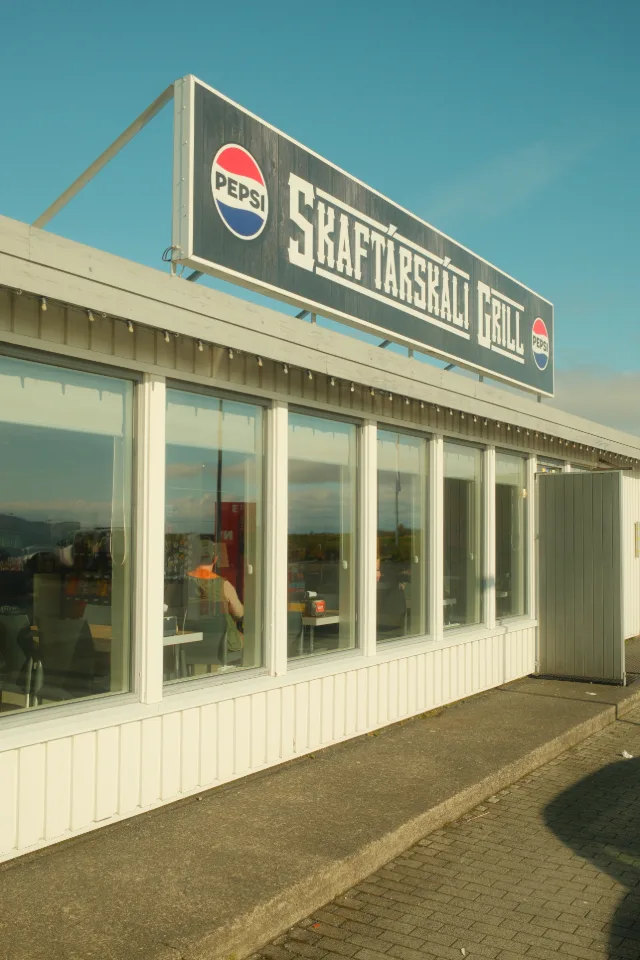
A Fujifilm Classic Chrome recipe with creamy highlights, muted teal skies, and earthy greens that remind me of old travel prints.
 Receptree
I used this Classic Chrome recipe on my trip to Iceland. I loved how its cool cyan tones captured the mood.

Golden Amber is a Classic Chrome recipe that turns soft, overcast light into honey-colored skies and earthy browns. A warm, nostalgic look for quiet landscapes and days on the road.
 Sven
Sven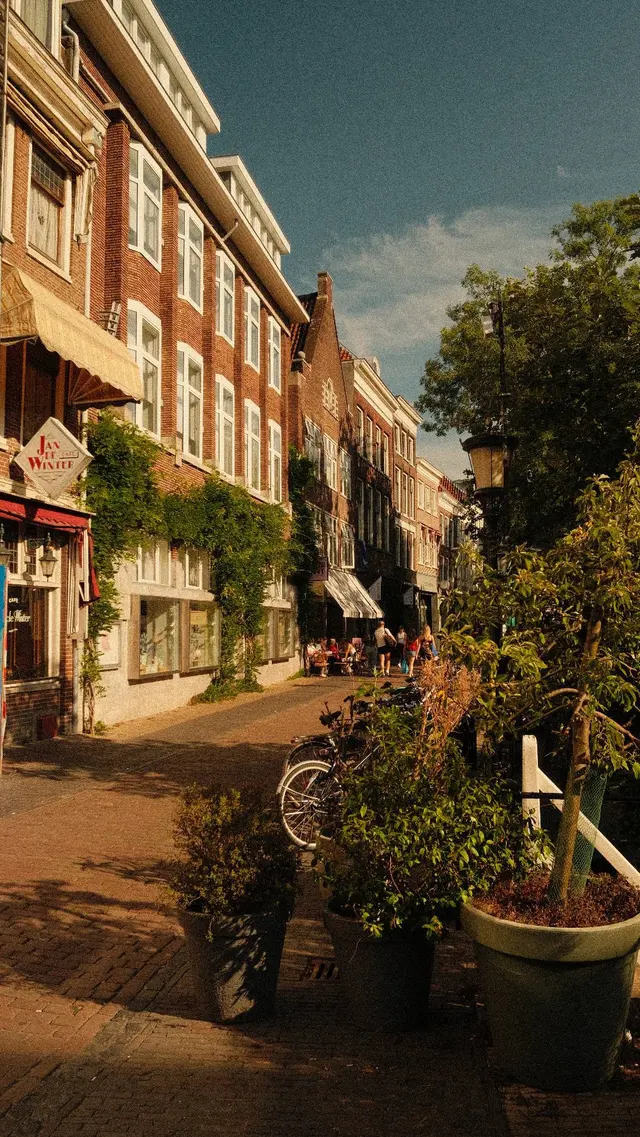
Deze kan het best in fel daglicht gebruikt worden want anders worden de fotos vaak te rood