
Why Your Fujifilm Film Simulation Does Not Look Like the Sample Photo
Learn why the same Fujifilm film simulation can produce a different JPEG, and use Receptree to check the settings and compare a real test sequence.
 Receptree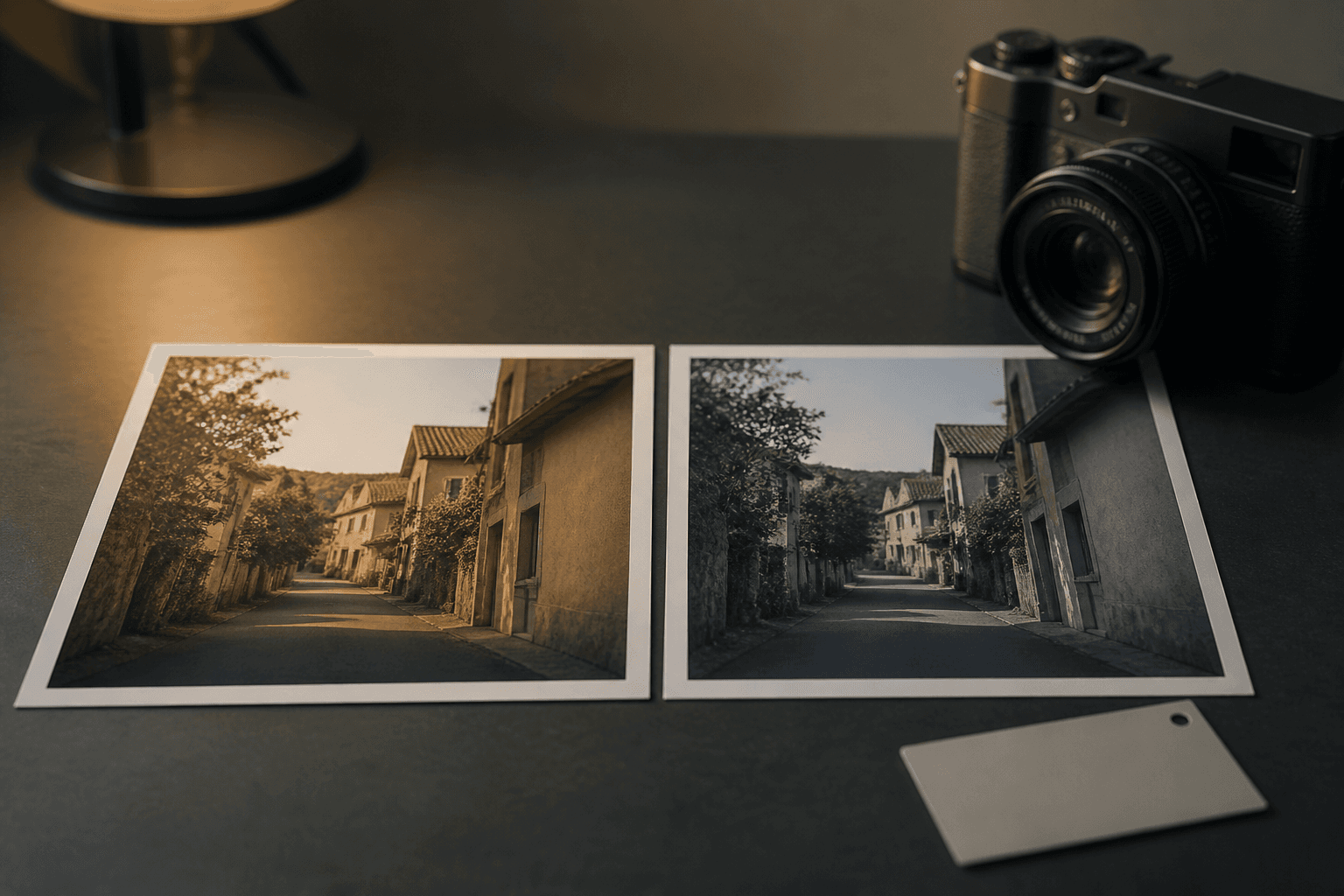
Applies to: Written for Fujifilm photographers. Camera menu names, film simulations and available settings vary by model and firmware.
The simulation is only the starting point
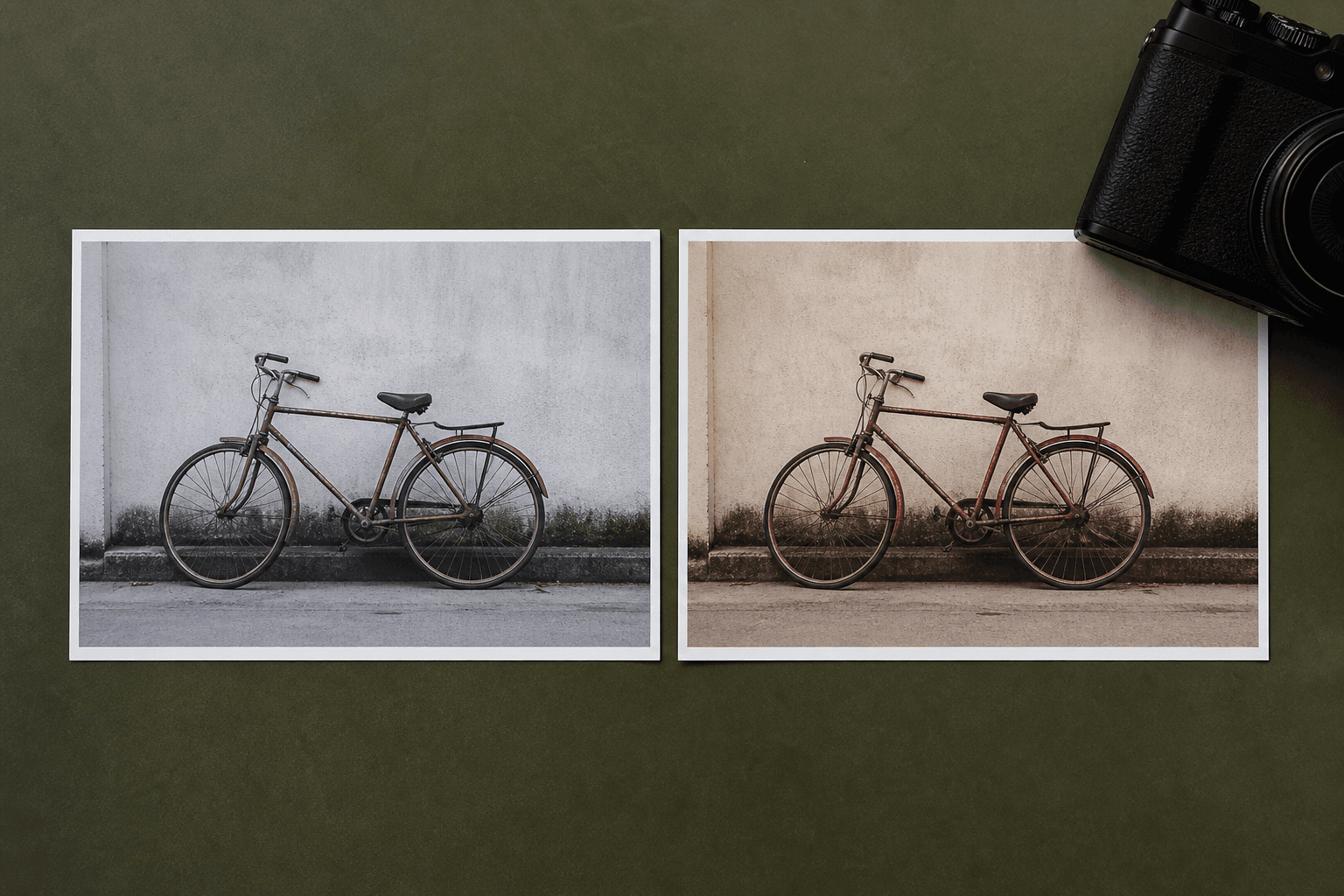
Classic Chrome, Acros or any other Fujifilm film simulation gives a JPEG its base rendering, but a published recipe is a complete set of decisions. White balance and shift, highlights, shadows, colour, grain, exposure and the scene itself all contribute. Copying only the simulation is therefore unlikely to recreate the sample photograph.
Use Receptree to check the whole combination
Open the recipe in Receptree and read the settings as one system rather than a list to copy blindly. Compare the sample images with the light you plan to photograph in, and confirm that the recipe is compatible with your camera. This makes it clearer whether you need to test the complete recipe, make a small adjustment or choose a different starting point.
Test a small sequence before you judge it
Make three to five comparable frames, keeping the light and exposure intention as steady as possible. In Receptree Review, first pick the images that feel promising, then compare those keepers for colour, highlights and timing. The result tells you whether the recipe needs a small change or simply belongs to different light.
One base simulation, different complete recipes
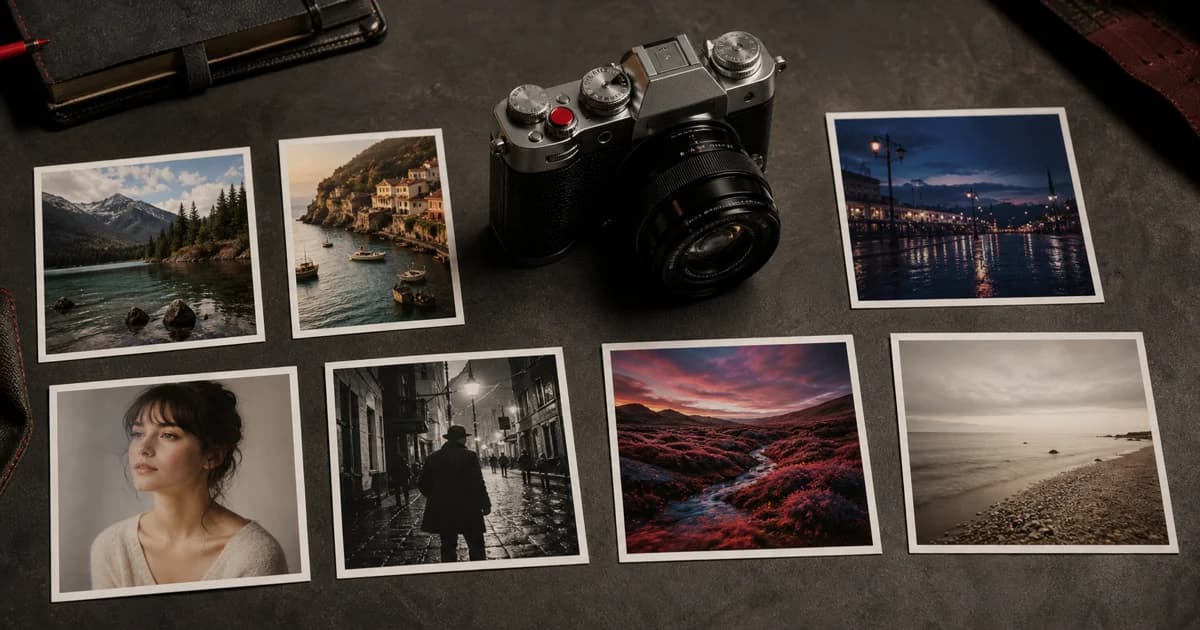
These Classic Chrome recipes share a base simulation but combine it with different white balance, tone, colour and grain decisions.
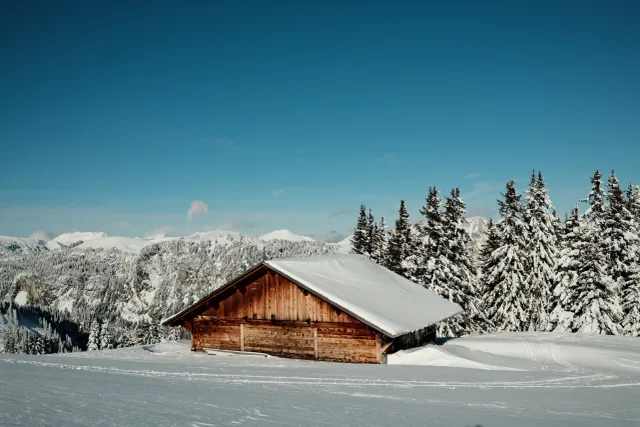
This recipe delivers rich, warm colors and balanced contrast that bring a nostalgic, timeless feel to your photos. Ideal for portraits, landscapes, and street scenes, it enhances reds and yellows for vivid, natural-looking images.
 Receptree
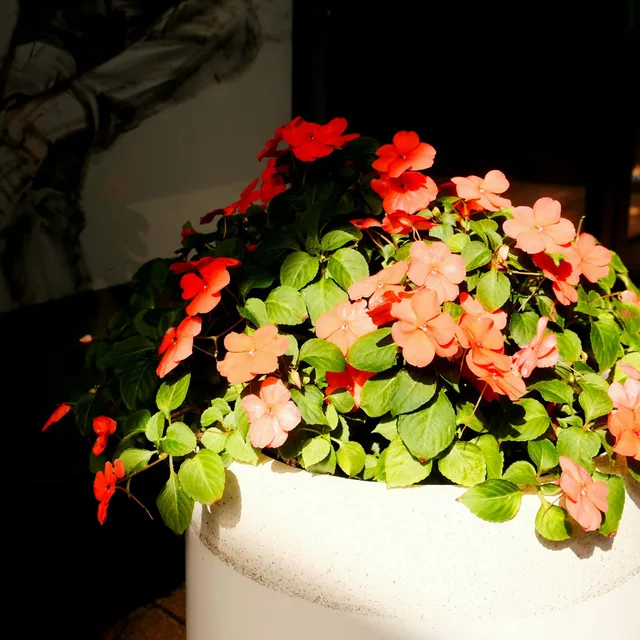
Classic Orbis sits in a unique area between traditional film simulation and a modern, high-definition digital look. Built on Classic Chrome’s muted base, it moves away from nostalgia and instead emphasizes clarity, contrast, and color depth.
 FinnicHeaslip
Classic Portra 400 vibes with this recipe, soft, warm tones with a touch of nostalgia.
Receptree