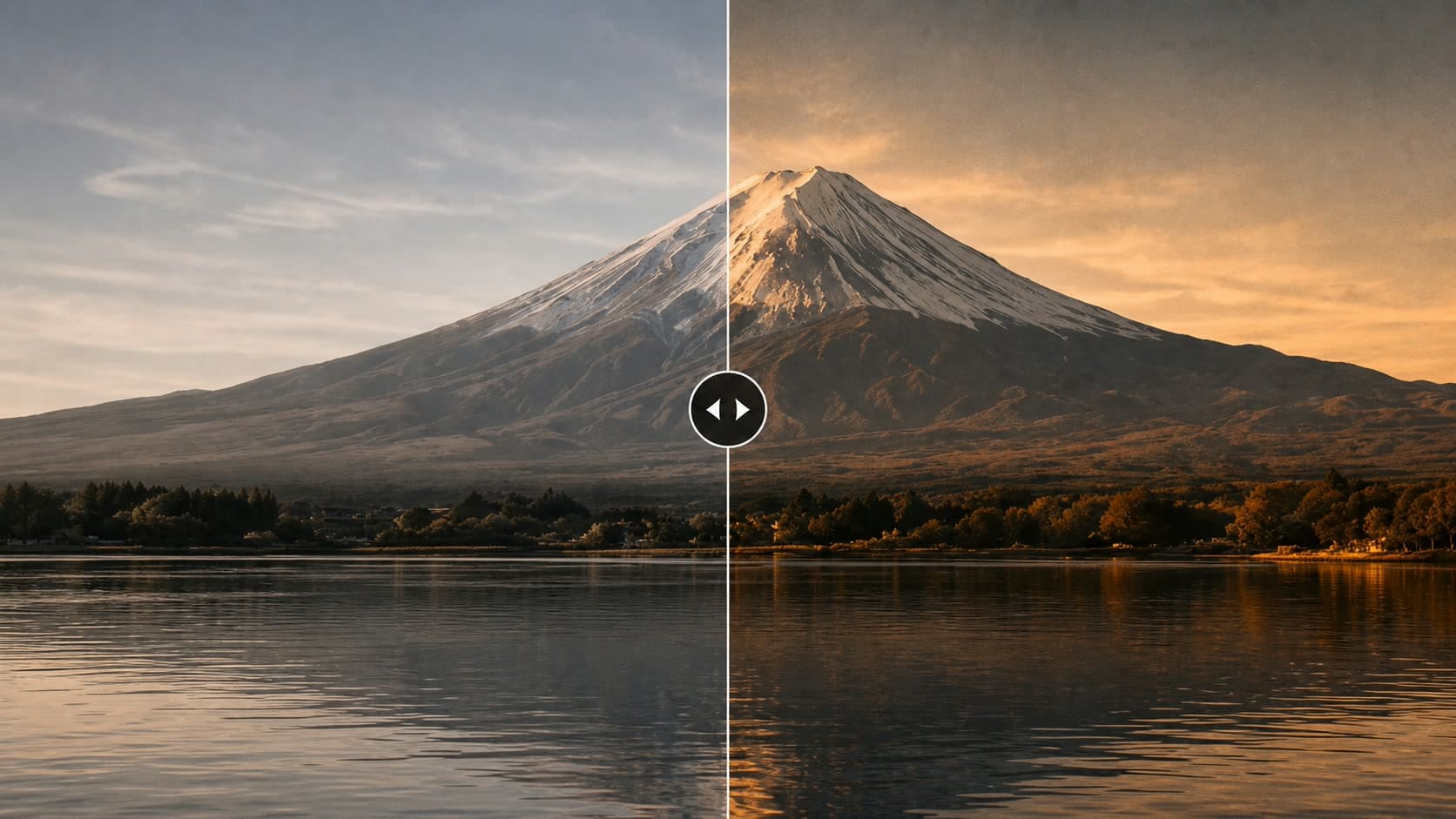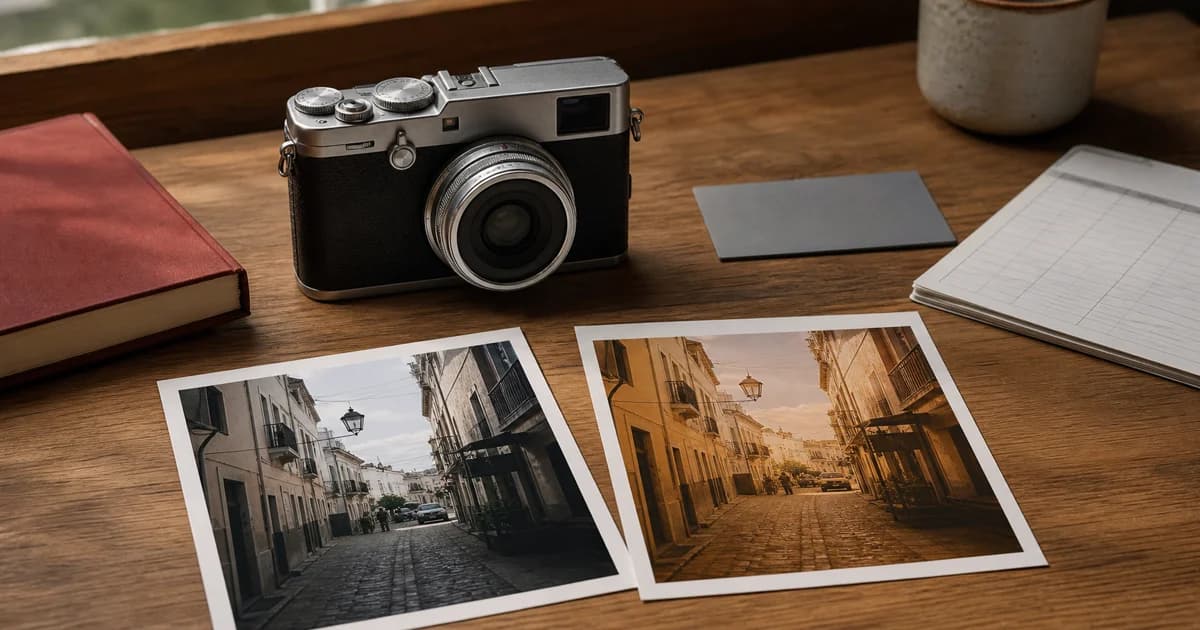


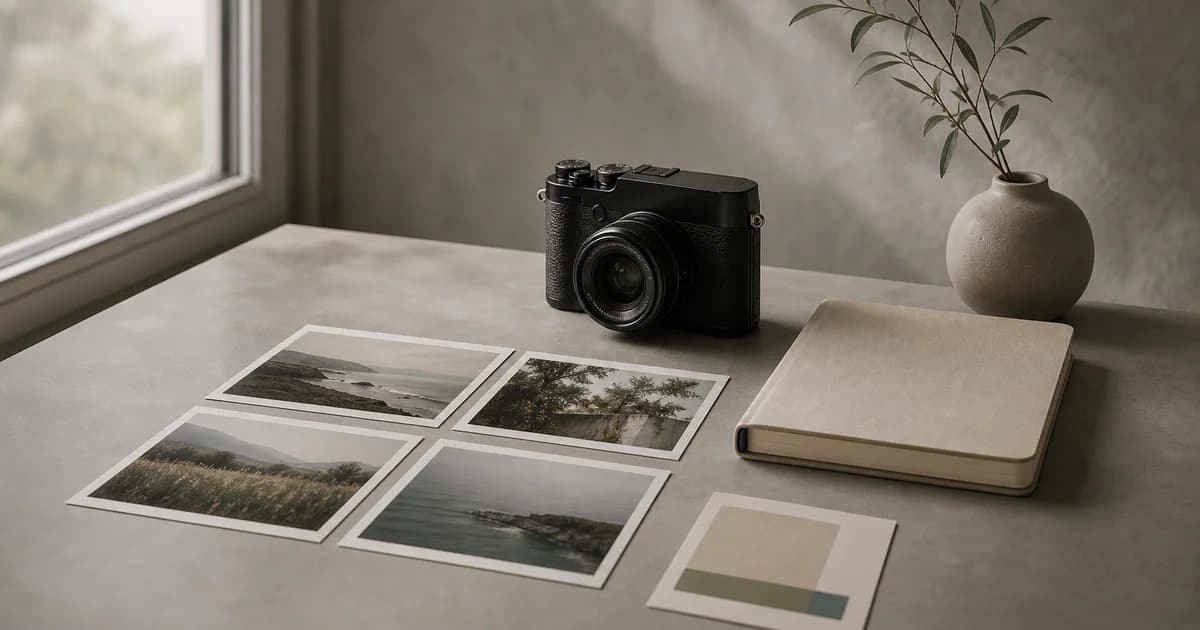
Fujifilm photographers often discover their best recipes after the shoot. A JPEG looks exactly right, the camera settings are buried inside the file, and a folder may contain hundreds of photographs from several different looks. Finding the pattern later usually means opening files one by one, copying settings manually, and hoping the recipe is still documented somewhere.
Receptree Review changes that workflow. Connect a local Fujifilm gallery, let Review read supported recipe metadata in the background, group photographs by the looks they used, and turn the recipes worth keeping into an organized library. The point is not only to choose better photographs. It is to make the relationship between a photograph and its camera recipe useful again.
Quick Answer: Read a Whole Fujifilm Gallery Locally
The fastest way to understand the recipes in a large Fujifilm shoot is to index the gallery before you start making detailed selections. Receptree Review reads supported metadata locally, shows progress while it works through the folder, and lets you switch from an unstructured grid to groups such as Recipe, Film Simulation, Camera, Capture Session, or Similar Images.
Once a photograph has usable metadata, open Recipe Recognition to inspect the camera, exposure, film simulation, tonal settings, grain, Color Chrome, white balance, and other recorded parameters. From that panel, create a new recipe or a variant of a matching community recipe and continue organizing it in Recipes.
What the Review Feature Does
Connect locally
Choose a Fujifilm folder in a supported desktop browser. The original photographs stay on your device.
Index in the background
Start Recipe Recognition and watch the local progress as Review reads the available metadata across the gallery.
Group the visual language
Group by recipe, film simulation, camera, day, session, rapid sequence, or similar frames to see patterns quickly.
Save the useful looks
Inspect a recognized photograph, create a recipe or variant, and keep the result in your Receptree recipe library.
From Hundreds of Photos to a Recipe Map
A large gallery becomes more useful when it is grouped by meaning instead of only by filename. Recipe grouping can reveal that a shoot used three distinct looks: perhaps Classic Neg. for a high-contrast street sequence, Classic Chrome for daylight scenes, and Eterna for softer evening frames. The photographs are still the source of truth, but the recipe metadata becomes a second way to navigate them.
This is especially useful when you return to an older folder and remember the image but not the settings. Rather than searching a notes app or a social post, group the photographs by recognized recipe and inspect the images that made the look work.
Recipe Recognition Is More Than a Metadata Panel
Reading settings is useful, but the feature becomes more powerful when the settings stay connected to the photograph. Open a selected frame and Review presents the recognized details in one place: camera and lens, exposure, film simulation, tonal adjustments, grain, Color Chrome, white balance, date, and other available fields.
If the look is already close to a recipe in the Receptree community, Recipe Matches can help you find it. If no match is the right fit, Create Recipe turns the recognized metadata into a starting point for your own library. If a match is close but not exact, Create Variant preserves the relationship while giving you room to refine it.
The best time to document a recipe is while you can still see the photographs that prove why the settings work.
A Practical Workflow for a 300-Photo Fujifilm Shoot
- Connect the folder. Keep the original JPEG and RAF files local and start with the complete shoot.
- Run Recipe Recognition. Let the background index work through the available files instead of opening every photograph manually.
- Group by Recipe or Film Simulation. See which looks dominate the shoot and where the strongest photographs sit.
- Group similar frames. Compare near-duplicates while the visual context is still together.
- Make picks, rejects, and ratings. Keep the editorial selection separate from the recipe documentation.
- Save only the recipes worth repeating. Create a recipe or variant from the strongest recognized examples, then add notes and organize it in Recipes.
This order matters. If you create recipes before looking at the photographs as a group, you may save every variation. If you select first and document the strongest looks afterward, your recipe library stays smaller, clearer, and more useful.
What Stays on Your Device?
Review is designed around a local-first gallery workflow. The folder you connect and the original photographs remain on your device. Review stores the session information, decisions, previews, and recognized metadata needed to resume the work. That means you can inspect a shoot without uploading the complete gallery to a remote service.
Recipe Recognition still depends on the file. Original Fujifilm JPEGs usually carry the most useful in-camera recipe information. Some RAF files or exported images may have incomplete metadata, and camera generations record different fields. Review shows what is available and flags incomplete results instead of pretending every setting can be recovered.
Frequently Asked Questions
Can Receptree read recipe settings from many Fujifilm photos at once?
Yes. Review can index recipe metadata across a connected gallery in the background. The exact result depends on the camera, file type, and whether the original JPEG still contains the relevant Fujifilm metadata.
Does Receptree upload my Fujifilm photos?
No. Review reads the connected folder locally in the browser. Your original JPEG and RAF files remain on your device while Review stores the decisions and recipe metadata needed to continue the workflow.
Can I group Fujifilm photos by recipe or film simulation?
Yes. Review can group a gallery by recognized recipe metadata, film simulation, camera, capture session, day, file type, rapid sequence, or similar images.
Can I save a recognized Fujifilm recipe to Receptree Recipes?
Yes. Open the Recipe Recognition panel for a recognized photograph and use Create Recipe, or create a variant when Review finds a matching community recipe. You can then continue organizing the saved recipe in Recipes.
Does Recipe Recognition work with Fujifilm RAF files?
Review is designed for Fujifilm JPEG and RAF shoots, but recipe metadata is most complete when it is available in the original camera JPEG. Results vary by camera generation, file, and metadata completeness.
Turn Your Next Shoot into a Reusable Recipe Library
Receptree Review connects the moment of selection with the look behind the image. Read a gallery locally, group the photographs by recipe, compare the frames that belong together, and save the settings you would actually use again.
Find the photographs that work — then keep the recipe that made them possible.
Explore Receptree Review