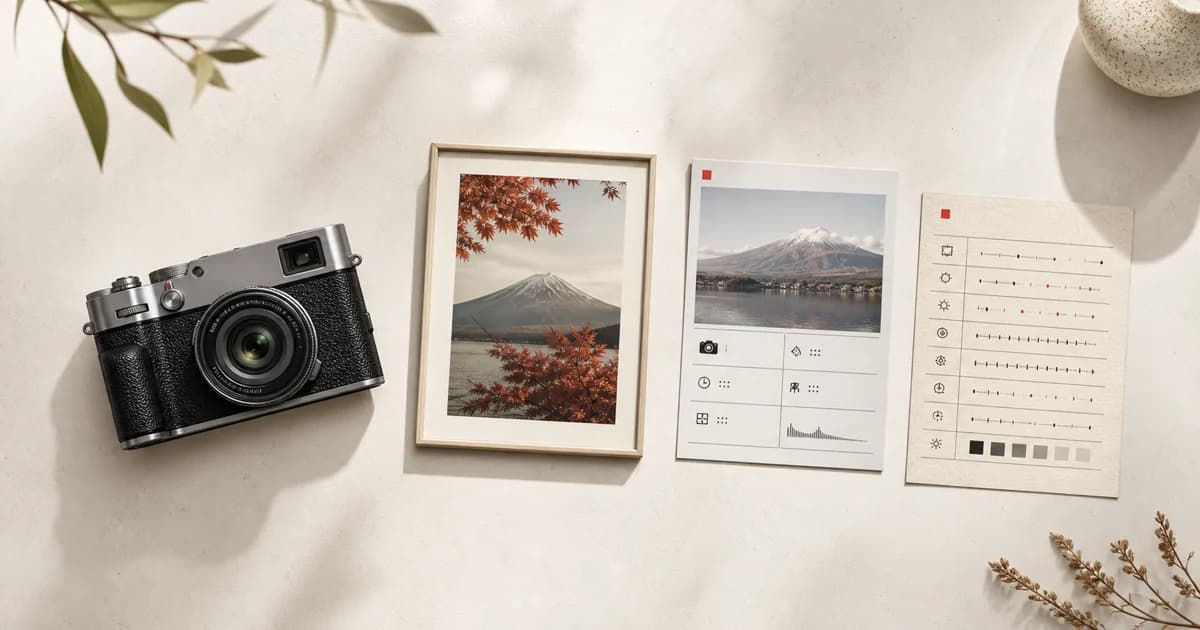

Fujifilm Recipe Card Maker: How to Create a Recipe Card
Use Receptree as a Fujifilm Recipe Card Maker to turn complete camera settings and a sample photo into a clear, shareable reference.
 Receptree
Applies to: Written for Fujifilm photographers. Camera menu names, film simulations and available settings vary by model and firmware.
Choose a template for the job
Open Receptree Studio and choose a Recipe Card template that fits how you plan to use it. A simple card can act as a clean field reference; a more visual option can travel with a finished photograph when you share a look. The goal is not to decorate the settings. It is to make the information easy to return to when you want to load, test or explain the recipe later.
Add the complete recipe
Enter the film simulation and supporting settings manually when you already know the recipe, or start from supported Recipe Recognition results from a Fujifilm JPEG. Recognition can recover useful metadata, but it cannot infer every creative decision from every file. Compare the extracted values with the original recipe and add the context that matters: camera compatibility, white-balance shift, tonal settings and the conditions in which the look worked.
Review before you export
Read the card as someone who did not make it. A helpful card names the recipe clearly, shows the important settings and avoids implying that a result will look identical on every camera or in every light. If a setting is unavailable on another body, mark the card as an adaptation rather than an exact copy. This small check makes the card more useful to you and more honest when you share it.
- Confirm the camera and film-simulation compatibility.
- Include white balance and its R/B shift when they shape the look.
- Keep the final export sized for its actual destination: reference, web share or print.
Keep the finished card connected to the work
Download the card when it is ready, then keep it alongside the recipe or selected photograph it represents. A Recipe Card works best as part of a small workflow: discover or refine a look, test it in real light, save the version that works, and create a clear record for the next time you want to use it. That makes it a practical tool rather than a static graphic.