Fujifilm Clarity: Local Contrast and the Sense of Crispness
Understand Clarity as a local micro-contrast control, separate from Sharpness and separate from a global contrast adjustment.
 Receptree
Applies to: Fujifilm image-quality settings, with menu paths and options checked against the X100VI still-photo manual. Other models and firmware can differ.
Try a look
 Original
Loading preview…
Illustrative preview
An approximation on an existing JPEG, not an exact Fujifilm camera rendering. Inspect the stonework at the preview’s native size. A small preview cannot show every full-resolution detail.
What this setting does
Clarity changes local contrast and the perceived definition of detail in Fujifilm JPEGs. Positive values can make edges and midtone texture feel more pronounced; lower values can make transitions feel gentler.
Find it on the X100VI
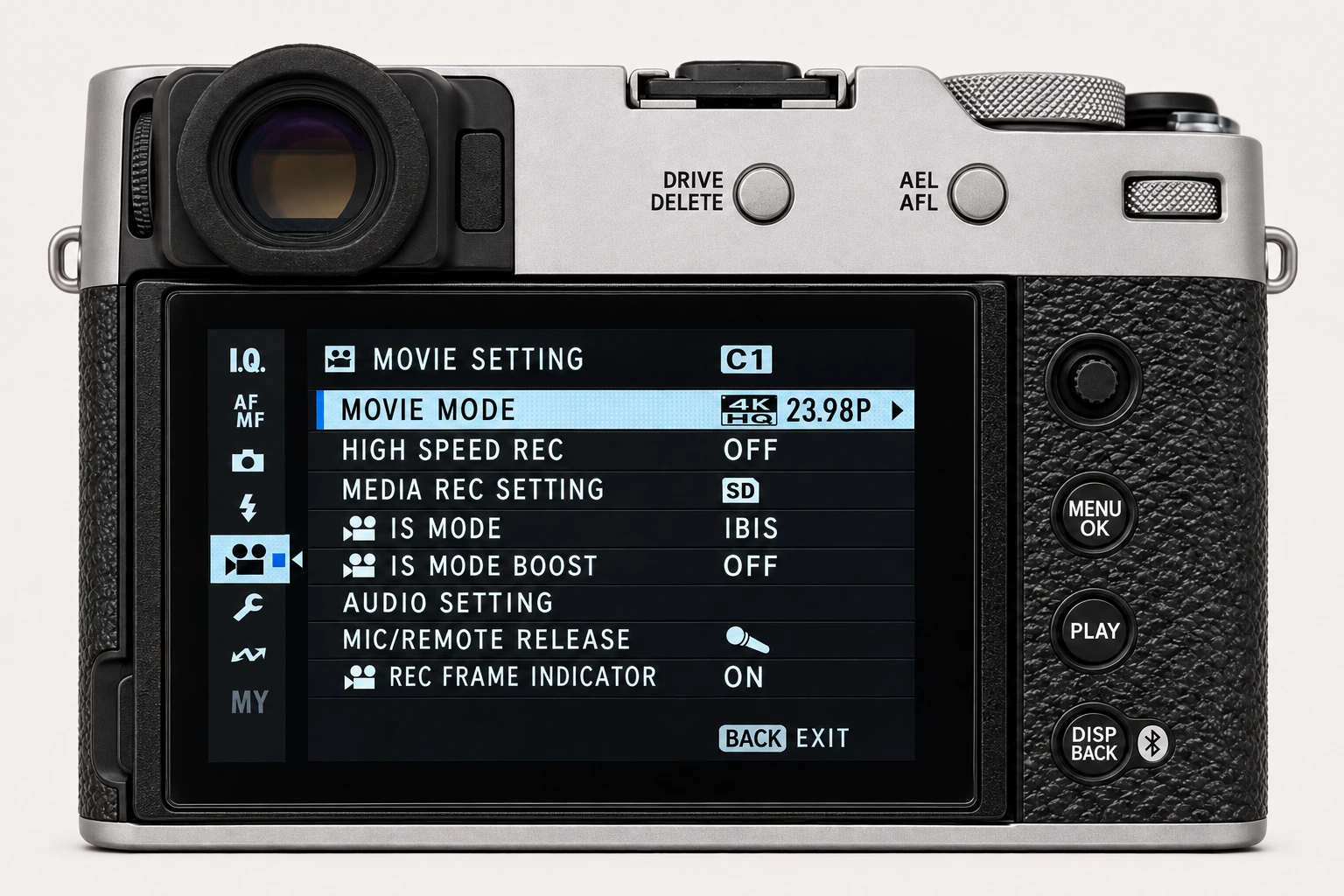
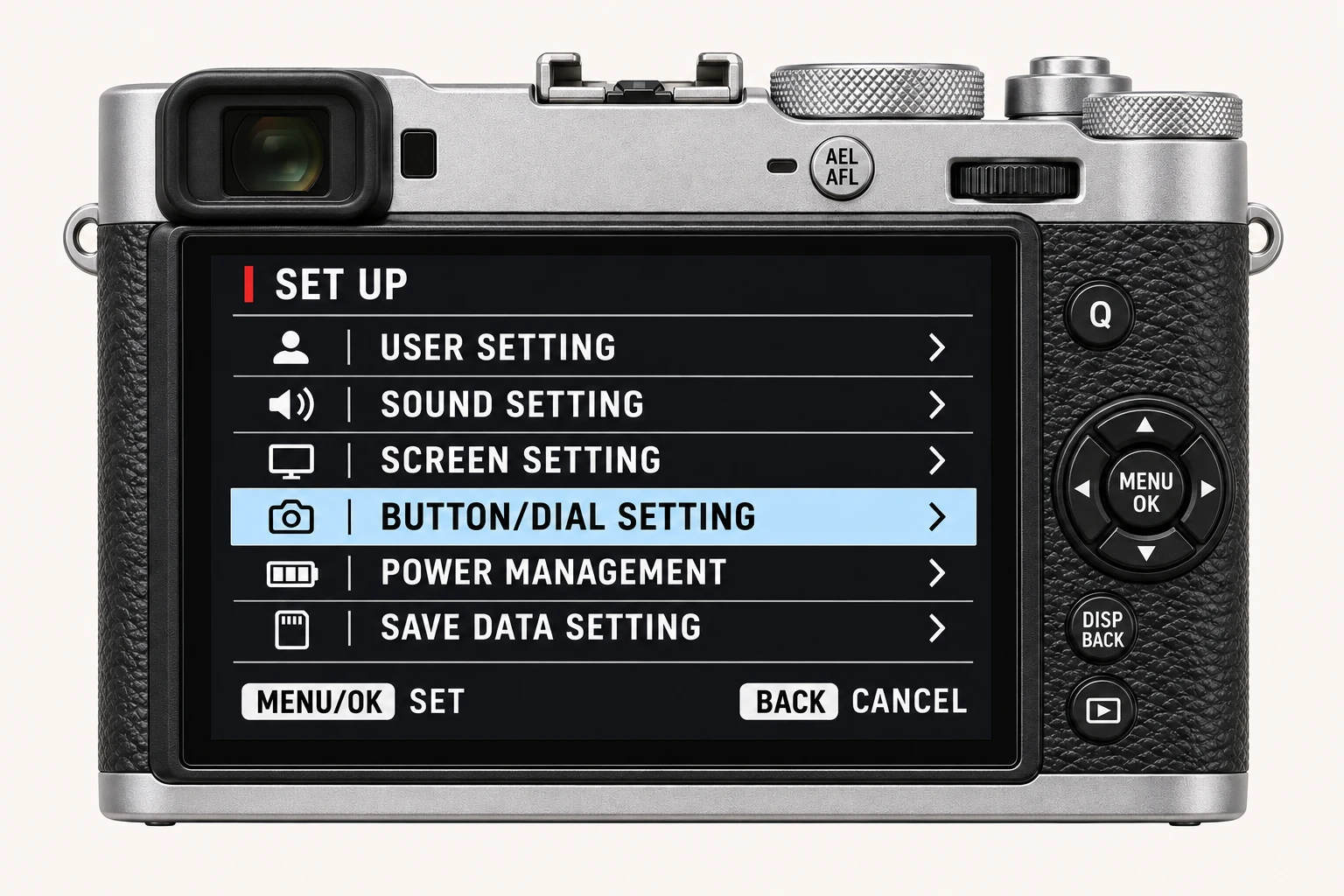
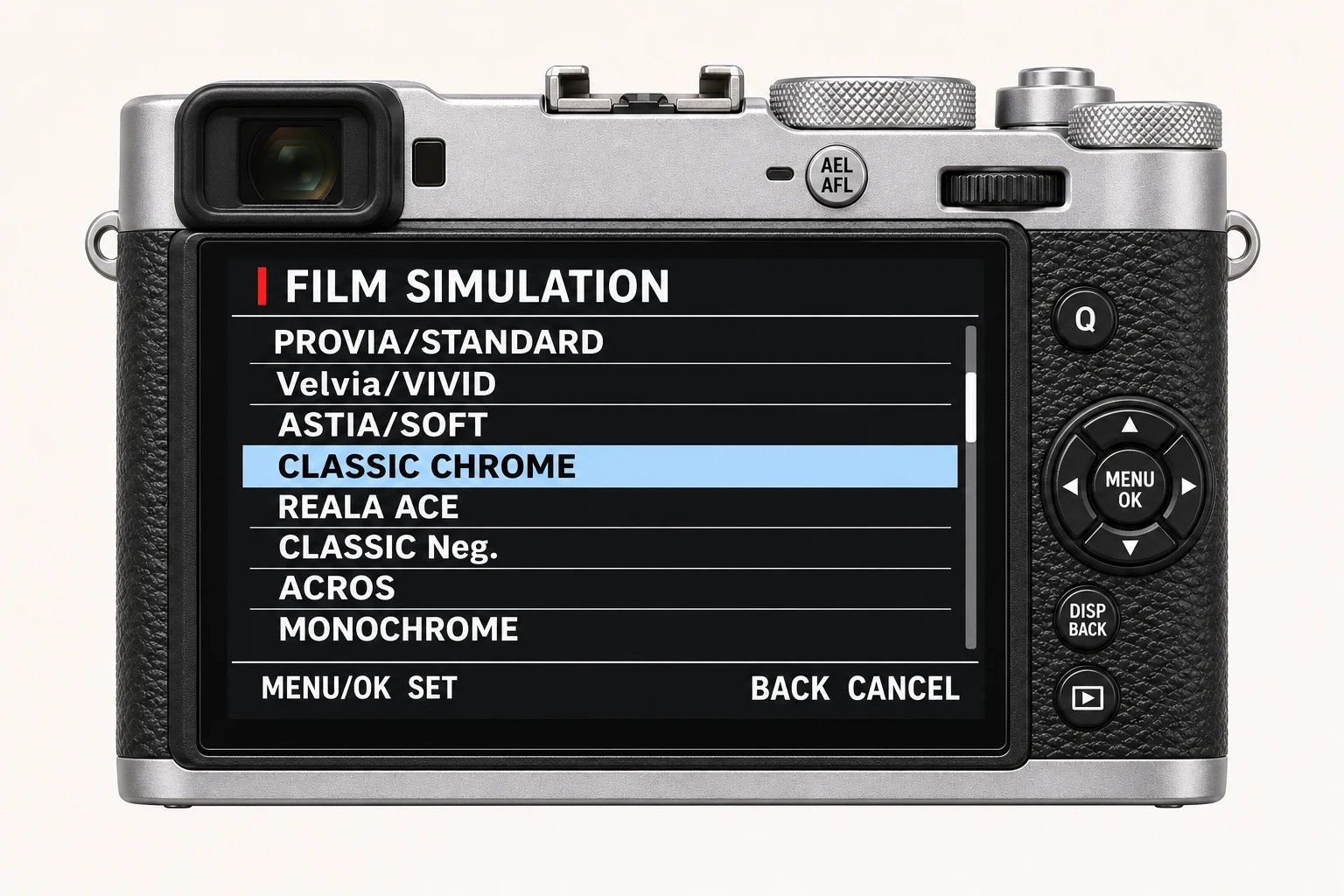
In the still-photo shooting display, open MENU/OK > IMAGE QUALITY SETTING > CLARITY. Find Clarity on I.Q. page 3/3. The nearby High ISO NR control is separate. Menu wording and availability can change with firmware, shooting mode and file format.
Options and practical choices
These options refer to the X100VI still-photo menu. Use them as a checked reference for this body; confirm the corresponding choices in the manual for another camera.
| X100VI option | How to use it |
|---|---|
| −5 to +5 | Negative values soften local definition; positive values emphasise it. Values other than 0 take longer to save on the X100VI. |
| HEIF interaction | Selecting HEIF disables Clarity on the X100VI. Check file format if this option is unavailable. |
When to use it
Use it when texture and local definition support the subject, then compare the result at a useful viewing size.
Common mistakes and interactions
Avoid using it as a substitute for focus, subject separation or good light. Strong settings can make already-busy subjects feel harsh.
- Selecting HEIF disables Clarity on the X100VI; use JPEG if the recipe requires it.
- Non-zero Clarity adds save time. Test the pace of a real sequence before choosing a value for fast shooting.
Try a controlled comparison
Photograph texture, edges and an out-of-focus transition. Change only Clarity and compare at the size where you will actually view or export the image. Keep the original files, label the settings and compare at both full resolution and the size you will share. The menu illustration shows controls, not a simulated photographic result.
Using a different Fujifilm camera
Some older bodies, including the X-T3 and original X-T30, omit Clarity. Check the exact model and firmware rather than assuming every camera with the same sensor offers it. The numerical options and menu path above are checked for the X100VI. They are not a compatibility promise for every X Series or GFX body.
Four recipes to try next
Choose a community recipe, check it against your camera and take it into the field.