Fujifilm Movie Settings: Resolution, Frame Rate, Files and Audio
Understand the X100VI movie menus, choose resolution, frame rate and recording format, and check focus, audio and stabilisation before recording.
 Receptree
Applies to: Menu paths and options checked for the Fujifilm X100VI. The explanations introduce Fujifilm controls; availability on other models and firmware must be checked in their own manuals.
Enter the movie shooting display first
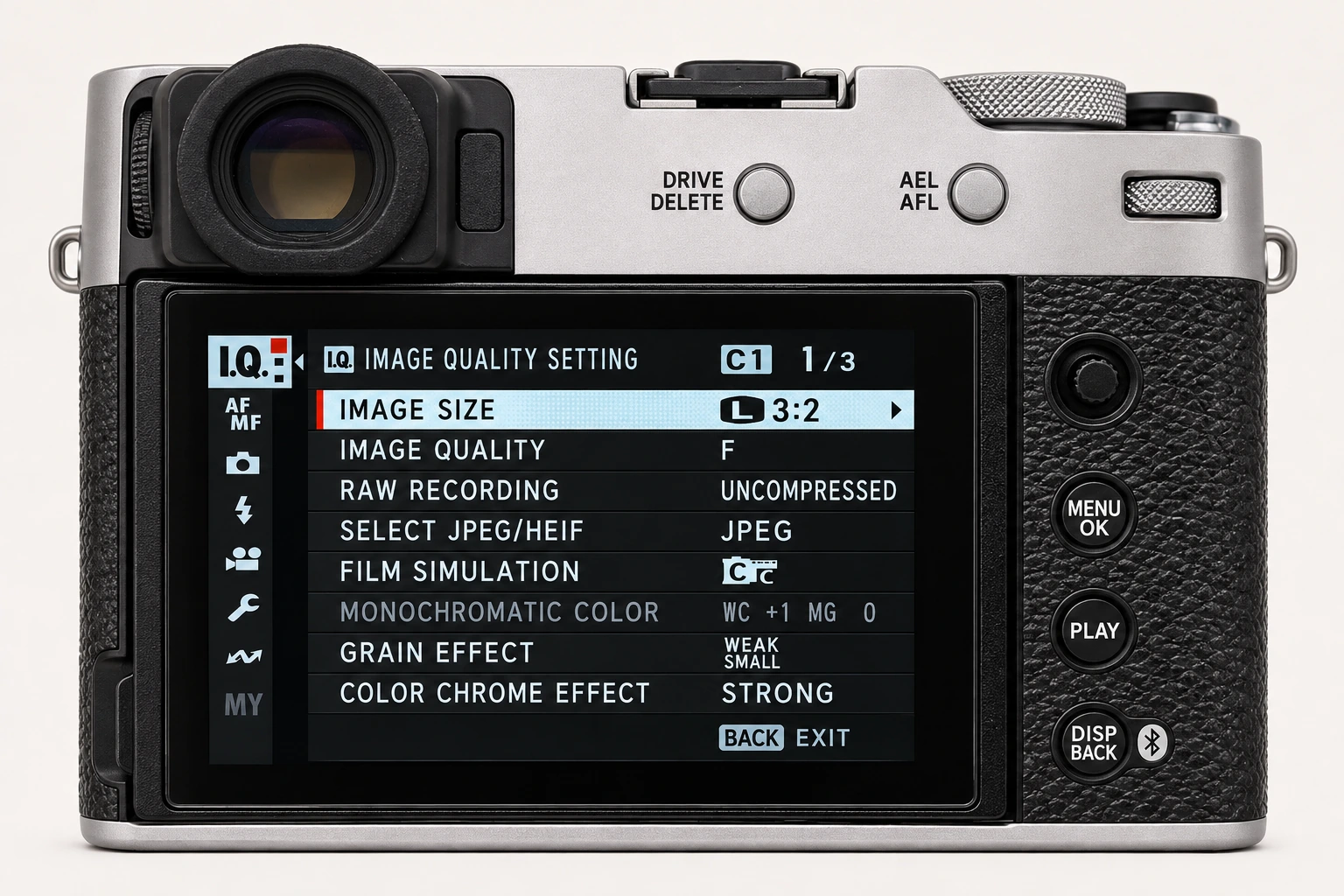
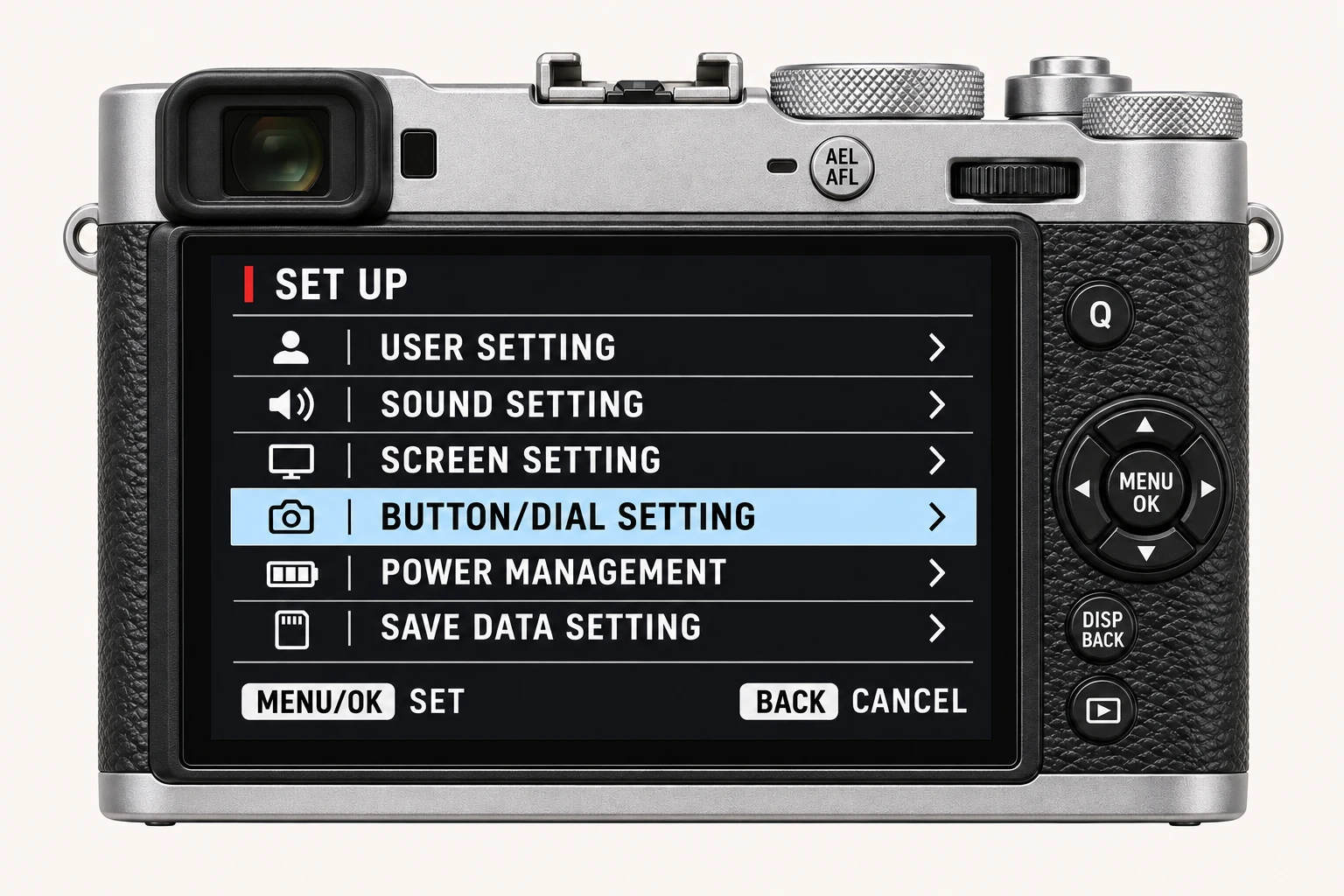
The compact MOVIE SETTING page available from still-photo mode is a shortcut, not the complete movie menu. Switch to movie shooting and open MENU/OK > MOVIE SETTING for full recording controls. There are also movie-specific Image Quality, AF/MF and Audio menus. Do not assume that a still-photo custom bank is a complete video setup.
Choose resolution and frame rate for the result
MOVIE MODE selects frame size, aspect ratio and frame rate. The X100VI offers choices across 6.2K, 4K and Full HD, with available rates depending on the selected mode. Higher resolution increases editing and storage demands; higher frame rate changes movement and can introduce a crop or other restrictions. Choose the delivery format first, then verify the exact combination on the camera.
Match files to the editor
MEDIA REC SETTING controls the recording destination, file type, compression and bit rate. H.264 choices provide an accessible starting point; H.265 choices offer different compression and bit-depth options with more demanding decoding requirements. F-Log/HLG RECORDING is a separate colour-workflow choice. A flat-looking log file needs an appropriate interpretation in post-production; it is not the same as a ready-to-share film-simulation clip.
Check focus, stabilisation and sound
Choose movie AF settings for the subject and test how transitions behave before the take. Movie IS settings are separate from the still-photo IS choice; check framing and movement with the actual stabilisation mode. In AUDIO SETTING, monitor levels and listen to a test with the microphone you will use. HIGH SPEED REC records slow-motion material without sound on this model, so it is unsuitable when the moment needs synchronous audio.
A recording check that follows the whole path
Record thirty seconds with the intended subject movement and audio. Play it on the camera, copy the original and open it in the final editor. Check framing, motion, focus transitions, exposure, sound and export playback. Review battery, card and temperature requirements for the chosen recording mode before relying on a long continuous take.
Four recipes to try next
Choose a community recipe, check it against your camera and take it into the field.