Fujifilm Setup Settings: Buttons, Displays, Power and Saved Files
Navigate the X100VI Setup menus, assign useful controls, understand power modes and check file-handling choices without changing the film recipe.
 Receptree
Applies to: Menu paths and options checked for the Fujifilm X100VI. The explanations introduce Fujifilm controls; availability on other models and firmware must be checked in their own manuals.
Know the six Setup groups
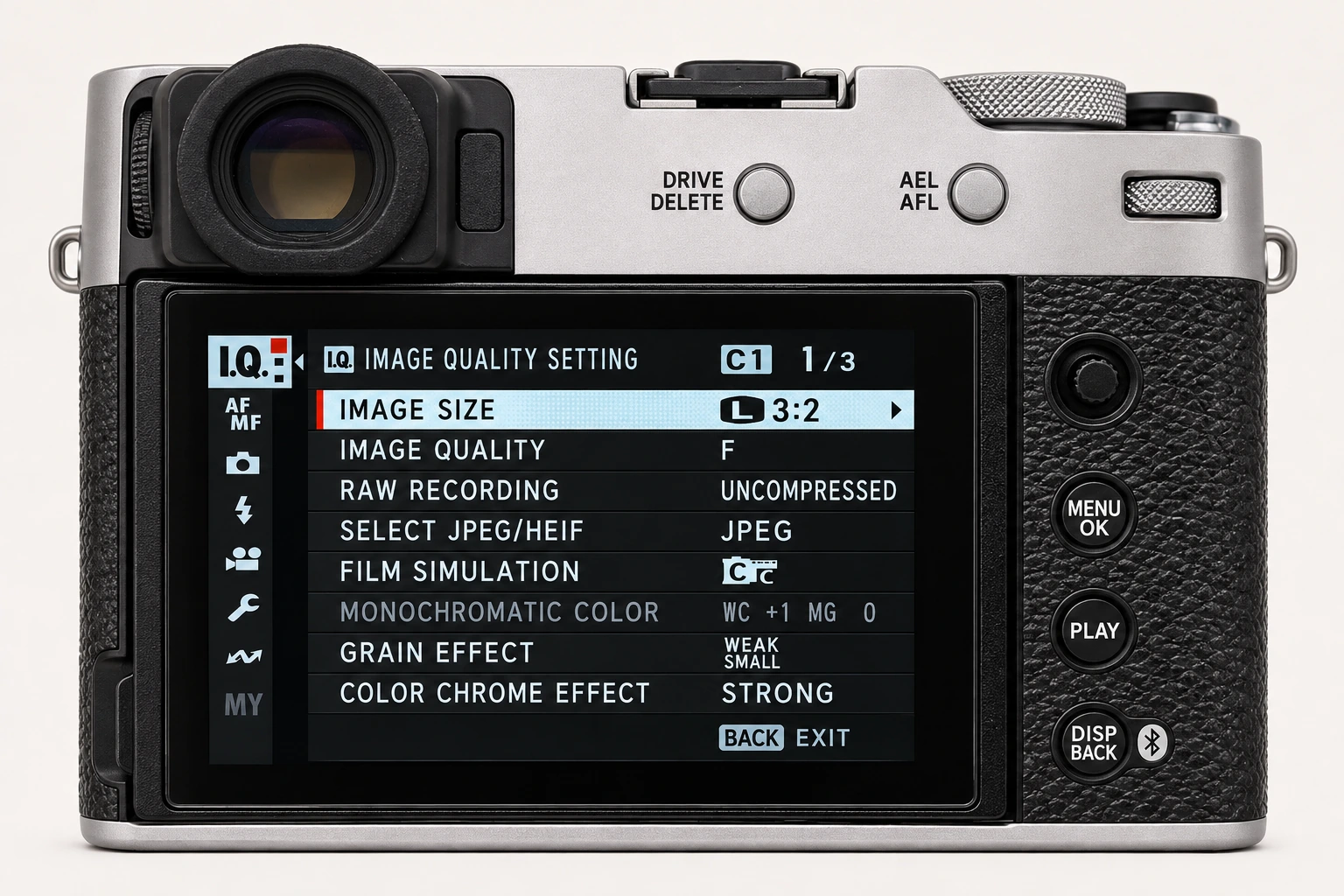
Open MENU/OK > SET UP on the X100VI. USER SETTING contains basic camera configuration; SOUND SETTING controls audible feedback; SCREEN SETTING controls display behaviour; BUTTON/DIAL SETTING configures handling; POWER MANAGEMENT balances performance and endurance; SAVE DATA SETTING controls file-related behaviour. These are different from the Image Quality settings that build the rendered look.
| Group | Start here when… |
|---|---|
| USER SETTING | Checking time, language or general camera configuration. |
| SOUND SETTING | Changing camera feedback sounds. |
| SCREEN SETTING | Changing what and how the displays show. |
| BUTTON/DIAL SETTING | Assigning the Q menu, function controls or dial roles. |
| POWER MANAGEMENT | Choosing sleep timing or performance. |
| SAVE DATA SETTING | Reviewing file naming, numbering and related recording behaviour. |
Assign a few useful controls
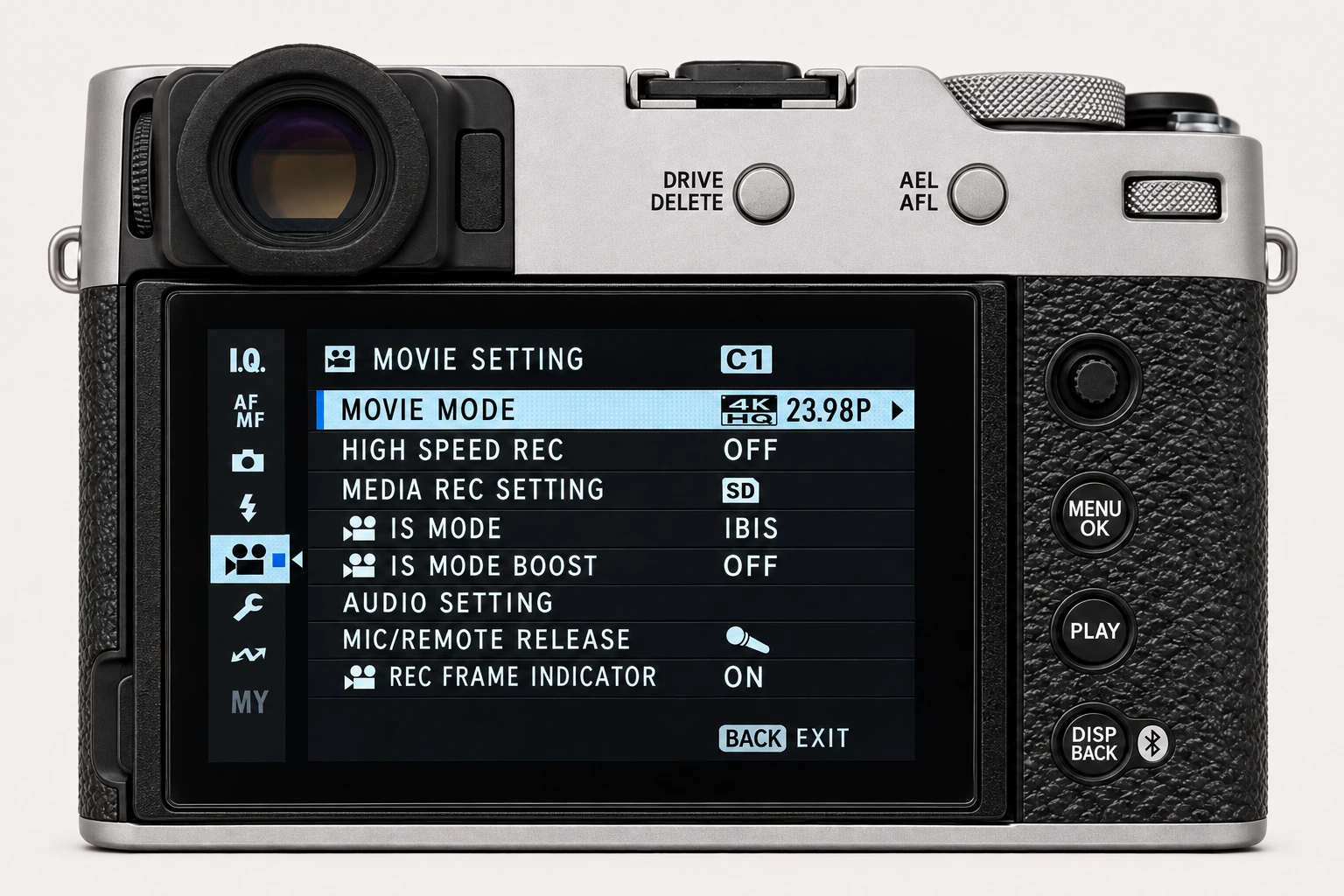
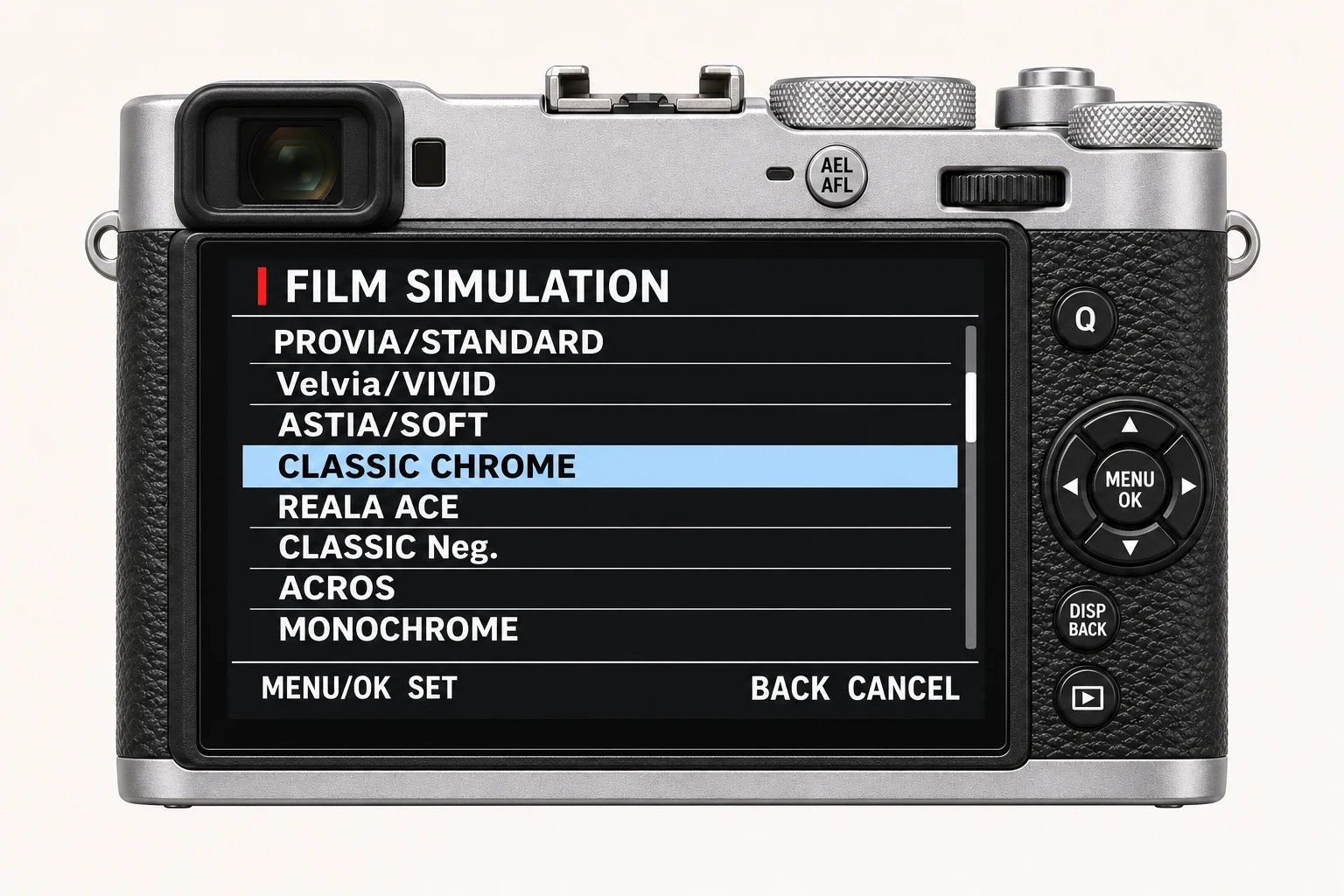
Under BUTTON/DIAL SETTING, EDIT/SAVE QUICK MENU and FUNCTION (Fn) SETTING let you bring frequently used controls closer. Still-photo and movie Quick Menus can be configured separately. A useful starting point is easy access to White Balance, Film Simulation, focus options or the ND filter, depending on your work. Keep a note of changes and test them from the shooting display before changing another button.
Check why a dial or half-press behaves differently
COMMAND DIAL SETTING determines dial roles, subject to the aperture, sensitivity and exposure-compensation positions that enable those roles. SHUTTER AF controls focusing on half-press, separately for AF-S and AF-C. SHUTTER AE controls exposure locking on half-press. If exposure or focus stops responding as expected, inspect these handling controls before altering the recipe.
Choose power settings for the outing
In POWER MANAGEMENT, shorter AUTO POWER OFF timing helps conserve the battery. PERFORMANCE offers Normal, Boost and Economy on the X100VI: Boost favours focus and viewfinder performance at greater battery cost, while Economy trades performance for endurance. Test wake-up and display behaviour with the way you actually shoot. A faster display does not change the JPEG’s film simulation.
Review file handling without losing your baseline
Before changing file-related settings, note the existing configuration and check the Save Data manual for the exact option. Copy and verify important files before formatting a card. Do not use a reset or format as a shortcut for locating an unfamiliar setting. Make one handling change, take a test frame and check the resulting filename, recording and button behaviour.
Four recipes to try next
Choose a community recipe, check it against your camera and take it into the field.