Fujifilm Color Chrome Effect: Depth in Saturated Colour
Understand how Color Chrome Effect changes the rendering of saturated colour and why it is not a universal contrast control.
 Receptree
Applies to: Fujifilm image-quality settings, with menu paths and options checked against the X100VI still-photo manual. Other models and firmware can differ.
Try a look
 Original
Loading preview…
Illustrative preview
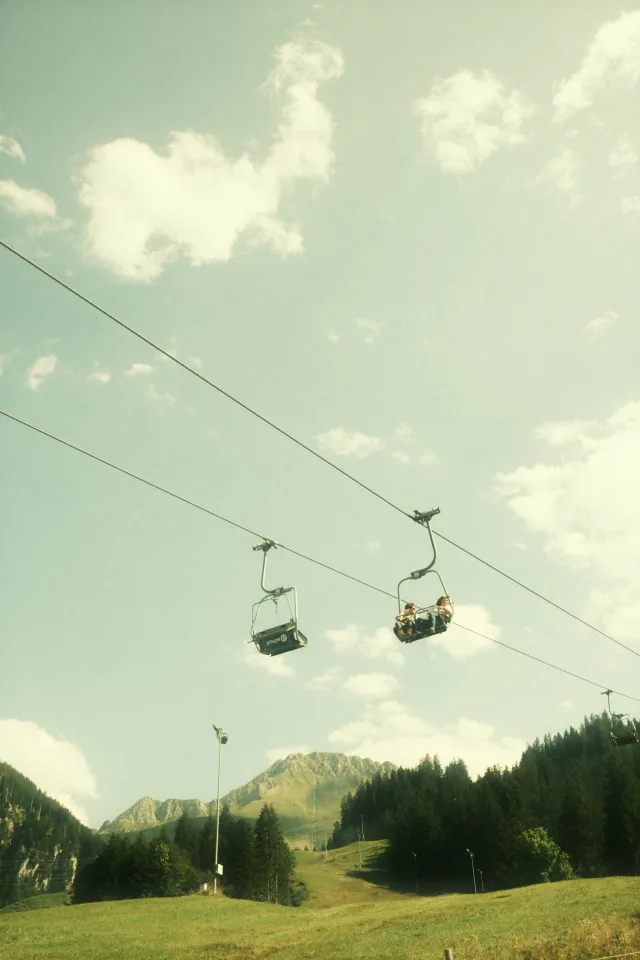
An approximation on an existing JPEG, not an exact Fujifilm camera rendering. Watch the saturated red subject. The effect may be subtle in neutral parts of the frame.
What this setting does
Color Chrome Effect changes tonal rendering in strongly saturated colour areas, helping them keep more depth instead of simply becoming louder. The effect is most visible in saturated subjects such as flowers, painted surfaces, foliage and coloured clothing; neutral scenes may show little change.
Find it on the X100VI
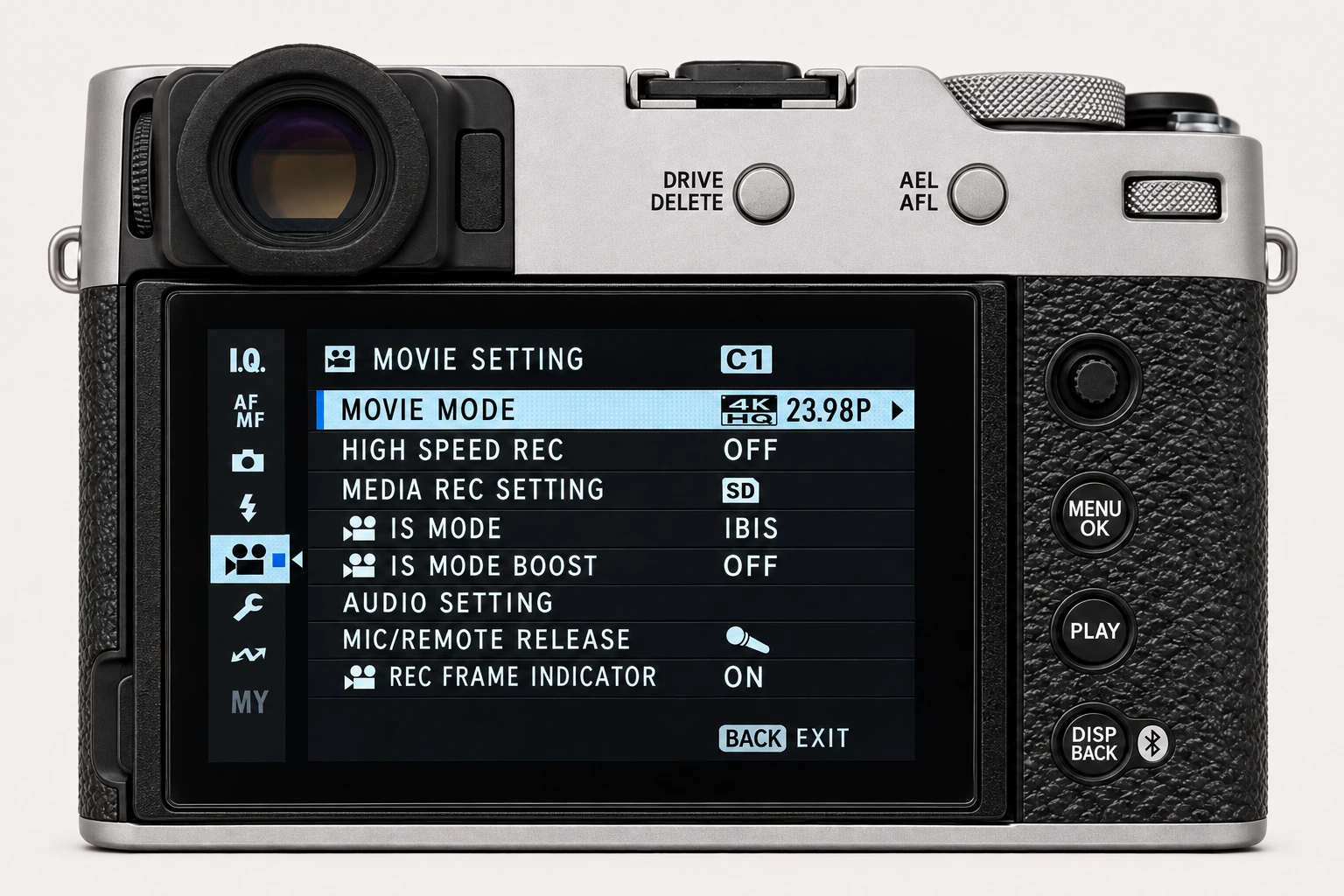
In the still-photo shooting display, open MENU/OK > IMAGE QUALITY SETTING > COLOR CHROME EFFECT. Find Color Chrome Effect at the bottom of I.Q. page 1/3. Color Chrome FX Blue is a separate control on the following page. Menu wording and availability can change with firmware, shooting mode and file format.
Options and practical choices
These options refer to the X100VI still-photo menu. Use them as a checked reference for this body; confirm the corresponding choices in the manual for another camera.
| X100VI option | How to use it |
|---|---|
| OFF | Use as a reference. |
| WEAK / STRONG | Increasing treatment of saturated reds, yellows and greens. This is separate from overall Color and from FX Blue. |
When to use it
Use it when saturated colour needs more tonal separation without globally changing the image character.
Common mistakes and interactions
Avoid judging it on a grey or low-saturation scene, where there may be no meaningful evidence of the setting.
- Keep Color fixed while testing Off, Weak and Strong so the change in saturated-colour depth is easier to identify.
- FX Blue is independent. Add blue treatment only after checking saturated reds, greens and yellows with this control.
Try a controlled comparison
Photograph a saturated subject in stable light with Color fixed. Compare Off, Weak and Strong at the same exposure. Keep the original files, label the settings and compare at both full resolution and the size you will share. The menu illustration shows controls, not a simulated photographic result.
Using a different Fujifilm camera
Not every Fujifilm body supports Color Chrome Effect, and its relevance depends on the selected Film Simulation and scene colours. The numerical options and menu path above are checked for the X100VI. They are not a compatibility promise for every X Series or GFX body.
Four recipes to try next
Choose a community recipe, check it against your camera and take it into the field.