Fujifilm Color Chrome FX Blue: What It Does to Blue Tones
Use Color Chrome FX Blue deliberately: it targets blue-toned areas and should be tested on a scene where blue is actually important.
 Receptree
Applies to: Fujifilm image-quality settings, with menu paths and options checked against the X100VI still-photo manual. Other models and firmware can differ.
Try a look
 Original
Loading preview…
Illustrative preview
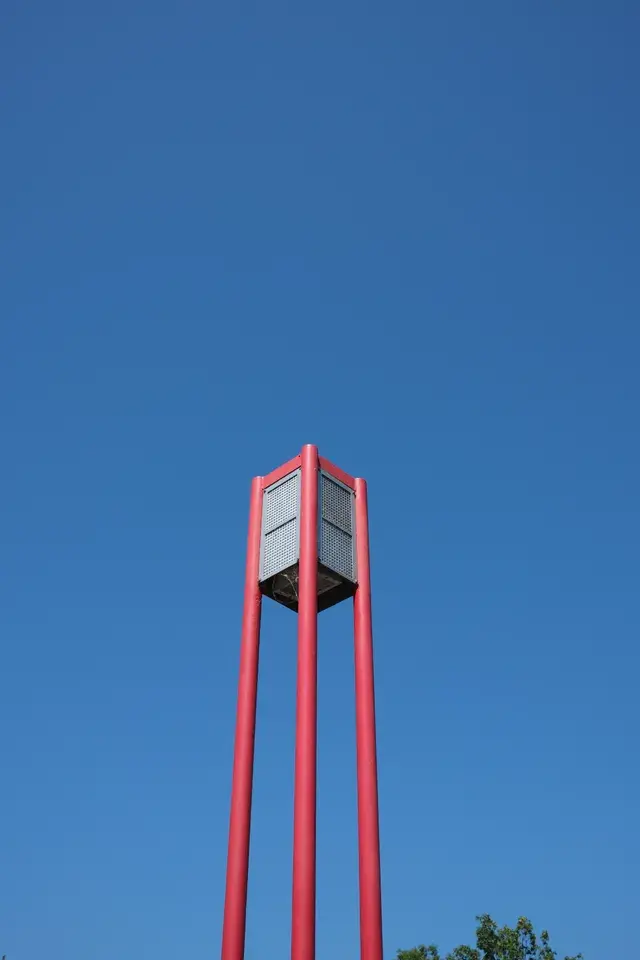
An approximation on an existing JPEG, not an exact Fujifilm camera rendering. Watch the sky. Red and neutral subjects should not be your main reference for this control.
What this setting does
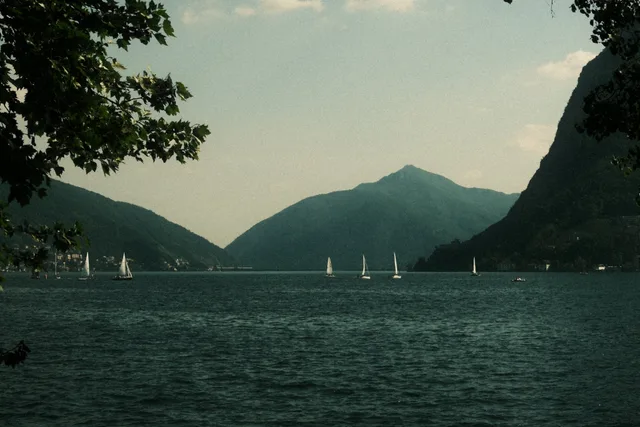
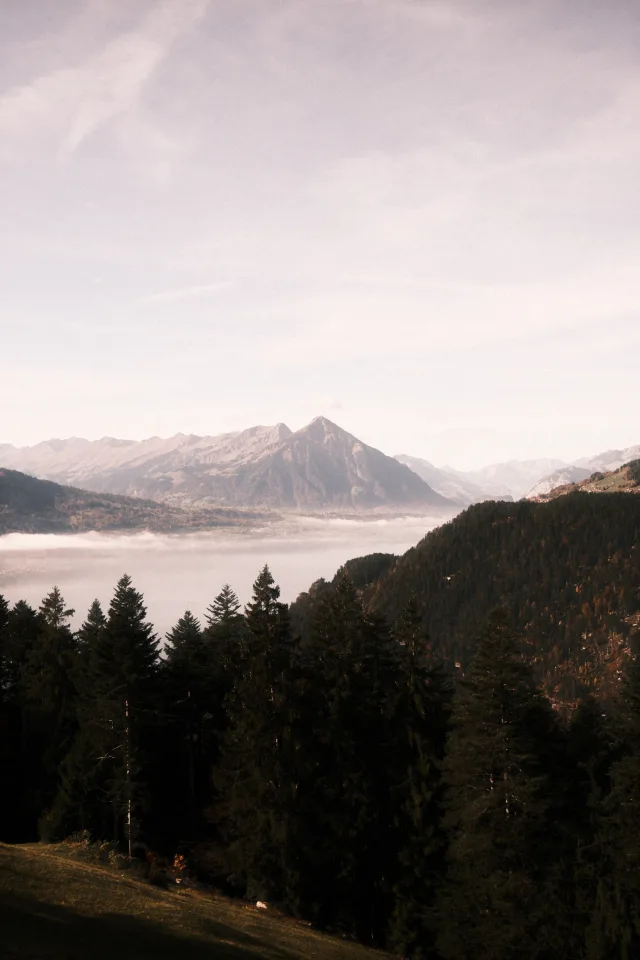
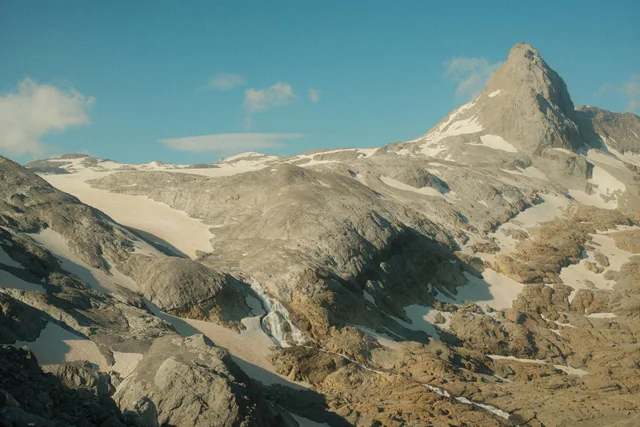
Color Chrome FX Blue is a specialised Color Chrome control for blue-toned areas in the JPEG rendering. It is most useful in skies, water, blue fabrics and painted surfaces, where it can change tonal depth without acting like a global colour slider.
Find it on the X100VI
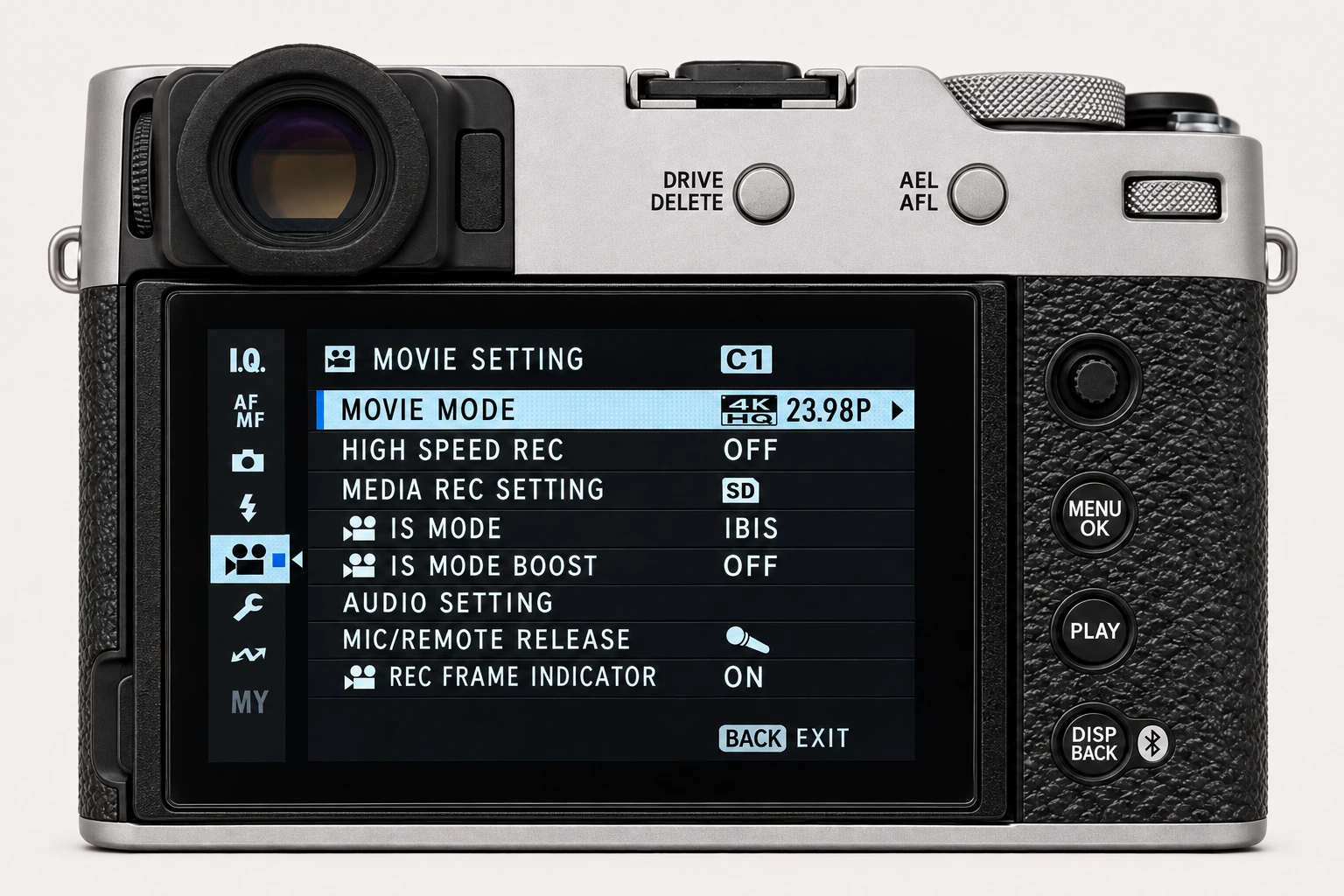
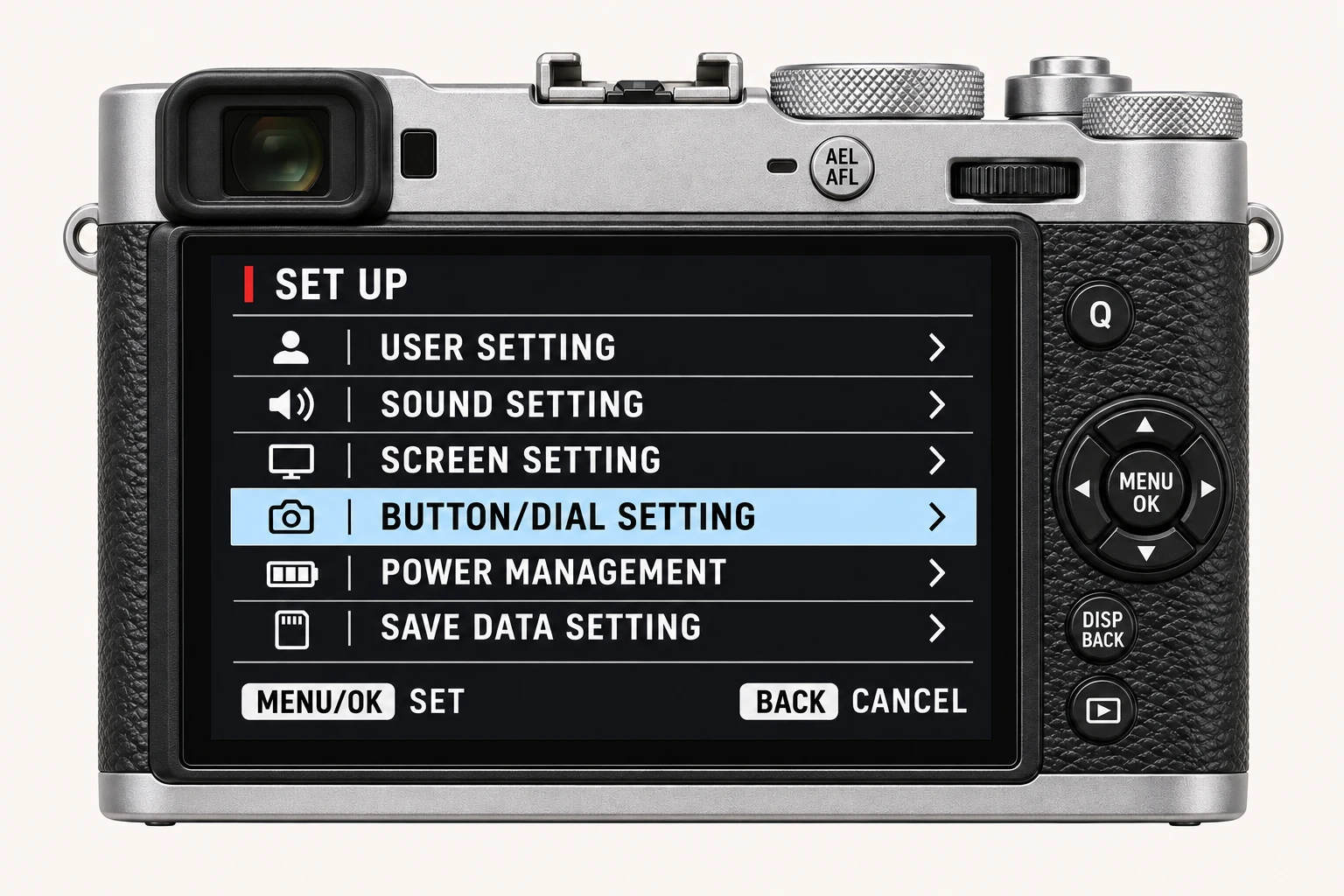
In the still-photo shooting display, open MENU/OK > IMAGE QUALITY SETTING > COLOR CHROME FX BLUE. Find Color Chrome FX Blue on I.Q. page 2/3, separately from Color Chrome Effect on page 1/3. Menu wording and availability can change with firmware, shooting mode and file format.
Options and practical choices
These options refer to the X100VI still-photo menu. Use them as a checked reference for this body; confirm the corresponding choices in the manual for another camera.
| X100VI option | How to use it |
|---|---|
| OFF | Use as a reference for blue subjects. |
| WEAK / STRONG | Increasing treatment of blue-toned areas. Compare sky and water without changing the white balance. |
When to use it
Use it when blue areas are important to the image and need a controlled tonal character.
Common mistakes and interactions
Avoid treating it as mandatory in every recipe or expecting it to affect a scene that contains little meaningful blue.
- Keep White Balance and Color fixed, since either can substantially change how blue subjects render.
- Compare both FX Blue and the separate Color Chrome Effect when adapting a recipe; one does not replace the other.
Try a controlled comparison
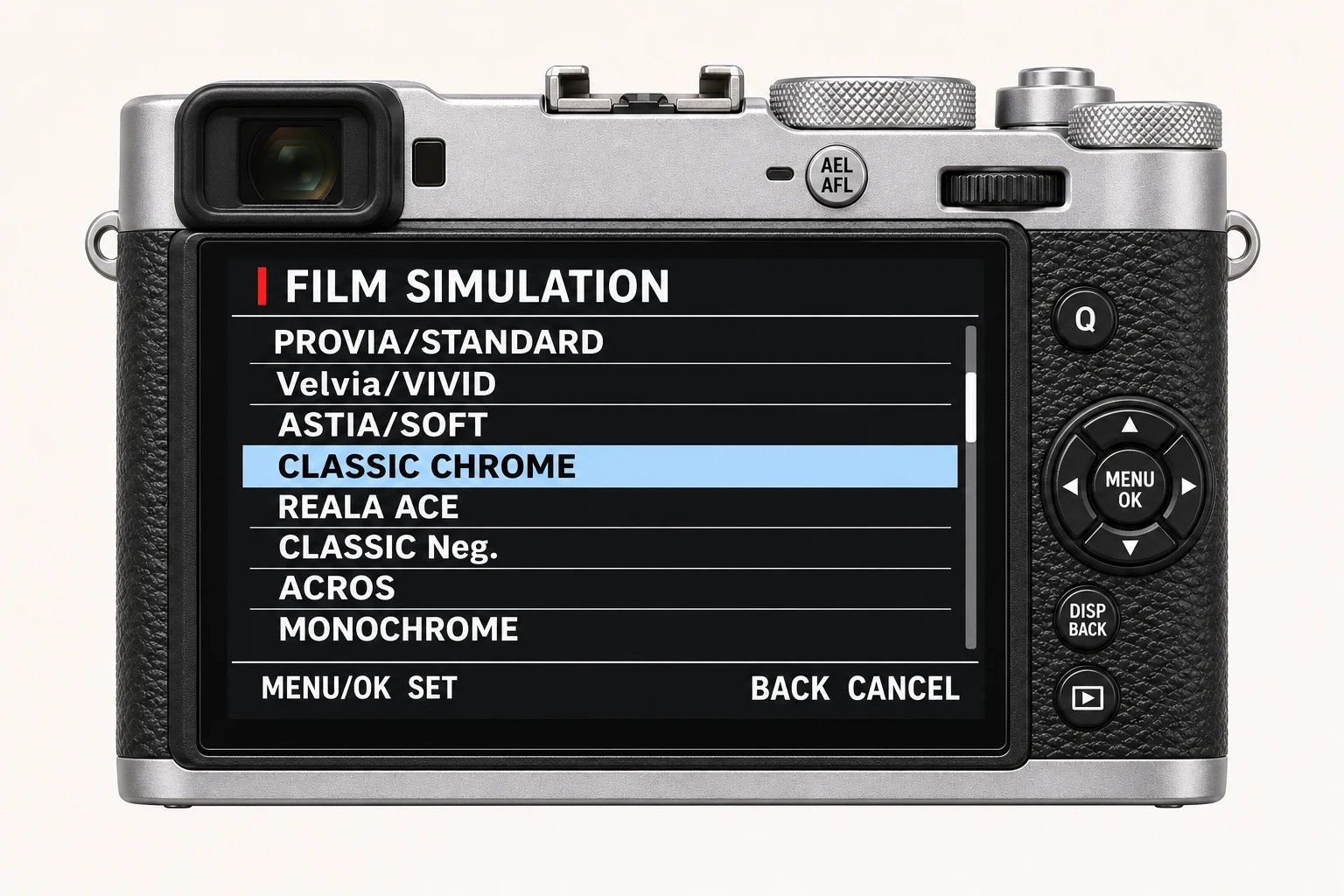
Photograph a blue-rich scene in stable daylight. Compare Off, Weak and Strong at the same Film Simulation, white balance and exposure. Keep the original files, label the settings and compare at both full resolution and the size you will share. The menu illustration shows controls, not a simulated photographic result.
Using a different Fujifilm camera
This control is unavailable on some bodies. If a recipe depends on it, mark an adaptation rather than pretending the result is an exact match. The numerical options and menu path above are checked for the X100VI. They are not a compatibility promise for every X Series or GFX body.
Four recipes to try next
Choose a community recipe, check it against your camera and take it into the field.