Fujifilm D Range Priority: Why Dynamic Range and Tone Curve Are Locked
Compare D Range Priority Off, Weak, Strong and Auto, understand X100VI ISO requirements, and restore manual Dynamic Range and Tone Curve recipe controls.
 Receptree
Applies to: Menu paths and options checked for the Fujifilm X100VI. The explanations introduce Fujifilm controls; availability on other models and firmware must be checked in their own manuals.
A different control from Dynamic Range
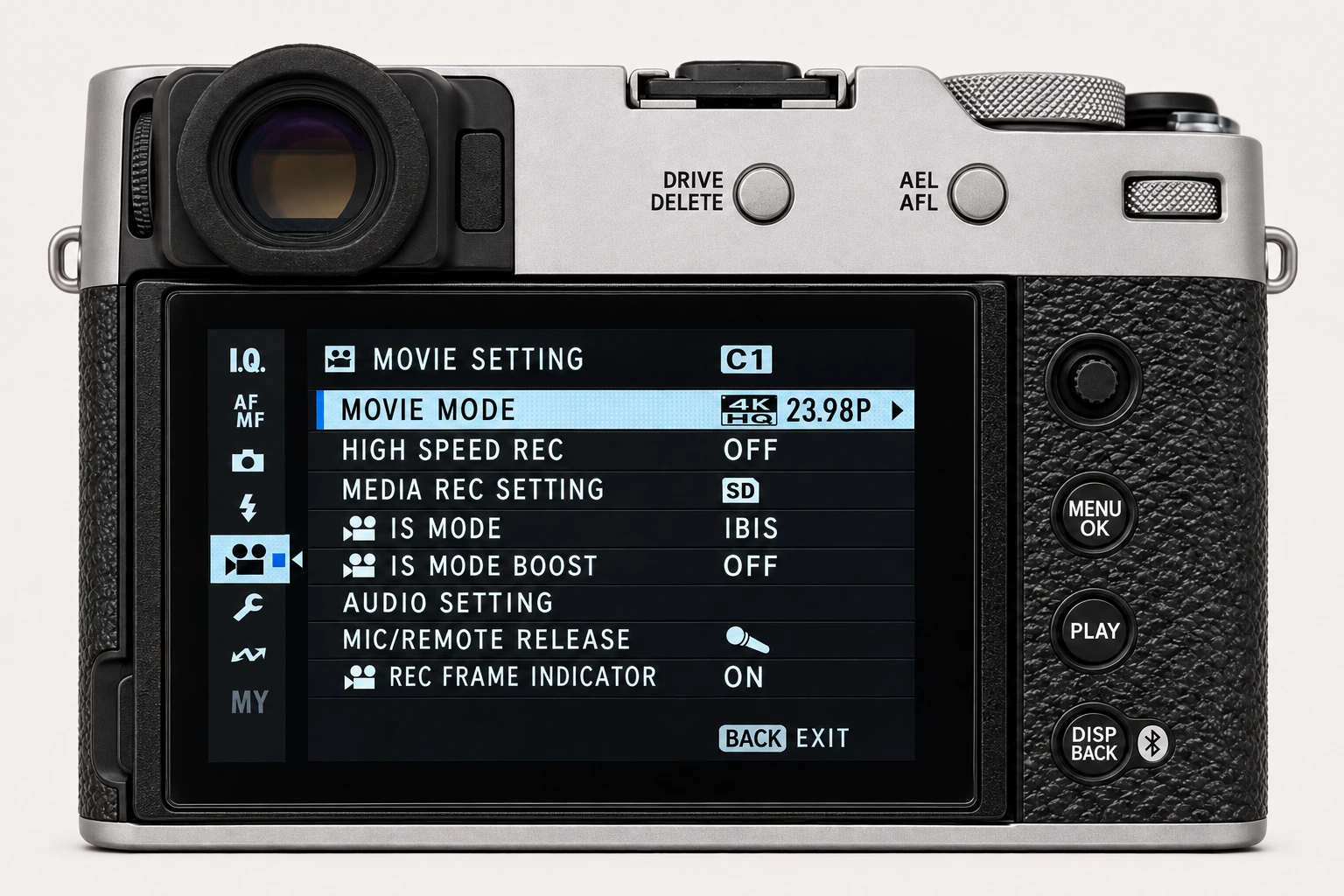
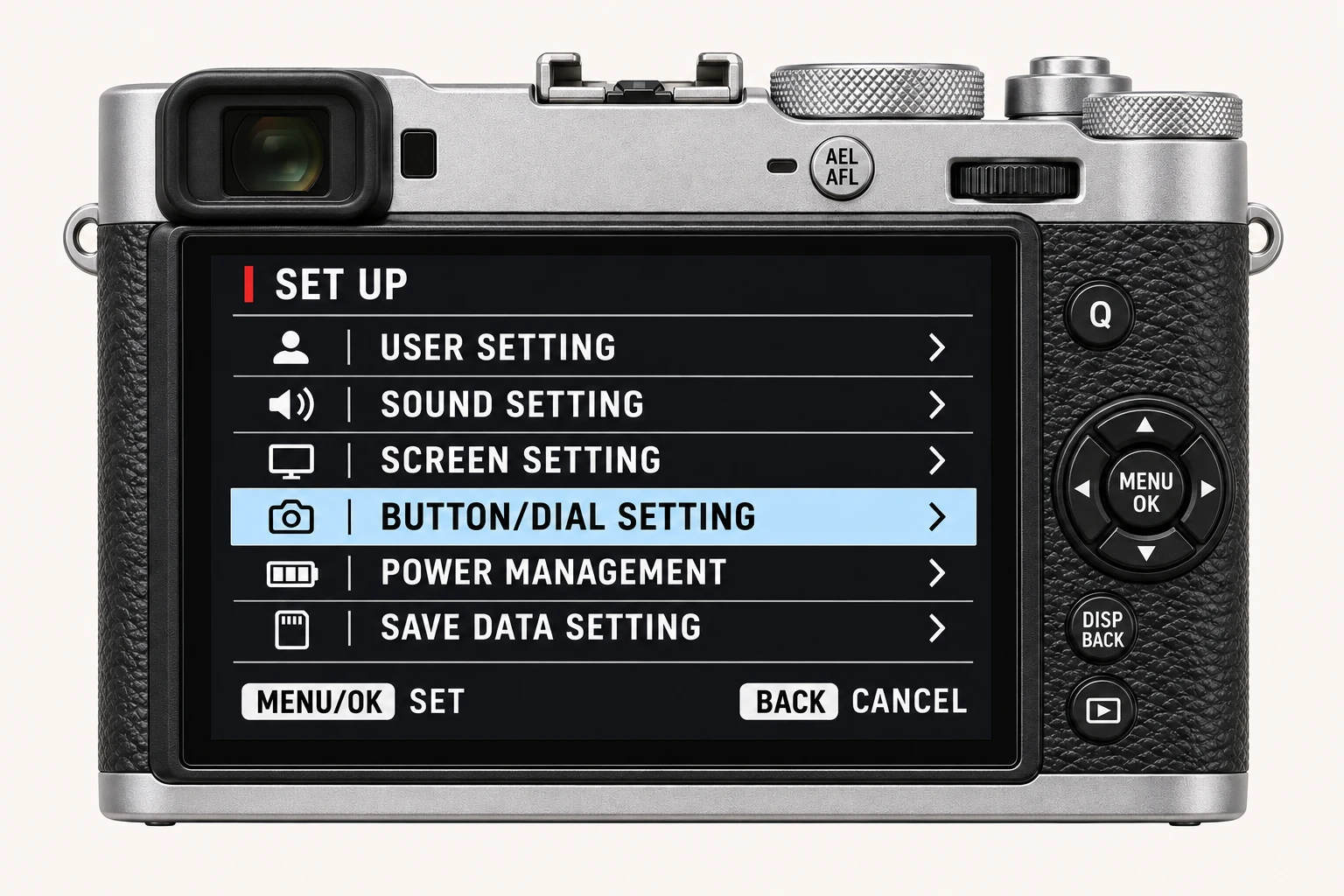
Open MENU/OK > IMAGE QUALITY SETTING > D RANGE PRIORITY on the X100VI. This option coordinates the rendering of bright and dark parts of a high-contrast scene. DYNAMIC RANGE is a separate control. Similar names can make recipe copying confusing: an instruction to choose DR400 is not an instruction to choose Strong D Range Priority.
Choose automatic management or manual recipe values
When D Range Priority is not Off, the X100VI adjusts Dynamic Range and Tone Curve automatically. If you need to enter explicit recipe values for Dynamic Range, Highlights and Shadows, choose Off first and then verify all three. This explains a common case where those controls are unavailable; other restrictions can still depend on shooting mode.
| Option | Practical meaning on the X100VI |
|---|---|
| OFF | Leaves Dynamic Range and Tone Curve available for manual adjustment, subject to other mode restrictions. |
| WEAK | Moderate contrast management; available from ISO 250. |
| STRONG | More pronounced management for very contrasty light; available from ISO 500. |
| AUTO | Lets the camera choose the contrast treatment for the scene. |
When it is worth trying
For a backlit portrait or an interior with a bright window, automatic contrast management can be a useful starting point if you want a ready-to-use JPEG and are not matching a fixed recipe. Still expose for the important subject. No rendering control can guarantee detail in a highlight already clipped by capture.
Test against a manual baseline
Choose a stationary high-contrast scene and record the exposure. Make a reference with D Range Priority Off and note Dynamic Range and both tone values. Then compare Weak, Strong or Auto where the ISO permits. The automatic modes manage more than one rendering parameter, so describe this as a comparison of complete treatments, not an isolated Tone Curve test. Return to Off and restore the recipe before saving its bank.
Four recipes to try next
Choose a community recipe, check it against your camera and take it into the field.