Fujifilm Dynamic Range: Keep Detail in Bright Light
A bright window or a pale sky can lose detail before the rest of the scene looks right. Use Dynamic Range to manage those highlights, then check what happens in the shadows.
 Receptree
See what changes
Try a look
 Original
Loading preview…
Illustrative preview
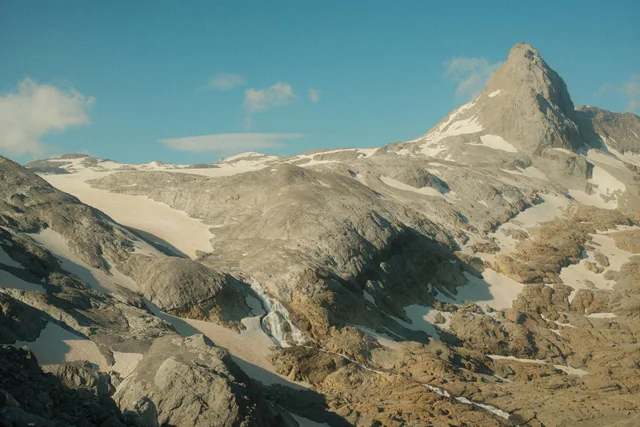
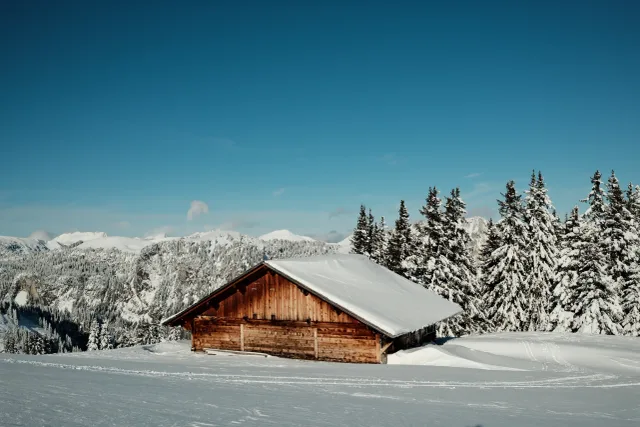
An approximation on an existing JPEG, not an exact Fujifilm camera rendering. Look at the bright sky and the shaded slopes. This JPEG preview cannot recover clipped capture detail or reproduce the camera’s exposure changes.
Watch the bright area that matters
Choose a cloud, a pale wall or a sunlit face rather than judging only the overall contrast. Compare the highlight detail in the JPEGs, then inspect the darker areas for noise. A flatter-looking preview alone does not tell you which frame is better.
Here’s where to find it
Example camera: Fujifilm X100VI · still-photo mode
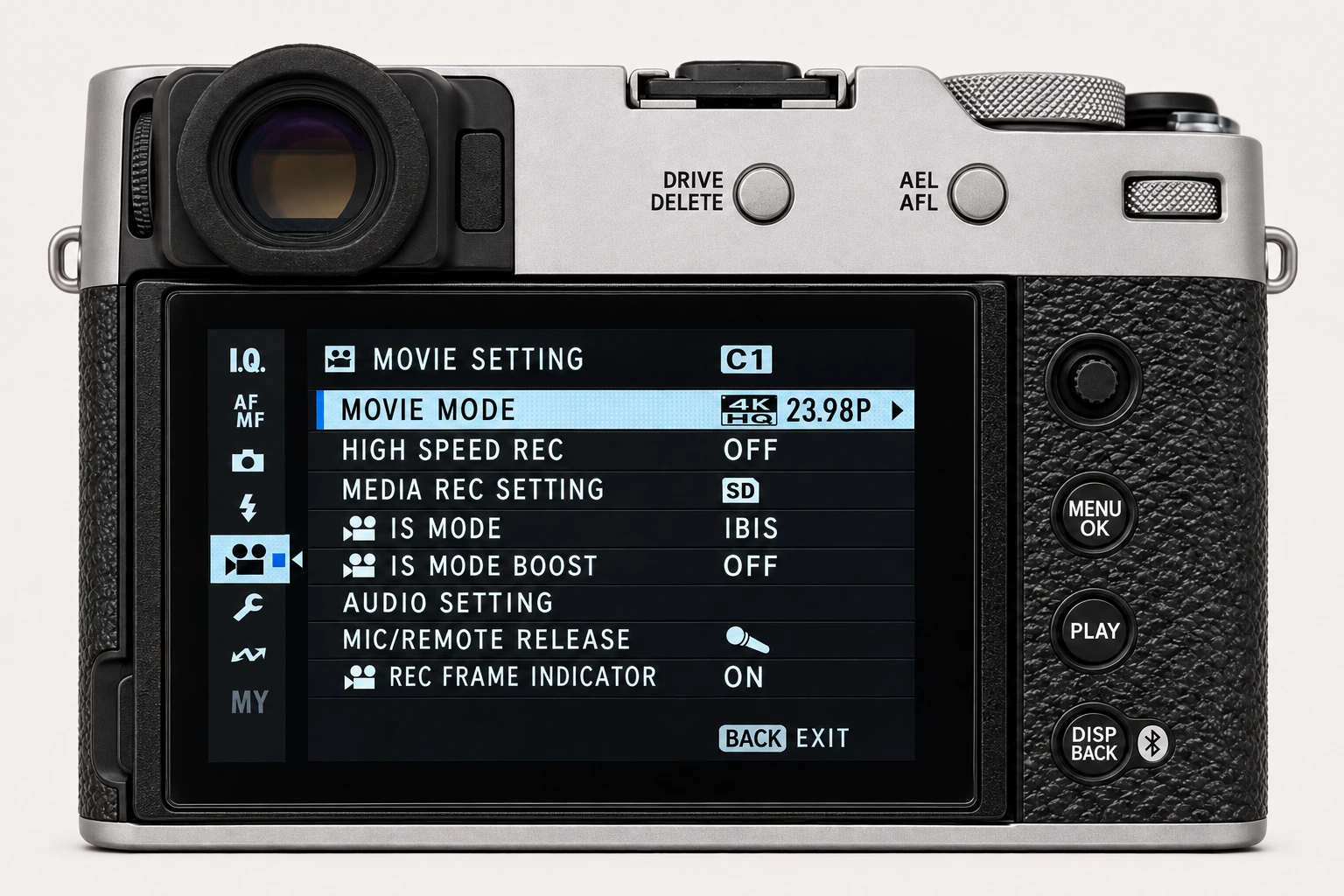
MENU/OK → IMAGE QUALITY SETTING → DYNAMIC RANGE
- 1
Open the Image Quality menu
From the still-photo display, press MENU/OK and select the I.Q. tab. Find DYNAMIC RANGE on X100VI page 2/3.
- 2
Check D Range Priority and ISO
Set D RANGE PRIORITY to OFF for manual DR control. On the X100VI, DR200 needs ISO 250 or above; DR400 needs ISO 500 or above.
- 3
Choose the amount and inspect a JPEG
Select DR100, DR200 or DR400, then confirm with MENU/OK. Auto chooses DR100 or DR200 on this body. Check the actual exposure before making a comparison.
Menu layout and available options can differ on other bodies or firmware. Follow the named control rather than relying only on the page number.
Take it into your next frame
Your turn: compare a bright window or sky
Use a stationary, contrasty scene. Start with D Range Priority Off and fixed white balance and tone values. At an ISO that permits all three DR choices, record the shutter speed and aperture for each frame. Compare the JPEG highlights and shadow texture together.
Keep the framing, light, white balance and tone values steady; record any exposure changes.
Choose Dynamic Range before refining Highlights and Shadows. It cannot restore detail already clipped during capture.
Find a recipe to try →What this setting does
Dynamic Range changes how the camera protects bright tones in its JPEG rendering. It is a highlight-management decision, not simply a global contrast control. Higher Dynamic Range settings can preserve more highlight information in bright scenes, which can change the starting point for later tonal adjustments.
Find it on the X100VI
In the still-photo shooting display, open MENU/OK > IMAGE QUALITY SETTING > DYNAMIC RANGE. Find Dynamic Range on I.Q. page 2/3. Check D Range Priority as well when a recipe value is unavailable. Menu wording and availability can change with firmware, shooting mode and file format.
Options and practical choices
These options refer to the X100VI still-photo menu. Use them as a checked reference for this body; confirm the corresponding choices in the manual for another camera.
| X100VI option | How to use it |
|---|---|
| DR100 | The baseline for comparison. Check important bright surfaces before increasing the setting. |
| DR200 | Available from ISO 250 on the X100VI. Useful when the JPEG needs more highlight headroom. |
| DR400 | Available from ISO 500 on the X100VI. Check shadow noise as well as highlight detail. |
| AUTO | Chooses DR100 or DR200 on this model; it does not automatically choose DR400. |
When to use it
Use it when important bright areas need protection and test it in the light where the recipe will actually be used.
Common mistakes and interactions
Do not use it only to make a flat scene look softer. It cannot replace exposing a scene with care.
- D Range Priority must be Off to choose Dynamic Range manually on the X100VI.
- Choose DR before refining Highlights and Shadows; changing the highlight-management baseline can alter how the tone values feel.
Try a controlled comparison
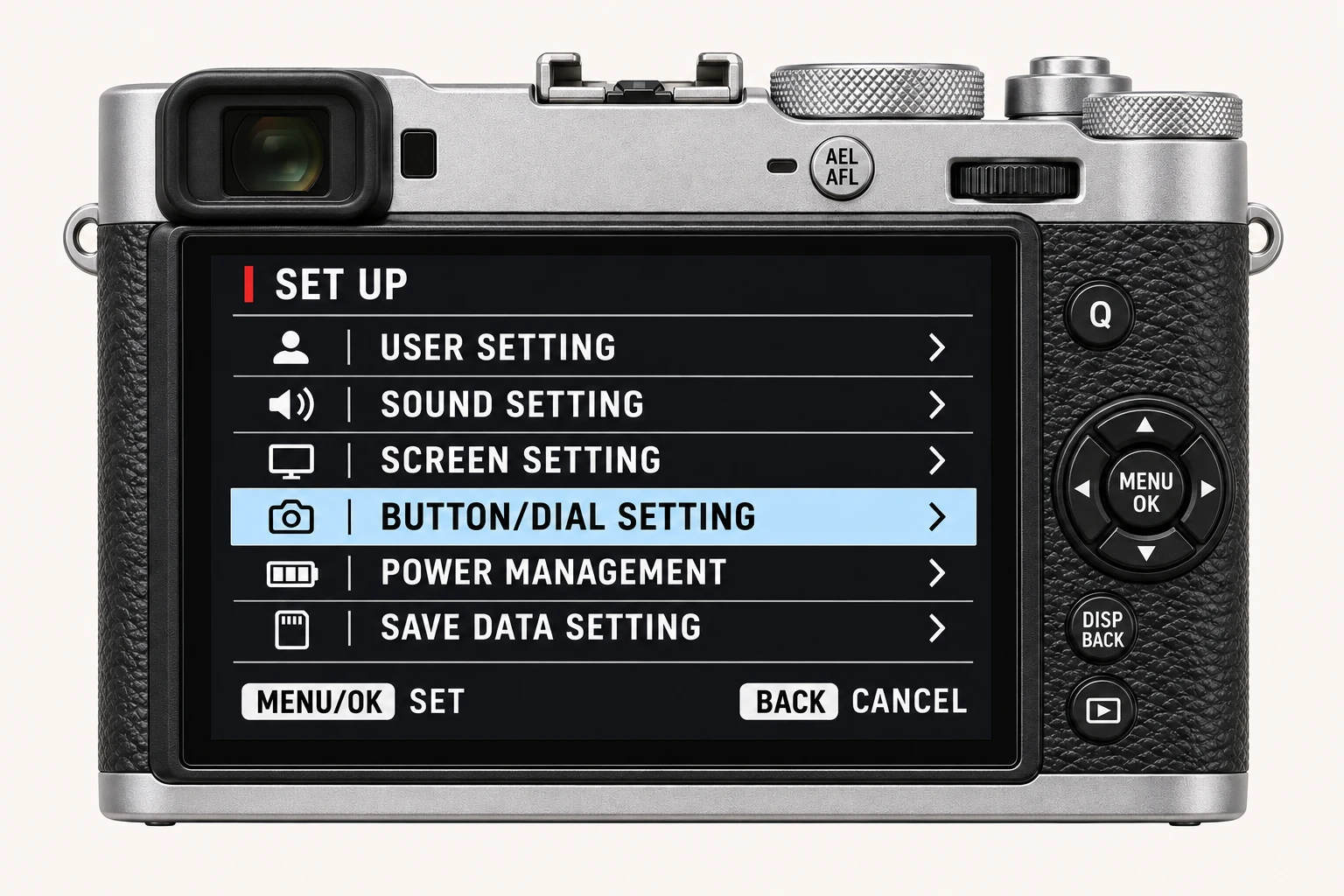
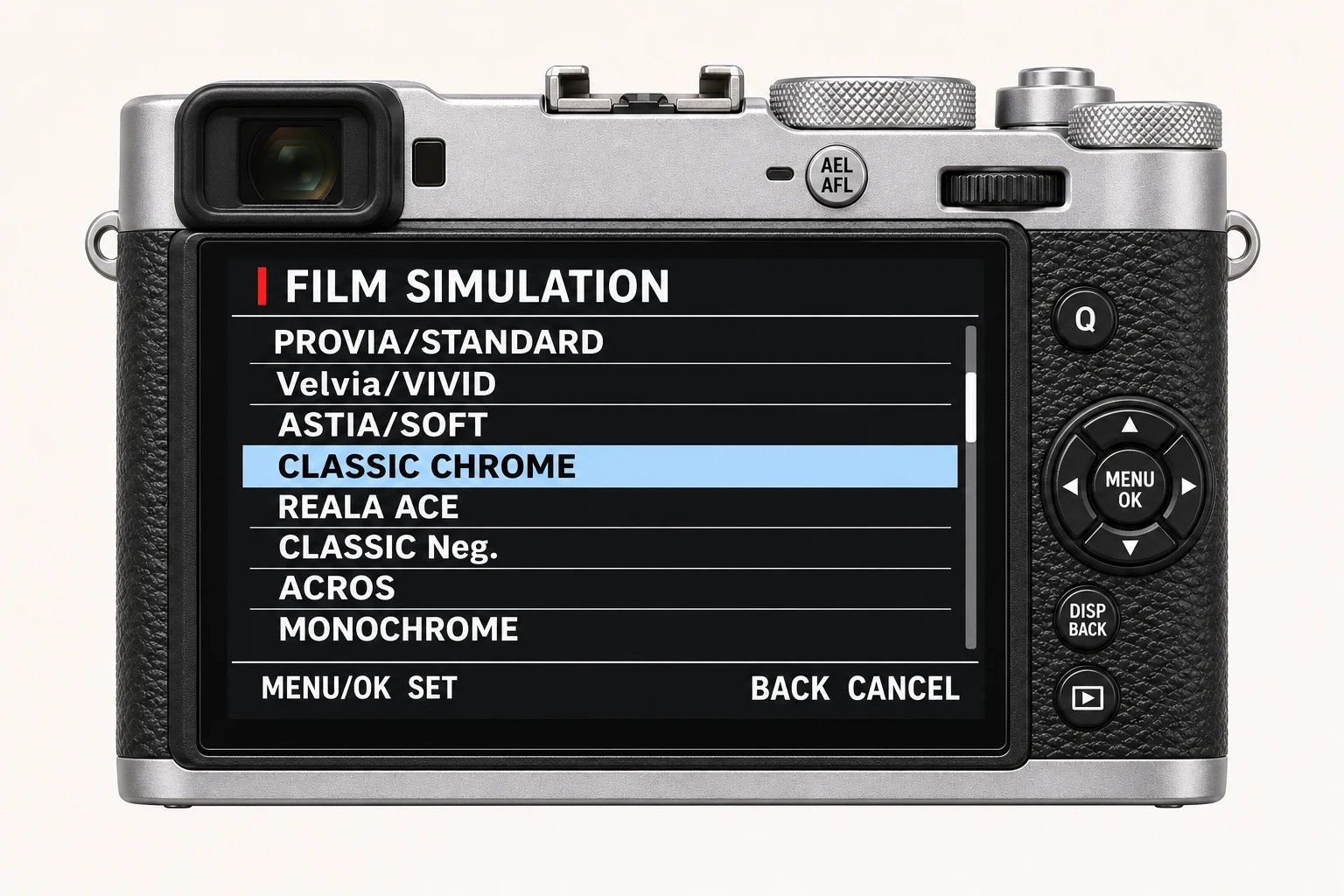
Photograph a scene with meaningful highlights at the same exposure. Compare the JPEGs at each available Dynamic Range setting before changing Highlight Tone. Keep the original files, label the settings and compare at both full resolution and the size you will share. The menu illustration shows controls, not a simulated photographic result.
Using a different Fujifilm camera
Available Dynamic Range options and their ISO requirements vary. Do not confuse Dynamic Range with D-Range Priority. The numerical options and menu path above are checked for the X100VI. They are not a compatibility promise for every X Series or GFX body.
Four recipes to try next
Choose a community recipe, check it against your camera and take it into the field.