Fujifilm Image Quality Settings: A Practical Menu Guide
Understand every X100VI Image Quality menu control, from image size, RAW and JPEG/HEIF to film simulations, tone, noise reduction and custom banks.
 Receptree
Applies to: Menu paths and options checked for the Fujifilm X100VI. The explanations introduce Fujifilm controls; availability on other models and firmware must be checked in their own manuals.
Start with the files you want to keep
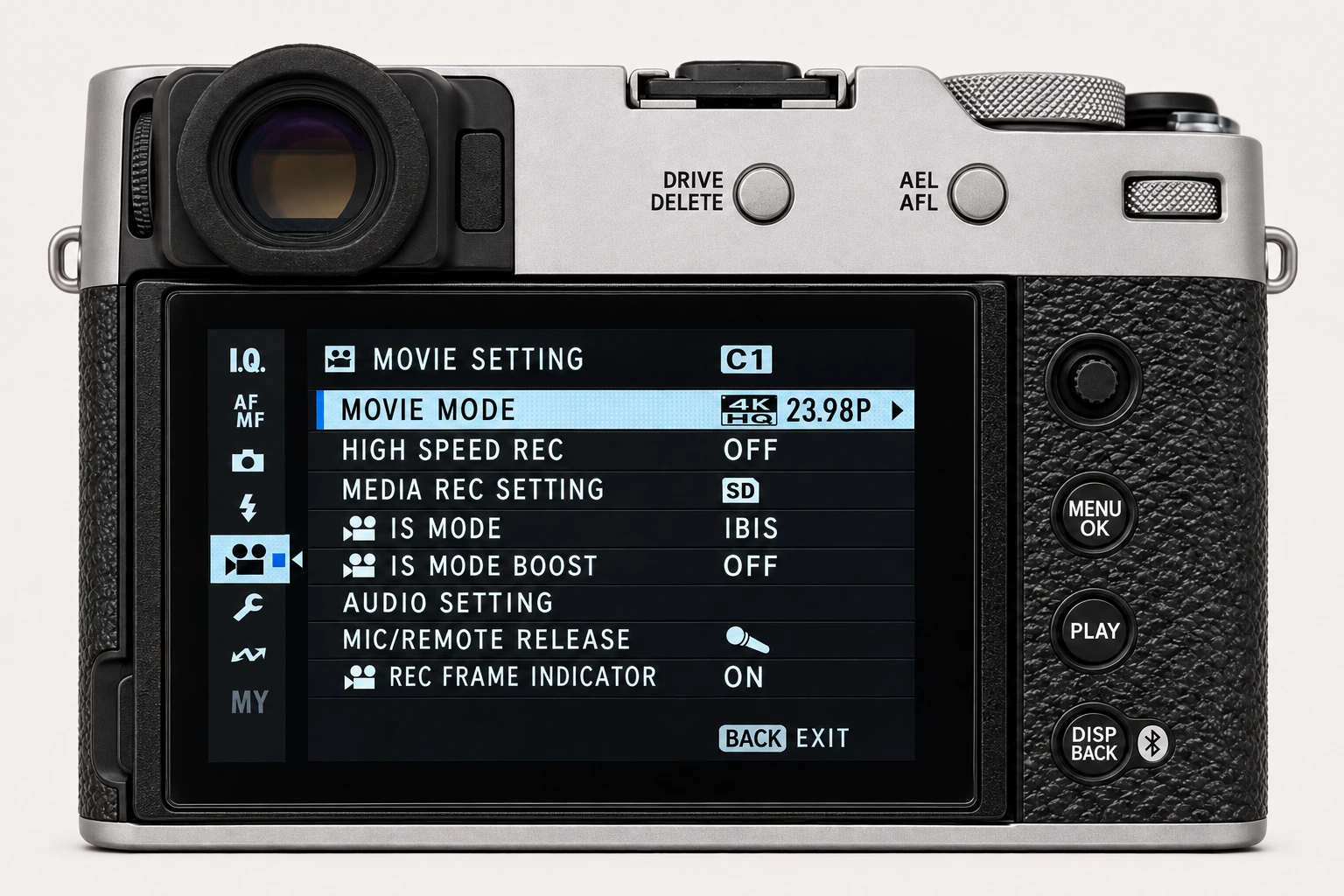
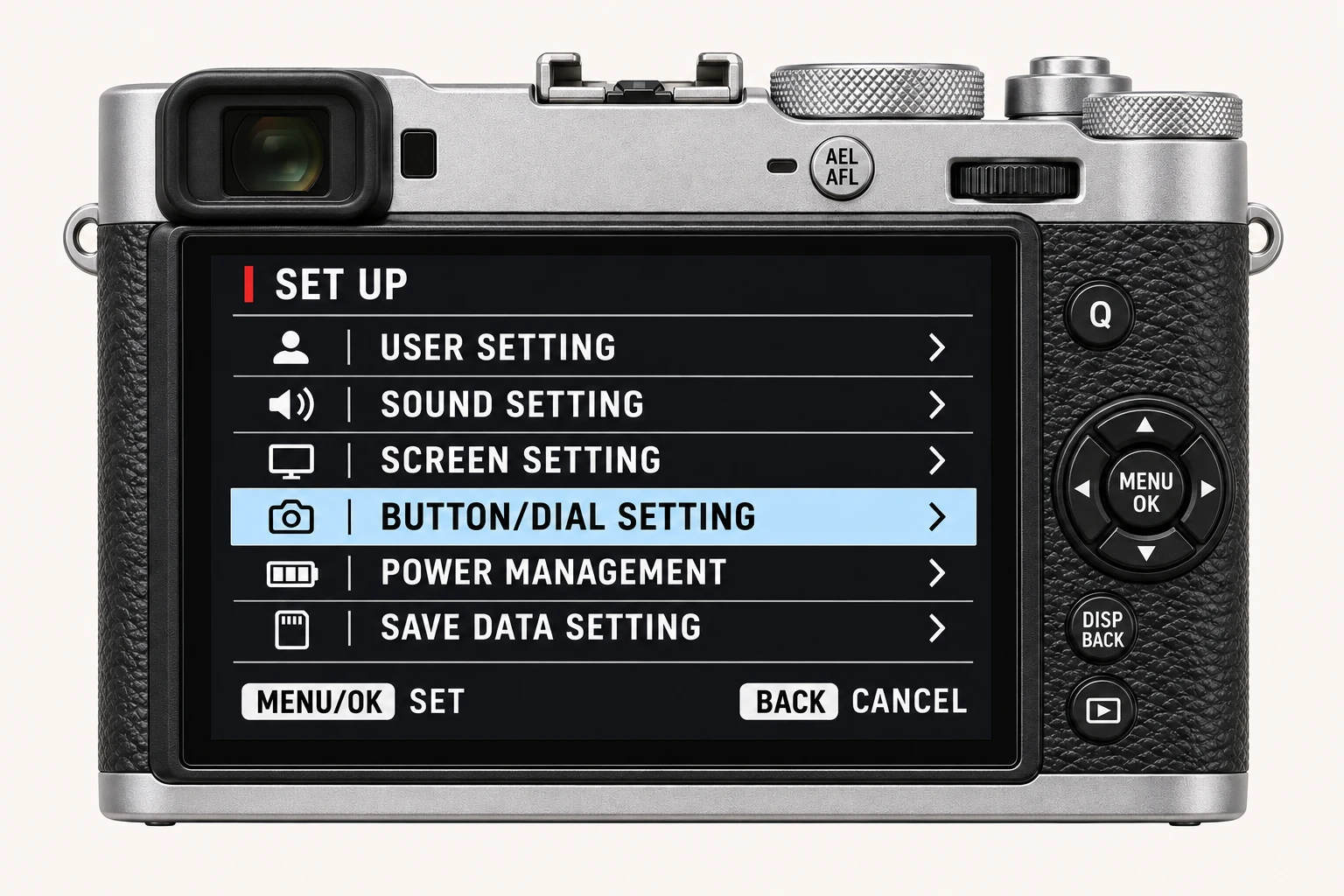
In the still-photo display, press MENU/OK and open IMAGE QUALITY SETTING. IMAGE SIZE selects output dimensions and aspect ratio; IMAGE QUALITY chooses a rendered file, RAW, or both. RAW RECORDING controls RAW compression, while SELECT JPEG/HEIF chooses the rendered format. These are separate decisions. For learning a recipe, a JPEG alongside a RAW file lets you keep the camera rendering and retain editing flexibility.
| Menu control | Question it answers |
|---|---|
| IMAGE SIZE | How many output pixels and which aspect ratio? |
| IMAGE QUALITY | Fine, Normal, RAW, or a rendered file plus RAW? |
| RAW RECORDING | Which compression should the RAF use? |
| SELECT JPEG/HEIF | Which rendered file format fits the receiving app? |
Choose the colour and texture base
FILM SIMULATION establishes the rendering base. MONOCHROMATIC COLOR adds a tint to supported black-and-white simulations. GRAIN EFFECT adds texture and has separate roughness and size choices. COLOR CHROME EFFECT and COLOR CHROME FX BLUE treat saturated colour and blues separately. None of these choices substitutes for choosing suitable light and exposure.
Shape balance and tone
WHITE BALANCE chooses the base and opens R/B fine adjustment. DYNAMIC RANGE manages highlights, while D RANGE PRIORITY can take over Dynamic Range and Tone Curve automatically. TONE CURVE contains the Highlights and Shadows values that recipes often list separately. COLOR adjusts intensity and SHARPNESS adjusts outlines. SMOOTH SKIN EFFECT is a separate portrait-rendering choice.
| If you notice… | Check first |
|---|---|
| Dynamic Range or Tone Curve cannot be set manually | D RANGE PRIORITY: choose OFF for manual recipe values. |
| Clarity is unavailable | SELECT JPEG/HEIF: HEIF disables Clarity on this model. |
| Colour changes from frame to frame | The white-balance base as well as its R/B shift. |
Finish detail, maintenance and saving
HIGH ISO NR balances noise smoothing with detail; CLARITY changes local definition and takes longer to save at non-zero values. LONG EXPOSURE NR addresses long-exposure mottling, not the normal recipe NR value. COLOR SPACE chooses the output colour gamut. PIXEL MAPPING is a maintenance operation for persistent bright spots. SELECT CUSTOM SETTING recalls a bank; EDIT/SAVE CUSTOM SETTING edits or saves it; AUTO UPDATE CUSTOM SETTING controls automatic persistence.
A repeatable learning sequence
Keep a simple subject and stable light. Choose file output, select a film simulation, set the white-balance base and shift, then work through Dynamic Range, Highlights/Shadows, Color and texture. Change one control per sequence and note the result. Save the final bank deliberately and recall it once to verify the values. Menu illustrations explain where controls live; they are not evidence of the photographic effect.
Four recipes to try next
Choose a community recipe, check it against your camera and take it into the field.