Fujifilm Long Exposure NR and Pixel Mapping: Which Problem Are You Seeing?
Distinguish High ISO NR, Long Exposure NR and Pixel Mapping on Fujifilm, with X100VI menu paths, save-time trade-offs and a practical diagnostic sequence.
 Receptree
Applies to: Menu paths and options checked for the Fujifilm X100VI. The explanations introduce Fujifilm controls; availability on other models and firmware must be checked in their own manuals.
Start by identifying the symptom
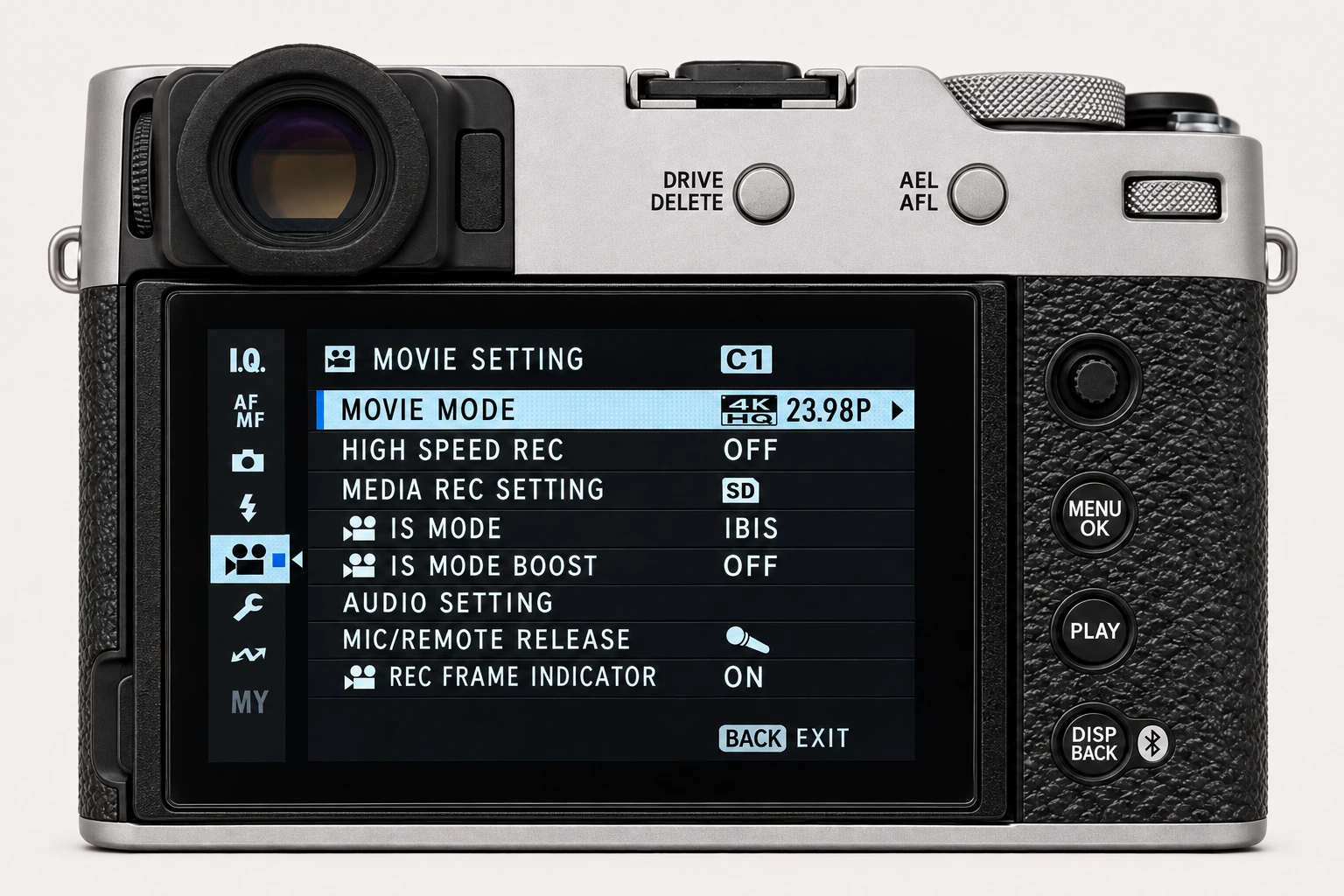
Noise across a high-ISO image, mottling after a long exposure and a bright point recurring at the same position are different observations. On the X100VI, the relevant controls are all in IMAGE QUALITY SETTING but do different jobs. Inspect the original at a consistent magnification before changing anything. One unusually bright point could also be part of the scene.
| Control | What it addresses |
|---|---|
| HIGH ISO NR | The amount of noise smoothing in the rendered photograph. |
| LONG EXPOSURE NR | Mottling in long exposures; ON or OFF. |
| PIXEL MAPPING | A maintenance routine to try for persistent bright spots in photographs or movies. |
Long Exposure NR: account for processing time
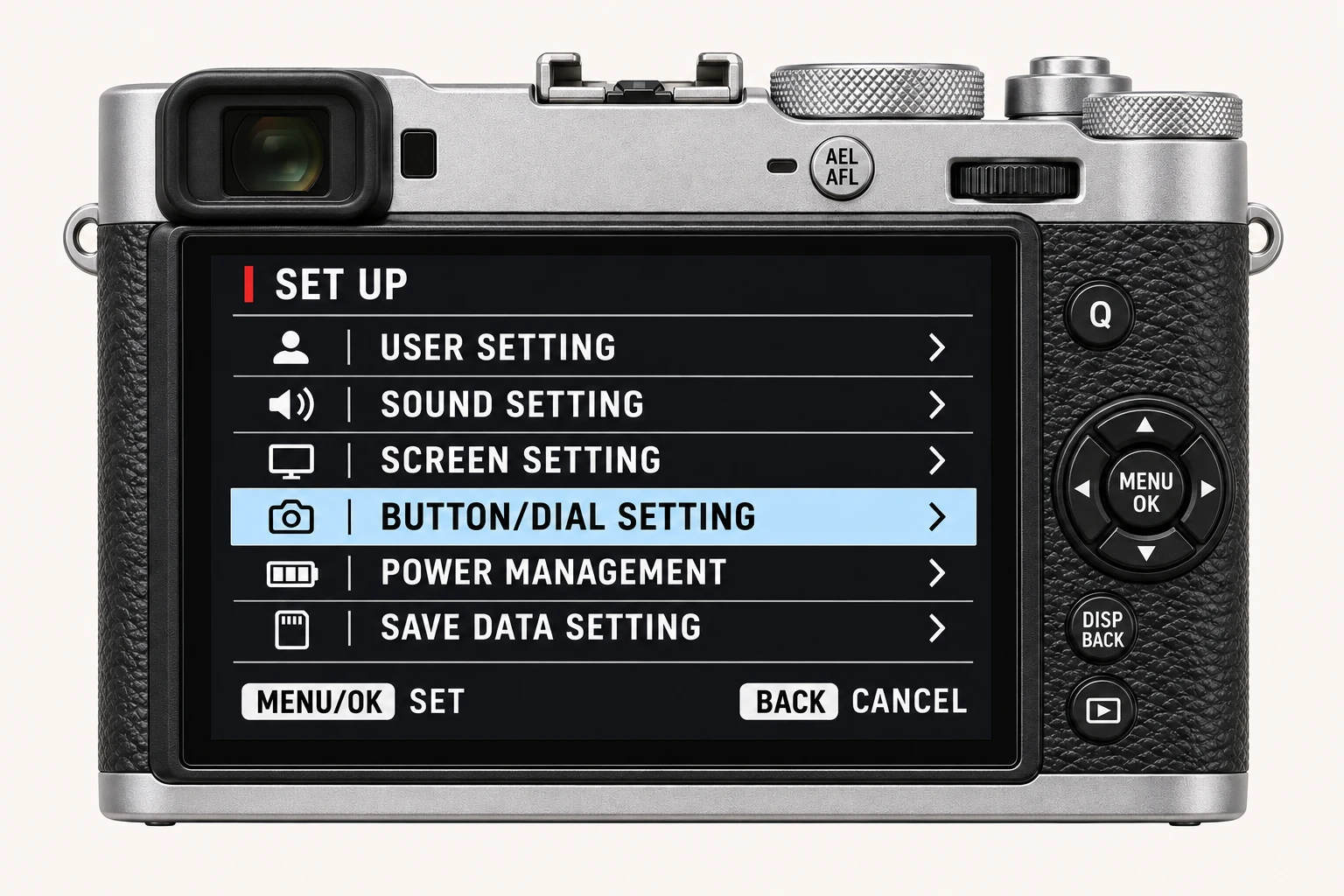
Open MENU/OK > IMAGE QUALITY SETTING > LONG EXPOSURE NR and choose On or Off. On can help with long-exposure mottling, but the extra processing increases save time. This can matter for closely spaced night frames or interval work. Test the actual exposure length and sequence you intend to use rather than copying the High ISO NR number from a recipe into the wrong control.
Pixel Mapping: a deliberate maintenance step
For a bright spot that persists in the same image position across different scenes, consult PIXEL MAPPING in the same menu. Fujifilm specifies a fully charged battery, notes that the function is unavailable at elevated camera temperature, and says processing can take several tens of seconds. Results are not guaranteed. It is not an artistic recipe parameter or a routine adjustment to make between comparison frames.
A controlled diagnostic sequence
Keep the original problem files. Photograph a different subject and compare the position of the bright point. For long-exposure mottling, compare a repeatable exposure with Long Exposure NR Off and On, allowing each save to complete. For general high-ISO texture, test High ISO NR separately. If a persistent defect remains after the manual’s maintenance procedure, use Fujifilm support rather than repeatedly changing unrelated recipe settings.
Four recipes to try next
Choose a community recipe, check it against your camera and take it into the field.