Fujifilm Monochromatic Color: Tinting ACROS and Monochrome
Understand the warm/cool and green/magenta axes of Monochromatic Color, how they differ from filter variants and when a neutral black-and-white base helps.
 Receptree
Applies to: Menu paths and options checked for the Fujifilm X100VI. The explanations introduce Fujifilm controls; availability on other models and firmware must be checked in their own manuals.
Find the tint control
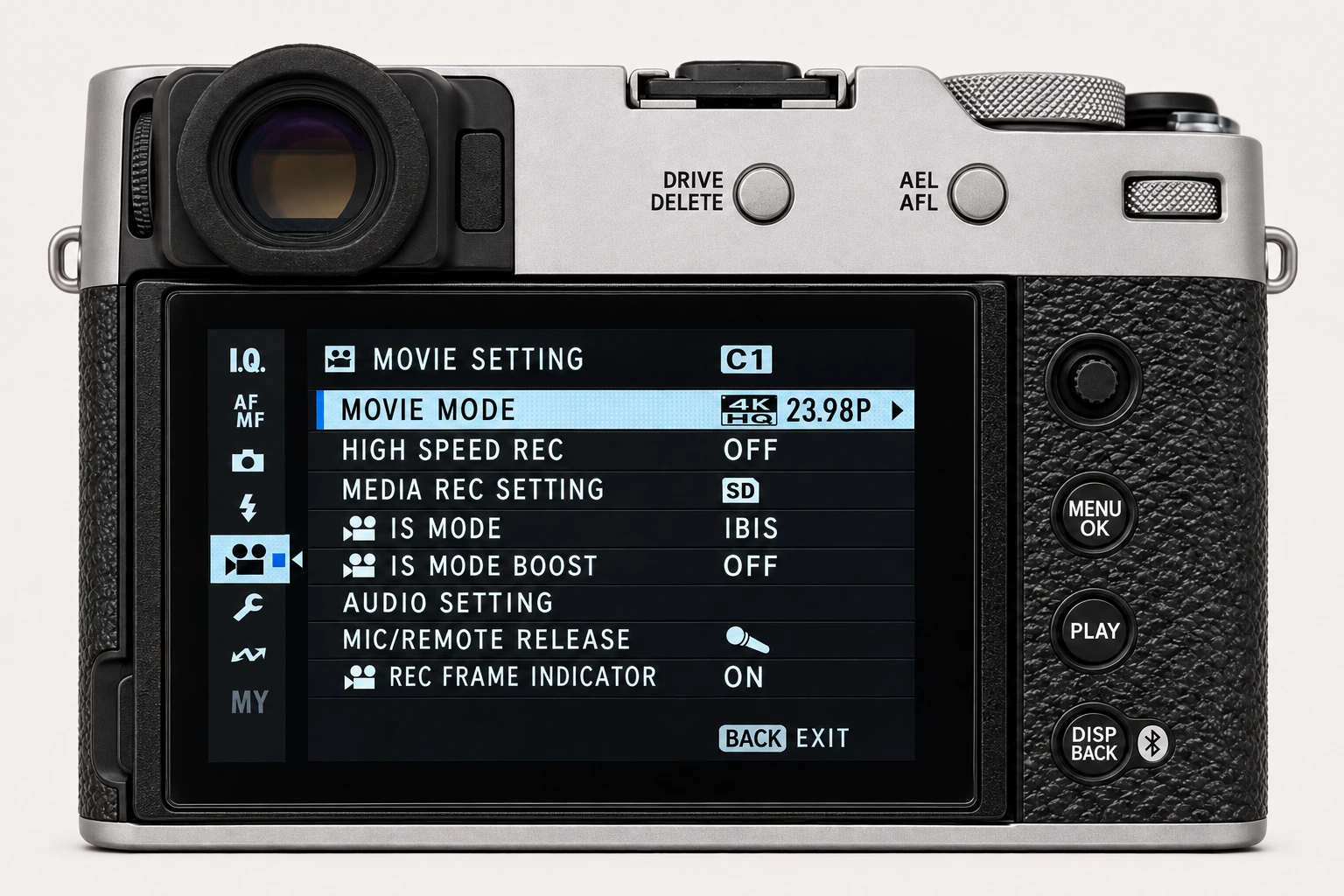
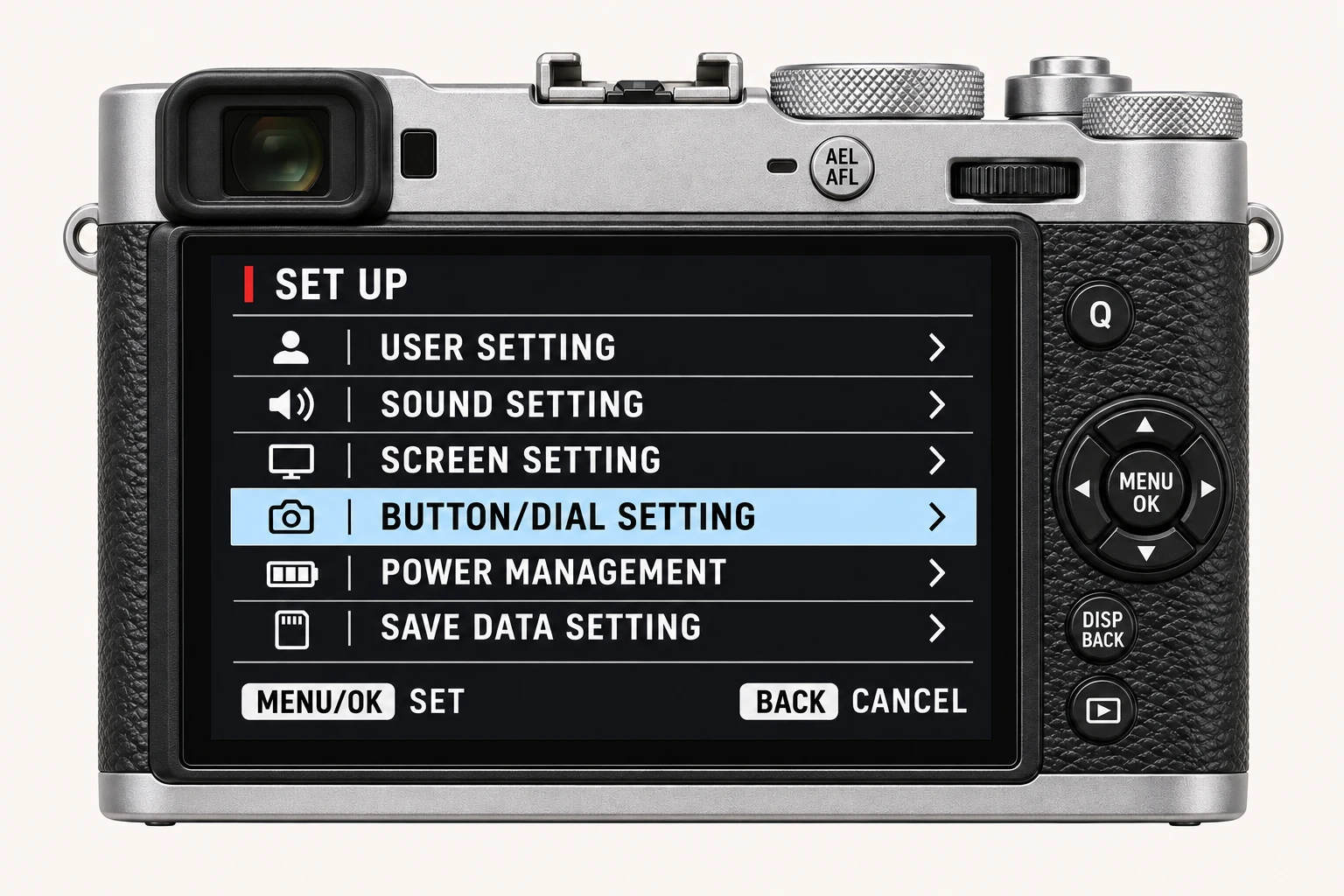
On the X100VI, open MENU/OK > IMAGE QUALITY SETTING > MONOCHROMATIC COLOR. First select ACROS or MONOCHROME in Film Simulation. This control gives the black-and-white rendering a colour tint; it does not restore the original subject colours. The menu is not a general colour-grading control for Classic Chrome or another colour simulation.
Read the two axes separately
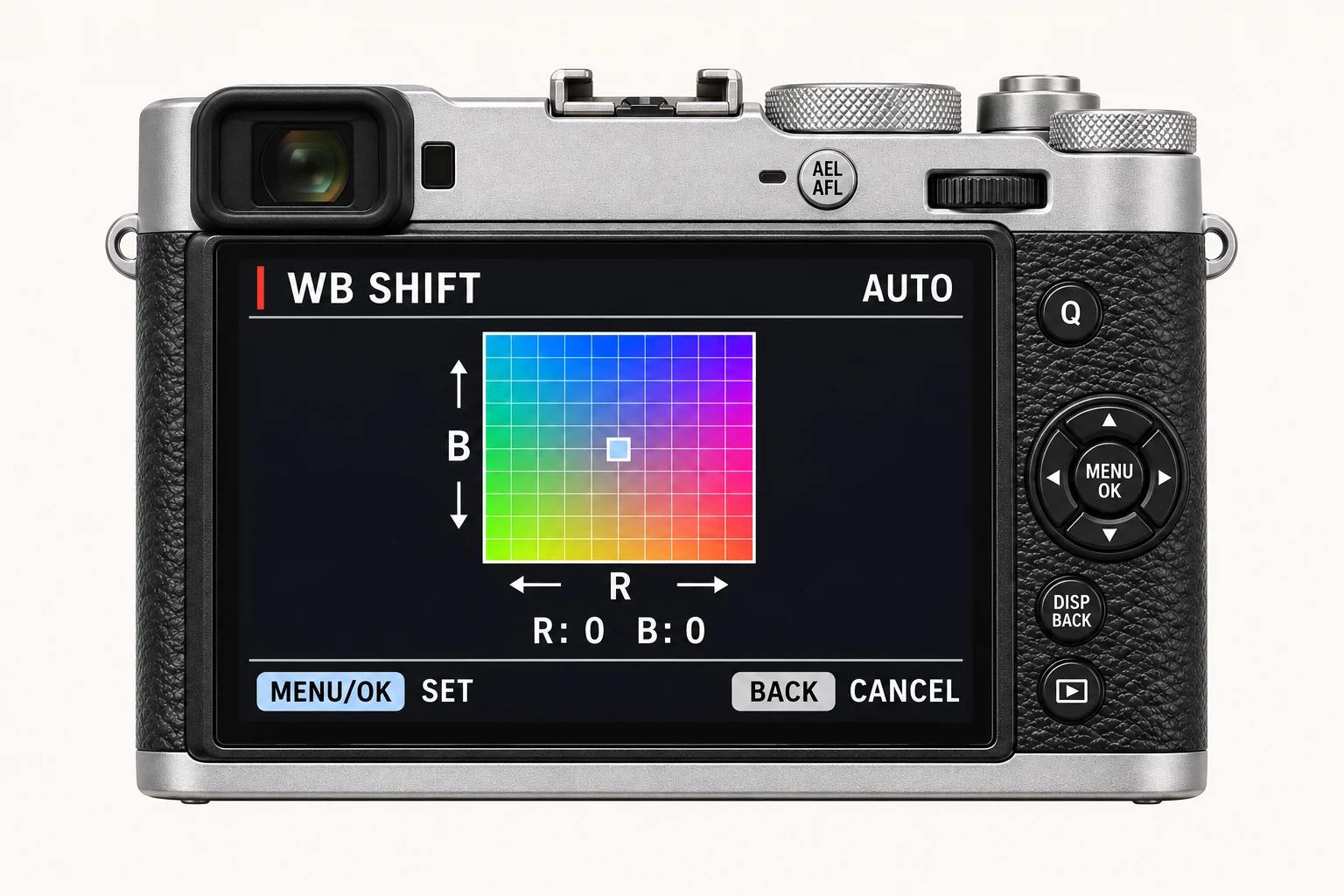
The warm–cool direction moves the tint toward a warmer or cooler appearance. The green–magenta direction refines the other colour axis. Begin with both at the neutral centre, change one direction slightly, and compare on a neutral display. Keep these values separate from the R/B White Balance Shift values in a recipe: the labels refer to different controls.
Tint versus a monochrome filter
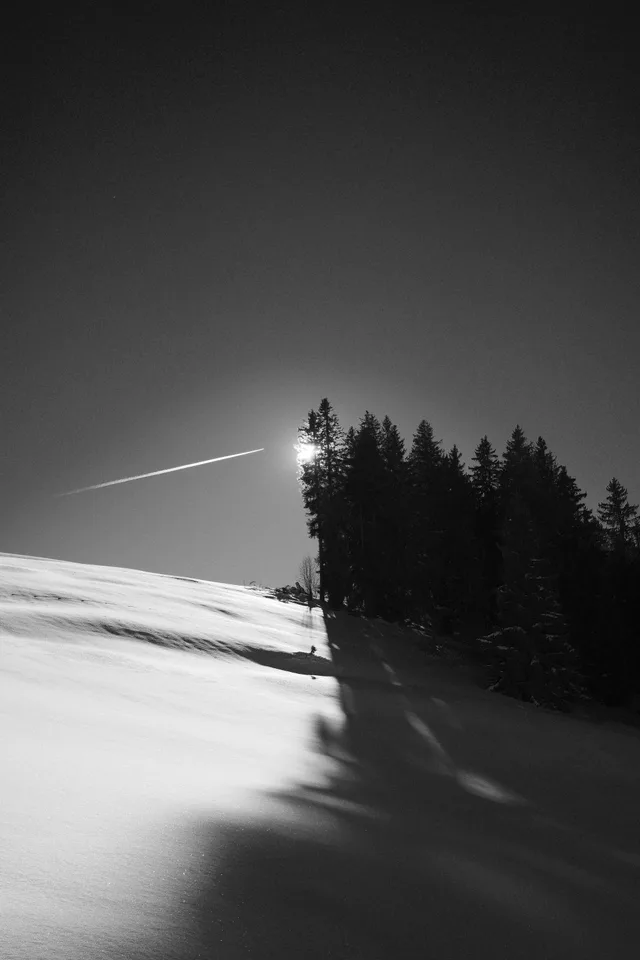
ACROS and MONOCHROME offer yellow, red and green filter variants. These change how subject colours become grey tones. Monochromatic Color changes the tint of that monochrome rendering. For a portrait, first choose a base and filter that give the skin and background the separation you want, then decide whether the finished picture needs a warm or cool tint.
A useful comparison
Photograph a scene containing a face or textured object, a neutral wall and coloured items. Keep exposure, white balance, filter variant, grain and tone fixed. Make one neutral frame, one small warm adjustment and one small cool adjustment. Compare the finished JPEGs together; automatic display colour adjustment can make subtle tints hard to judge.
Copying to another camera
Older bodies may have different monochrome controls or no equivalent two-axis adjustment. Check the target manual and record an adaptation if the same options are unavailable. A Sepia film simulation is a separate base, not a direct replacement for every tint applied to ACROS.
Four recipes to try next
Choose a community recipe, check it against your camera and take it into the field.