Fujifilm Noise Reduction: Cleanliness Versus Fine Detail
Use Fujifilm Noise Reduction with the scene and ISO in mind, balancing a cleaner JPEG against the preservation of fine texture.
 Receptree
Applies to: Fujifilm image-quality settings, with menu paths and options checked against the X100VI still-photo manual. Other models and firmware can differ.
Try a look
 Original
Loading preview…
Illustrative preview
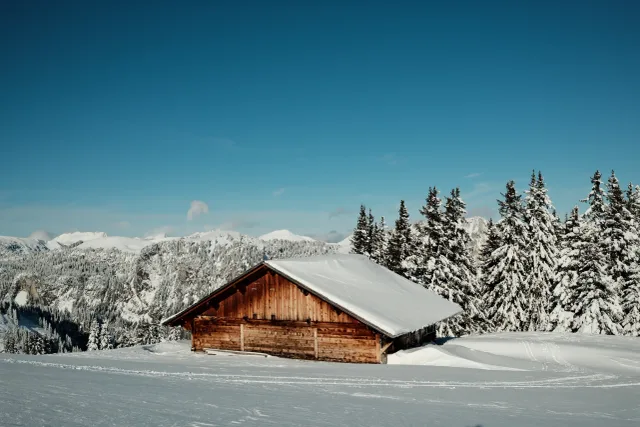
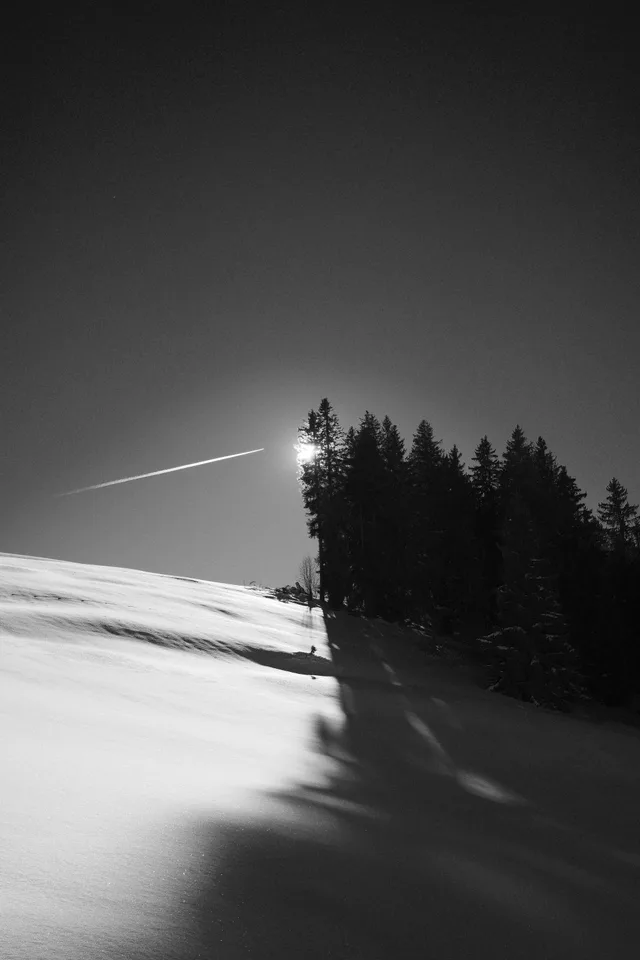
An approximation on an existing JPEG, not an exact Fujifilm camera rendering. Watch fine stonework and smooth sky. This explains the Lab’s smoothing response; it is not a matched high-ISO camera test.
What this setting does
Noise Reduction controls how aggressively the camera smooths noise in its JPEG rendering. Stronger reduction can make noisy areas appear cleaner, while lower reduction can preserve more fine texture and noise character.
Find it on the X100VI
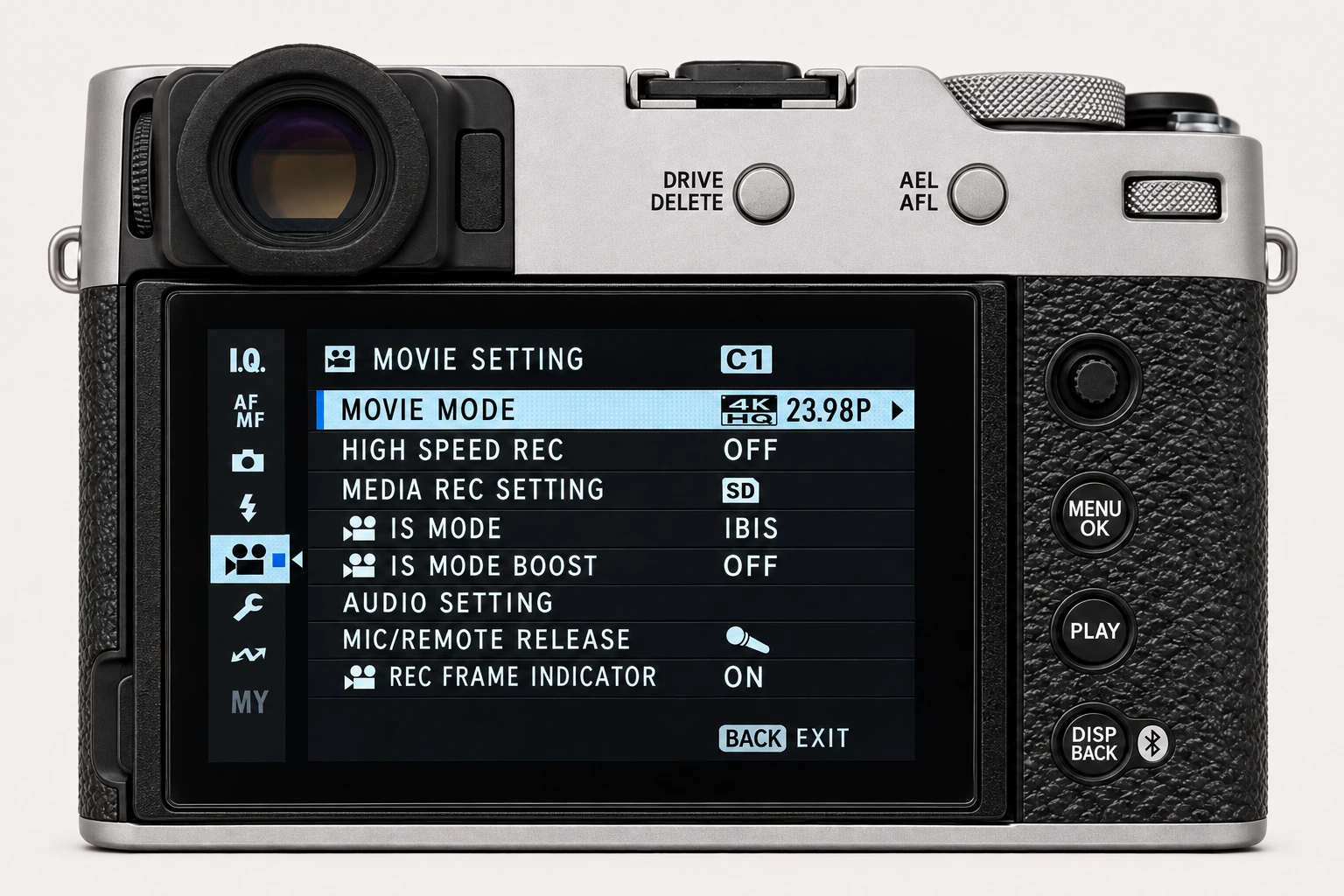
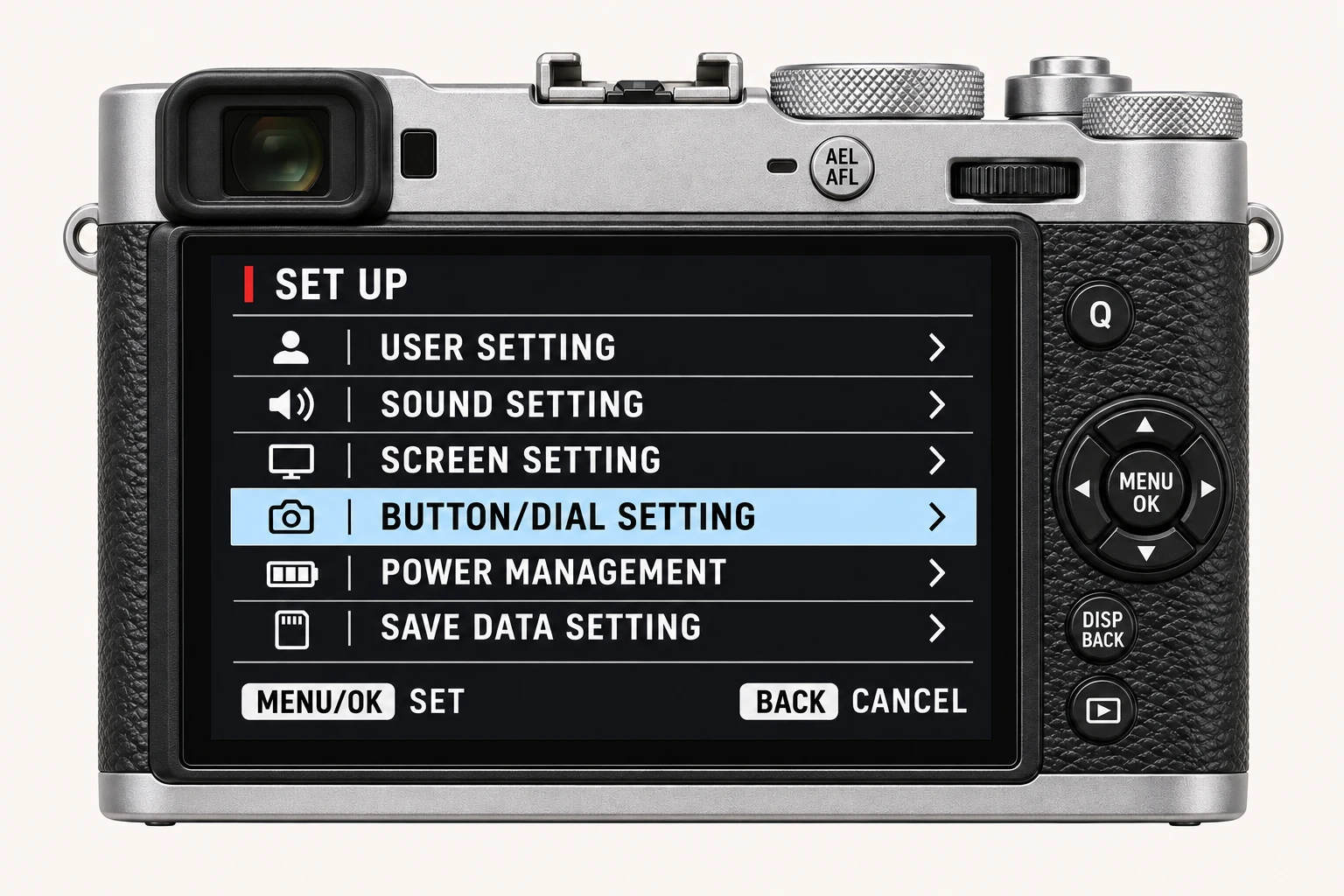
In the still-photo shooting display, open MENU/OK > IMAGE QUALITY SETTING > HIGH ISO NR. Recipe noise-reduction values refer to High ISO NR here. Long Exposure NR is a different setting. Menu wording and availability can change with firmware, shooting mode and file format.
Options and practical choices
These options refer to the X100VI still-photo menu. Use them as a checked reference for this body; confirm the corresponding choices in the manual for another camera.
| X100VI option | How to use it |
|---|---|
| −4 to +4 | HIGH ISO NR on the X100VI. Higher values smooth noise more strongly and can suppress fine texture. This does not configure Long Exposure NR. |
When to use it
Choose it after testing the ISO range you actually use, especially in lower light or scenes with smooth shadow areas.
Common mistakes and interactions
Avoid deciding from base-ISO daylight images alone. The trade-off only becomes clear where noise and fine detail are both present.
- The recipe value refers to HIGH ISO NR. LONG EXPOSURE NR is a separate On/Off operation with extra processing time.
- Inspect skin and fine texture alongside the noise. Grain and sharpening can change how the remaining texture appears.
Try a controlled comparison
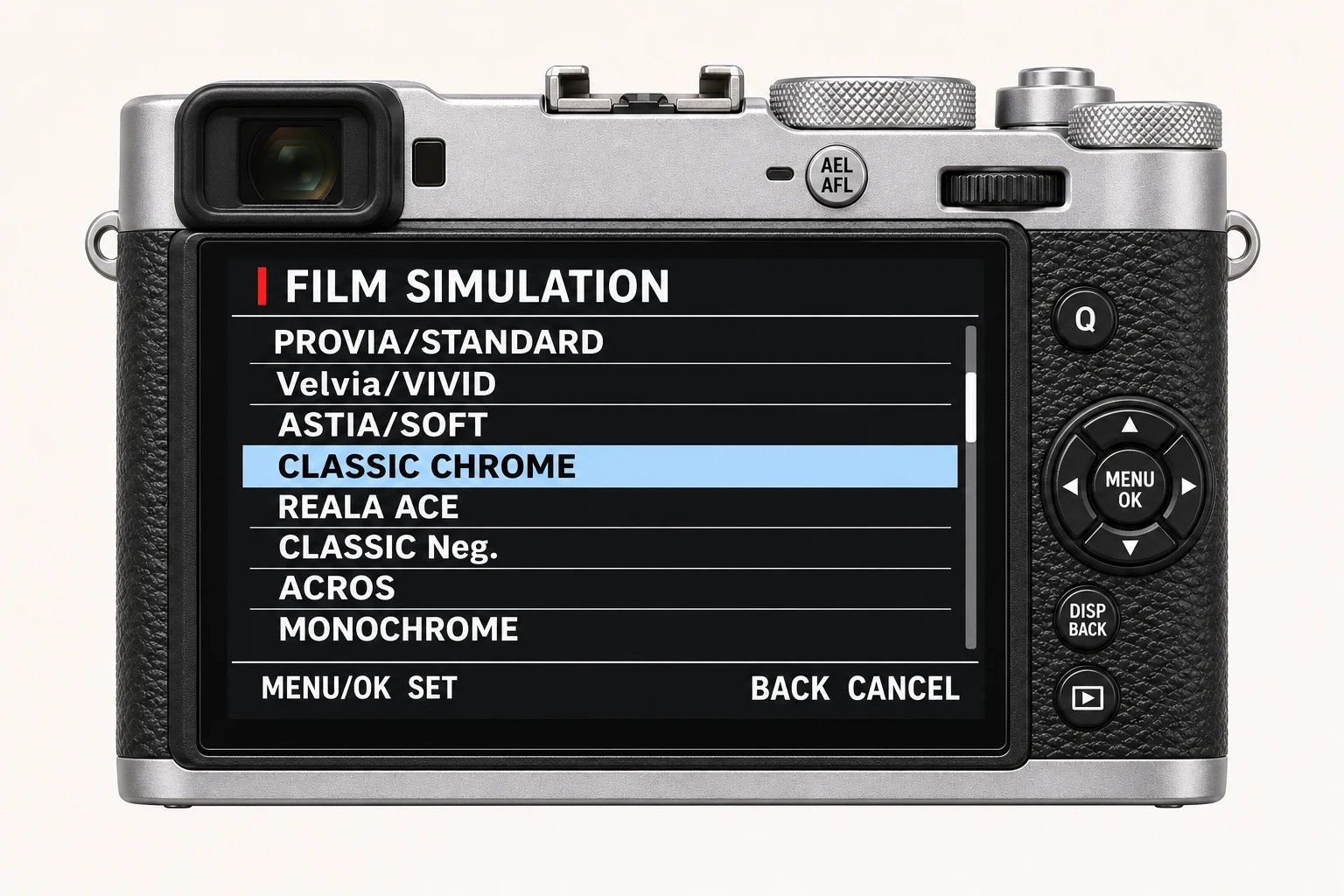
Photograph a detailed, lower-light scene at a repeatable ISO. Change only Noise Reduction and compare skin, foliage, fabric and shadow texture. Keep the original files, label the settings and compare at both full resolution and the size you will share. The menu illustration shows controls, not a simulated photographic result.
Using a different Fujifilm camera
Noise characteristics change with ISO and camera generation. A copied value is a starting point, not a universal output match. The numerical options and menu path above are checked for the X100VI. They are not a compatibility promise for every X Series or GFX body.
Four recipes to try next
Choose a community recipe, check it against your camera and take it into the field.