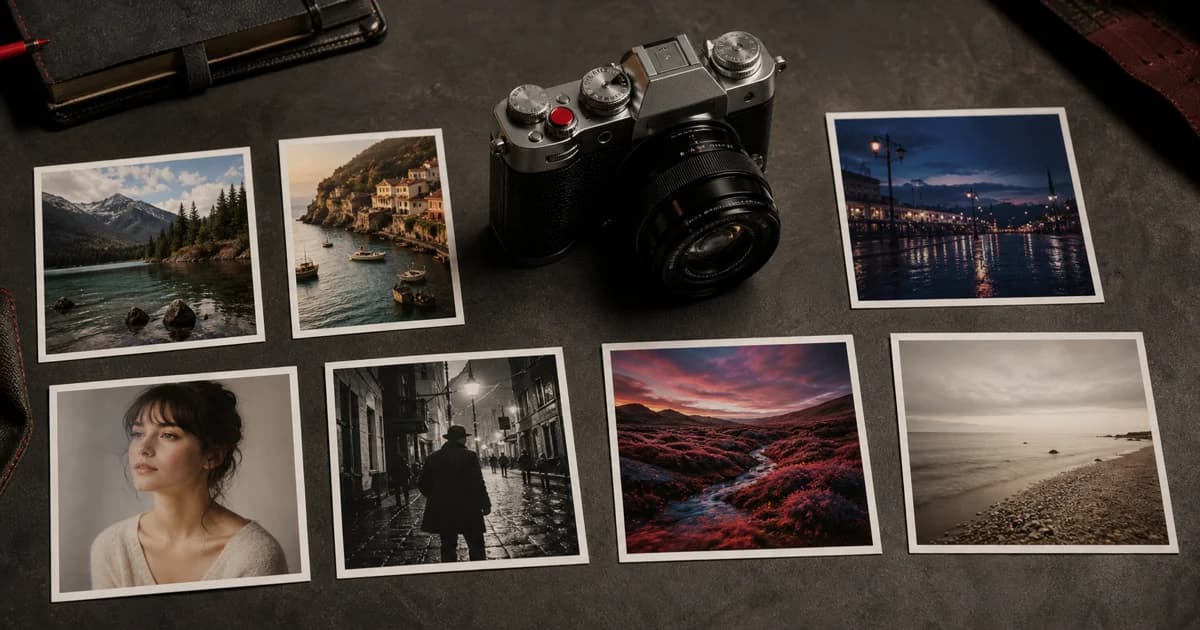

Fujifilm Photo Culling Software: A Local JPEG and RAF Workflow
Learn how Fujifilm photo culling software can help you review, compare, rate and select JPEG and RAF photographs locally in your browser with Receptree Review.
 Receptree
Applies to: Written for Fujifilm photographers. Camera menu names, film simulations and available settings vary by model and firmware.
What makes photo culling software useful?
Photo culling software helps you turn a large shoot into a smaller, intentional selection. Its value is not simply showing thumbnails faster. A useful workflow lets you make an instinctive first pass, compare genuinely similar frames, mark picks and rejects, and return to the images that carry the story. For Fujifilm photographers, it can also keep camera and recipe context close to the photographs while you decide which frames deserve attention.
Begin with a local Fujifilm shoot
Open Receptree Review and choose the folder you want to assess. Review works with supported local JPEG and RAF files in the browser, so you can keep your original shoot where you manage it. Let the browser prepare the available previews and metadata, then start with one coherent shoot rather than mixing unrelated sessions. Review is a decision-making workspace, not a replacement for independent backups of your original files.
- Keep the originals and your existing backup workflow intact.
- Review one shoot or sequence at a time so comparisons remain meaningful.
- Give the browser time to prepare available previews before making detailed comparisons.
Make a fast first pass
On the first pass, react to the photograph before zooming in. Mark the frames that make you pause and reject only the obvious misses, such as accidental shutter presses or unusable blur. This keeps a promising image from being discarded because you began by inspecting faults. The aim is not to finish the edit immediately; it is to reduce a large contact sheet to the images that deserve a closer decision.
Compare similar frames with intent
Once the first pass is smaller, compare frames that solve the same photographic problem: the same scene, gesture, composition or light. Look for the image with the clearest timing, relationship and feeling before choosing based on tiny technical differences. Receptree Review can group and compare supported local photographs so the decision happens in context rather than through a long, unstructured folder.
Use Fujifilm metadata as context, not a verdict
Camera, film simulation and supported recipe metadata can explain why a pair of otherwise similar JPEGs feel different. Recipe Recognition may help reconnect a selected photograph with supported settings, but it remains a reviewable signal and may be incomplete. Let the image lead the selection, then use metadata to understand the result and decide whether a recipe is worth saving or testing again.
Finish with a small, usable selection
After you have rated and compared the important frames, keep a deliberate final set and export or continue your workflow only when you know why each photograph belongs. A smaller selection is easier to share, sequence and learn from than an endless maybe-folder. If a frame reveals a Fujifilm look you want to revisit, save its checked settings as a recipe or document them in a Recipe Card after the cull is complete.