Fujifilm X100VI Connections: Find Bluetooth and USB Settings
Locate phone pairing, USB Connection Mode and power/data controls on the X100VI, and understand where the connection reset lives.
 Receptree
Applies to: Fujifilm X100VI in still-photo mode. Menu names and available options can vary with firmware and shooting mode.
Page 1/2: locate the connection controls
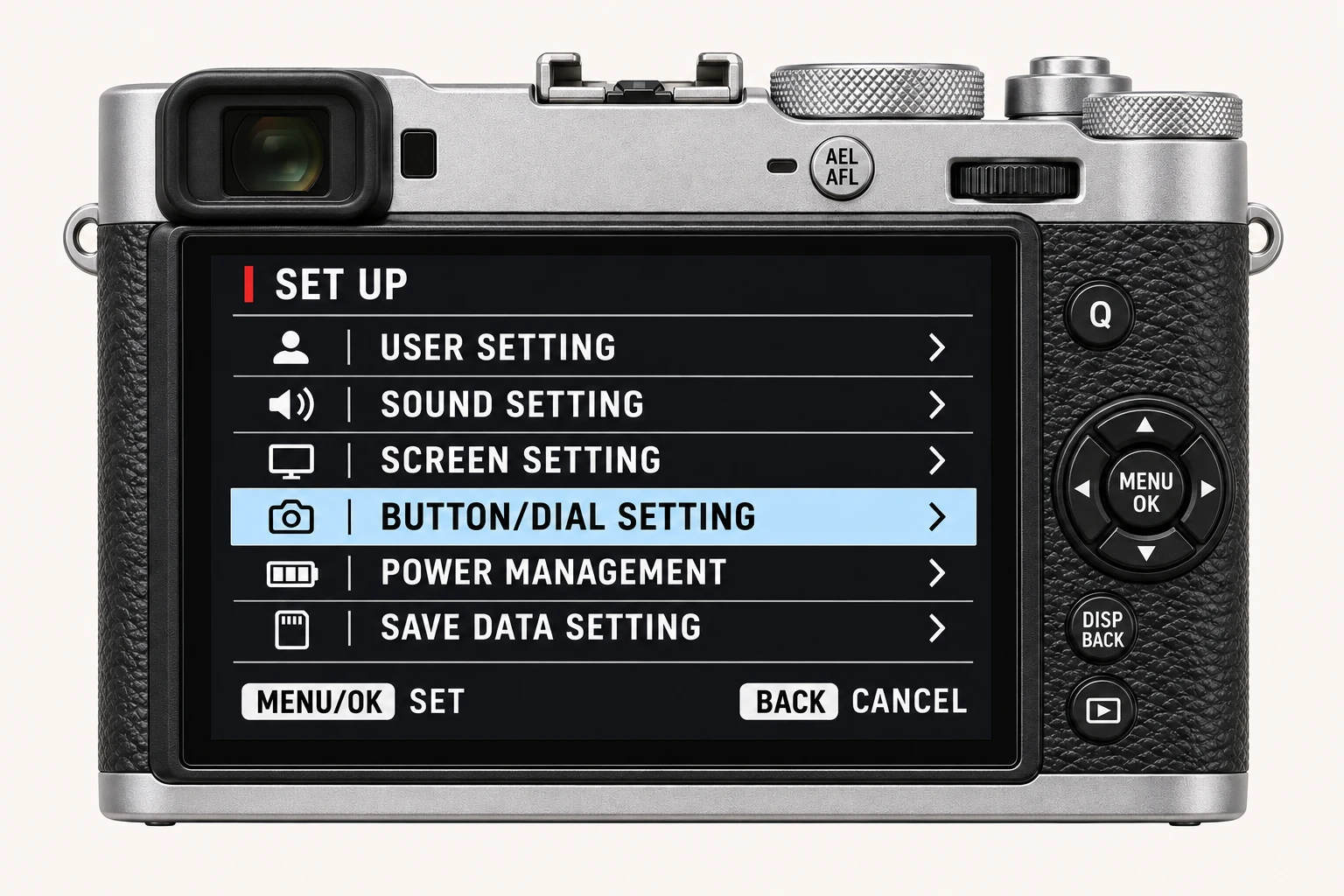
Open MENU/OK > NETWORK/USB SETTING. Bluetooth/SMARTPHONE SETTING is the starting point for phone pairing; CONNECTION MODE is the starting point for computer use. Check AIRPLANE MODE when wireless connections are unavailable. The photographed USB RAW… value is an example from the source camera and does not identify a universal transfer mode.
Choose USB mode for the task
Open CONNECTION MODE and choose the mode for the software you intend to use. USB POWER SUPPLY/COMM SETTING is a separate control: a power-only configuration can prevent data communication even when the cable fits. Use a data-capable cable and check the selected mode before repeatedly reconnecting.
| Task | Connection Mode |
|---|---|
| Copy files to a computer | USB CARD READER |
| Use the camera as a webcam | USB WEBCAM |
| Process RAF files in Fujifilm X RAW Studio or back up settings with X Acquire | USB RAW CONV./BACKUP RESTORE |
Page 2/2: know what reset means
RESET NETWORK/USB SETTING restores the network and USB settings to their defaults. Treat it as a deliberate troubleshooting step after noting the connections you may need to configure again. This photo shows the menu entry, not its confirmation screen. You can return with DISP/BACK without choosing a reset.
Check the original file after transfer
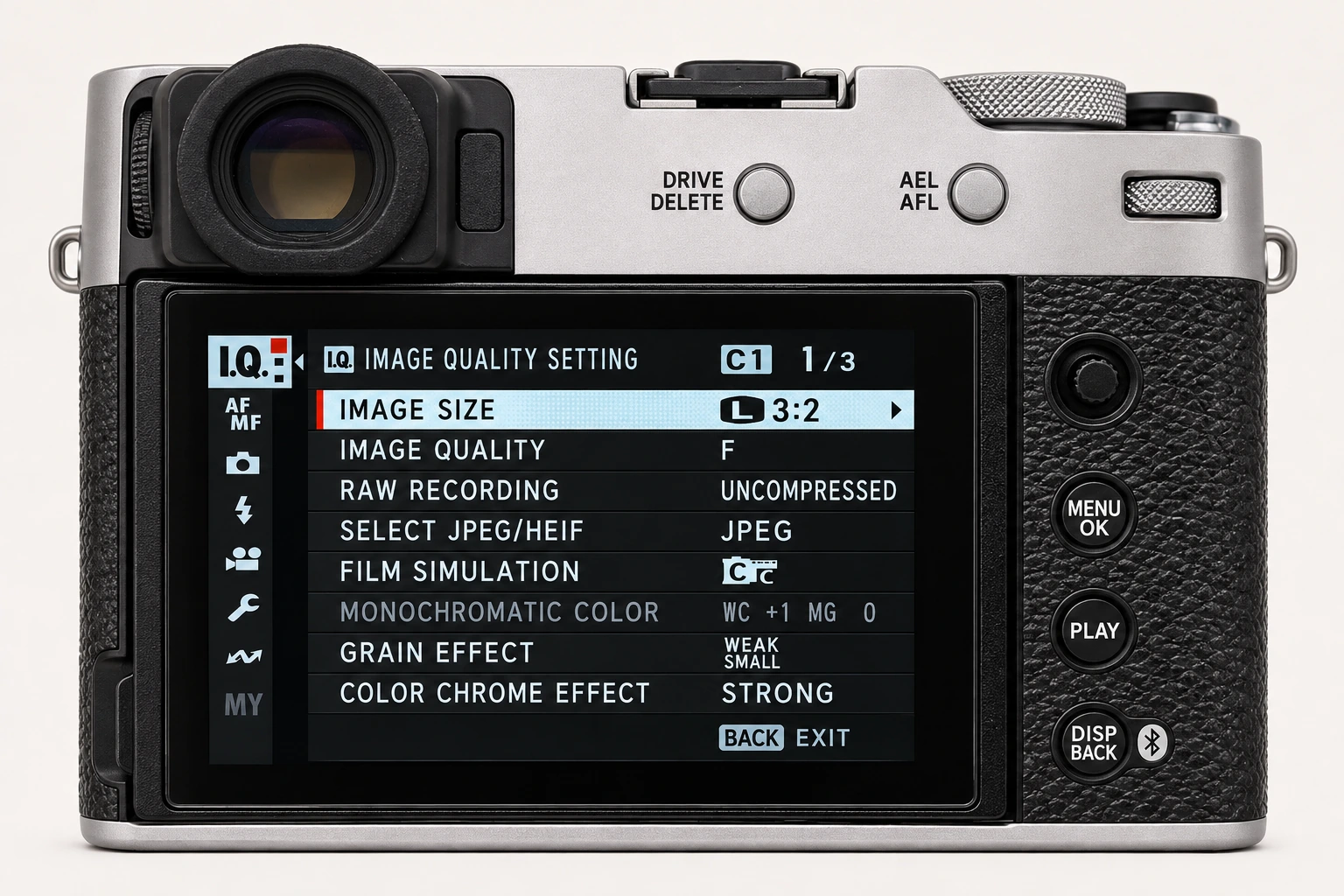
For a recipe-metadata workflow, keep an original camera JPEG and verify the transferred file before deleting anything from the card. Open the file, check its dimensions and inspect the metadata you need. A screenshot of a photo or a version re-saved by a messaging app may not preserve the same information.
Four recipes to try next
Choose a community recipe, check it against your camera and take it into the field.