Fujifilm X100VI Shooting Settings for a Photo Walk
Locate the X100VI self-timer, shutter type, stabilisation, Auto ISO and built-in ND filter without confusing them with recipe settings.
 Receptree
Applies to: Fujifilm X100VI in still-photo mode. Menu names and available options can vary with firmware and shooting mode.
Page 1/3: timers and interval sequences
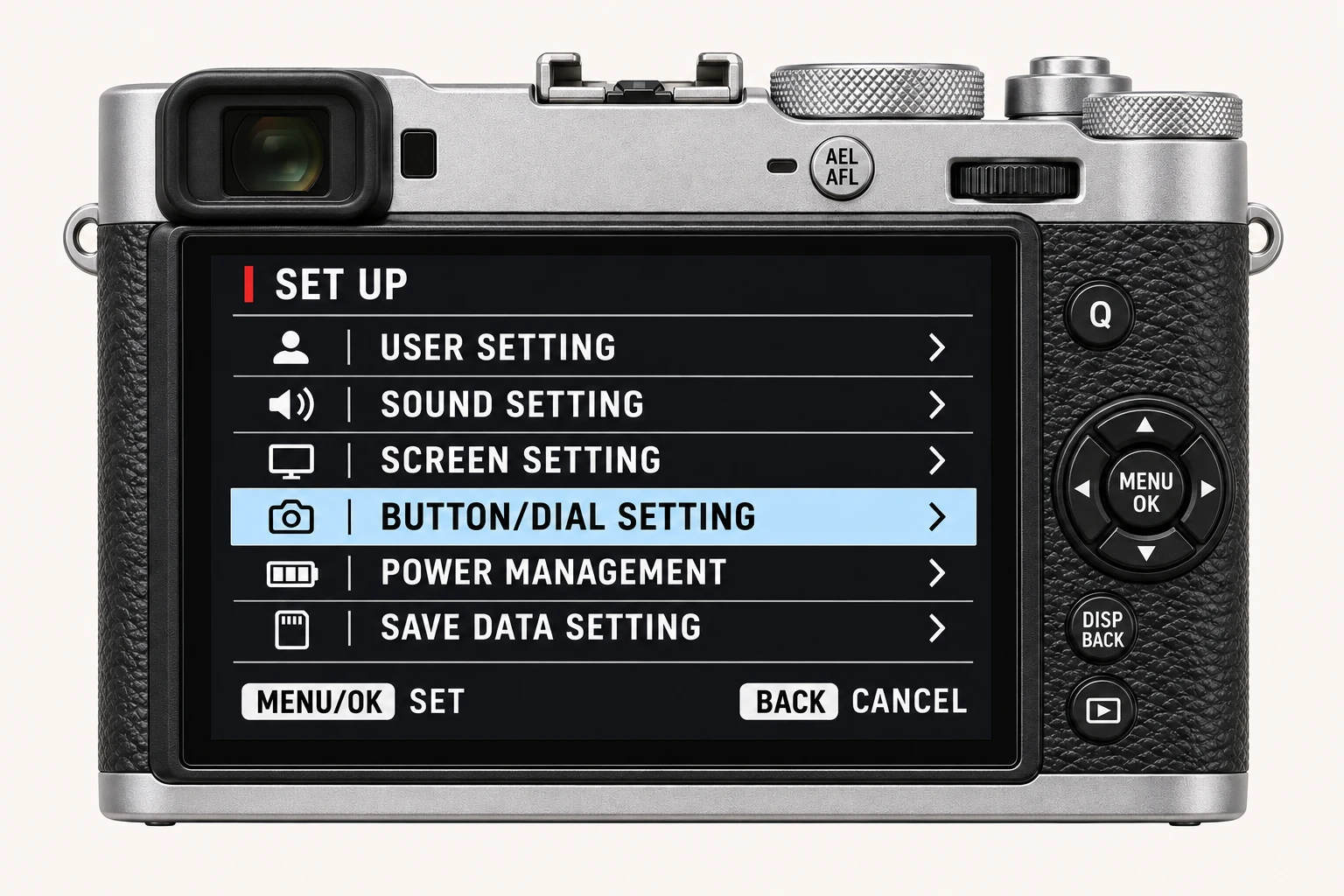
Open MENU/OK > SHOOTING SETTING. SELF-TIMER is useful when you want to be in the photograph or delay release on a supported camera. INTERVAL TIMER SHOOTING is for a repeating sequence. Before a photo walk, check that an earlier timer or interval setup is no longer active. A familiar camera can feel unexpectedly slow simply because a previous capture mode is still selected.
Page 2/3: shutter, metering and stabilisation
Find SHUTTER TYPE and IS MODE on the second page. Mechanical, electronic and combined shutter operation have different tradeoffs; electronic shutter can distort moving subjects or show banding under some artificial light. PHOTOMETRY is the metering control. Use a short test under the light you will actually shoot in. Stabilisation can help with camera movement, but a moving person still needs a suitable shutter speed.
Page 3/3: open an Auto ISO bank
Choose ISO AUTO SETTING, then open AUTO1, AUTO2 or AUTO3. Inside that bank, review DEFAULT SENSITIVITY, MAX. SENSITIVITY and MIN. SHUTTER SPEED. Choose those limits for the subject rather than copying AUTO3 from the photograph. At the maximum sensitivity, the camera may need a slower shutter speed for the exposure. Watch the actual shutter speed when the light falls.
Use the built-in ND filter deliberately
ND FILTER is on the same third page. It reduces light reaching the sensor, which can help keep a wide aperture or a slower shutter speed in bright conditions. It is separate from the JPEG colour controls. Check its state when an exposure seems unexpectedly demanding, and make a new test after switching it. CONVERSION LENS refers to an attached conversion lens; DIGITAL TELE-CONV. is a different option.
Finish with a real frame
Leave the menu and photograph the kind of subject you expect on the walk. Check the shutter speed, sharpness, timer behaviour and resulting JPEG. A saved recipe provides the look; the photograph still depends on focus, light and exposure. Keep a brief note of the capture choices that worked so you can repeat them.
Four recipes to try next
Choose a community recipe, check it against your camera and take it into the field.