Resume Studio and Review Work: What Stays Saved
Resume Studio projects and Review galleries from Home. Learn what is saved to your account, what stays in your browser and when to reconnect a folder.
 Receptree
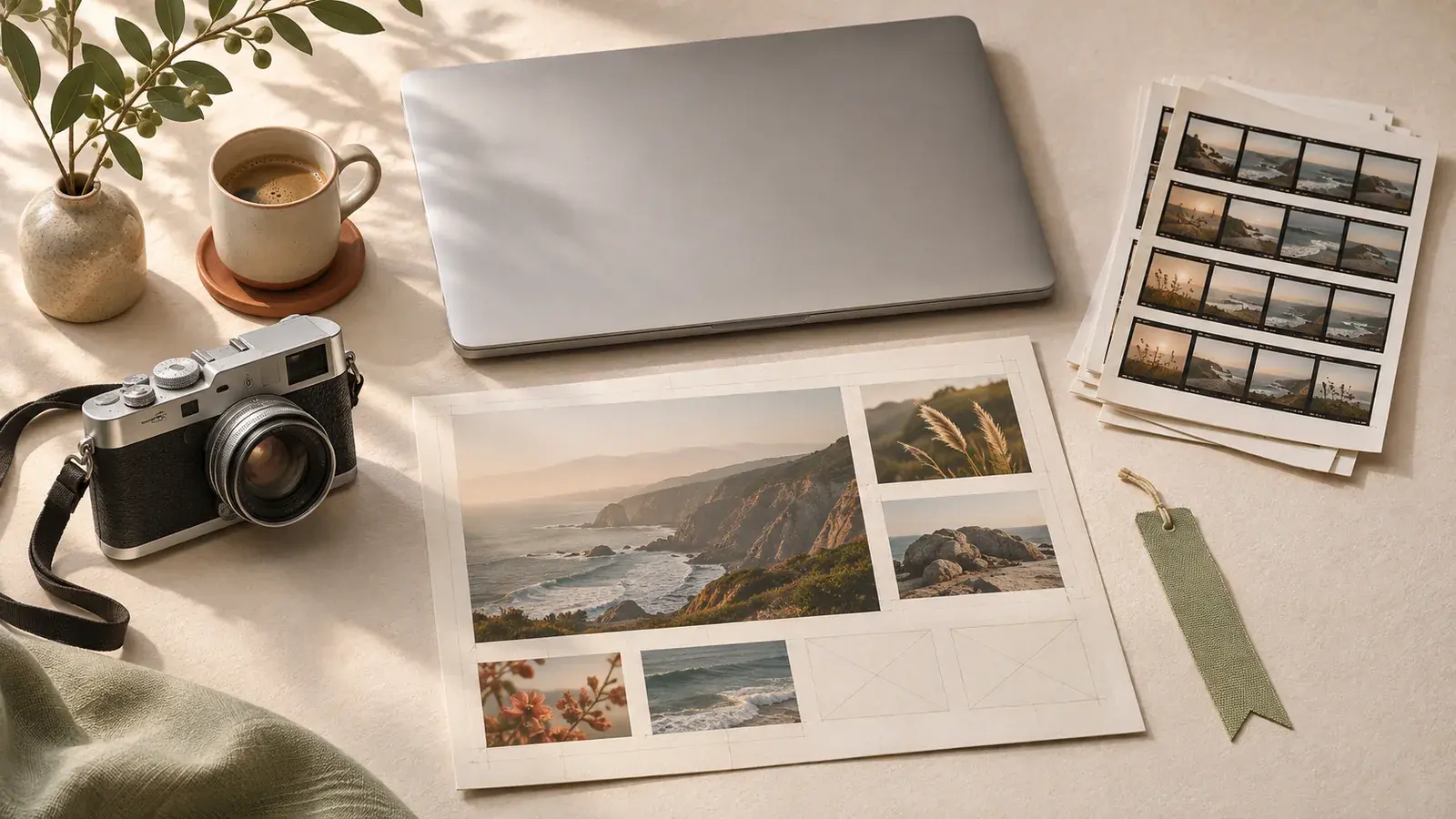
Applies to: Receptree web app, November 2026. Screenshots show an example account and the Receptree sample gallery.
Separate account data from local working copies
Signing in on another device restores access to your account library. It does not transfer every Studio photo or Review gallery from the first device. Home brings these kinds of work together, so check which kind of item you are reopening before expecting it to appear in another browser.
| Item | Where it is kept | How to return |
|---|---|---|
| Saved recipes and collections | Your account | Sign in to the same account |
| Recipe and template favourites; Home pins | Your account | Open Favourites or Home |
| Studio working copy and named projects | This browser on this device | Use Continue or Studio projects |
| Review galleries, previews and decisions | This browser on this device | Reopen the saved gallery; restore folder access if asked |
| Downloaded image | The folder you downloaded it to | Open that file outside Receptree |
Use Home to return to an unfinished task
Open Home in the same browser and account. Continue can contain a Review gallery, a current Studio working copy or a recipe draft. Each item shows its workspace, folder or image name and date. Open the item you want using its card or arrow. A pin is a shortcut to content; it is not a saved copy of the photos or the current editor.
Save a named Studio project before changing tasks
After arranging a photo in Studio, return to Home and open Studio projects. Enter a name such as Lisbon — warm border and choose Save current Studio project. The project retains the supported local working copy and source images so you can reopen that version. It is different from the latest automatic working copy, which changes as you keep editing. If a Recovery copy is shown after opening another project, it is also local; it is not an independent backup.
Continue while a Review gallery is being prepared
Choose Create → Review session and select your photo folder in a supported desktop browser. Receptree scans the folder and prepares previews locally. The progress notification lets you keep using other workspaces while that job runs. Once the gallery is available, return through Home or the Active Review gallery selector. You can review ready photos while remaining previews are being prepared; a photo without a usable preview may still need time.
- A gallery is listed on Home after its session has been saved; the initial folder scan may take time.
- Keep this browser session open while the background job is running.
- If you have moved to another task, finishing the scan should not pull you away from it.
Restore access to the original folder when asked
A saved thumbnail is not permission to read an original file. After reopening Review, you may need to use Reconnect folder and grant access to the same source folder. Keep your original files in a predictable location. If Receptree rejects a different folder, do not replace or rename your originals just to make the message disappear. Return to the actual source folder first.
Know what a browser reset can remove
Clearing this website’s browser data can remove local projects, Review sessions and previews. Private browsing and browser storage limits can also affect how long local data survives. Changing browser, browser profile or device will not make those local records follow your account. Keep separate backups of your original photographs and download finished work you need to retain. If only local work is missing, first check the browser, profile and account you originally used.
Four recipes to try next
Choose a community recipe, check it against your camera and take it into the field.