How to Save and Share Fujifilm Recipes in Receptree
Save a Fujifilm recipe in three steps: add a photo, check the camera settings, then keep it private or publish it to the Receptree community.
 Receptree
Step 1 of 3
Add your photo
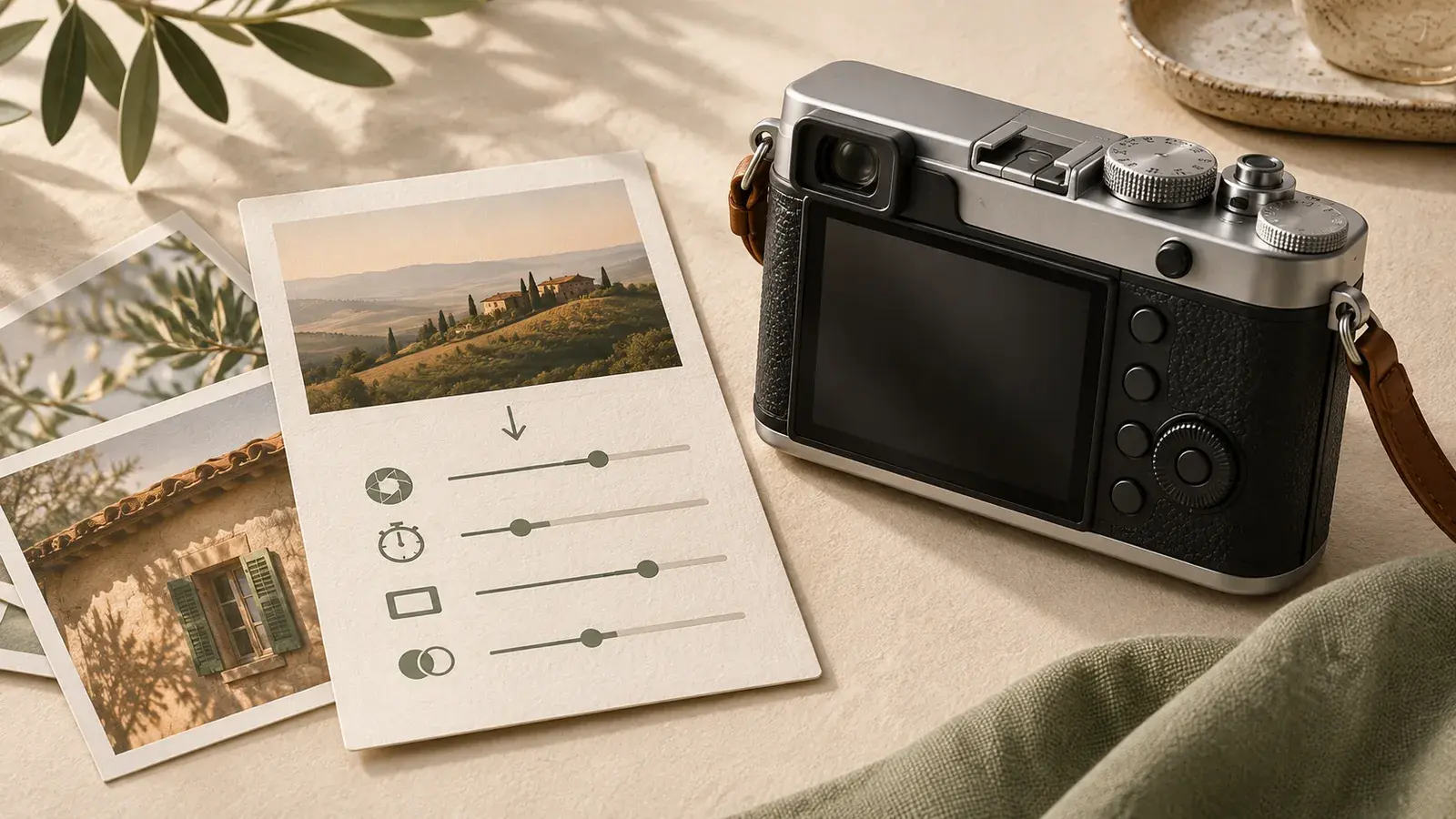
Start with a photograph that shows the look you want to keep. Open New Recipe and add your sample photo. If Recipe Recognition is available on your plan, enable it to read supported settings from an original Fujifilm JPEG. Camera metadata can save you from copying values by hand; a screenshot or social-media export may no longer contain it. You can also enter the recipe manually.
Step 2 of 3
Check your settings
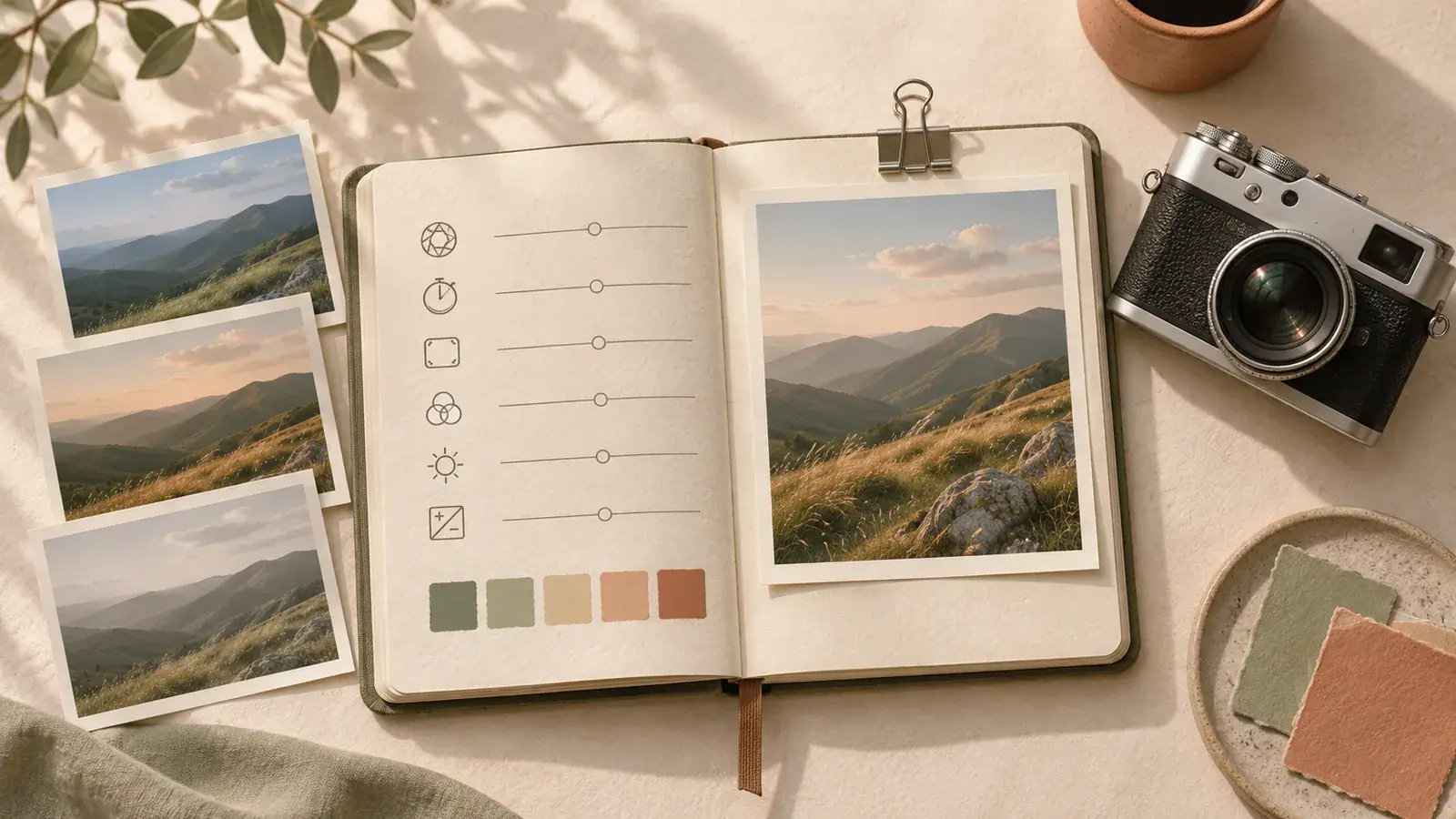
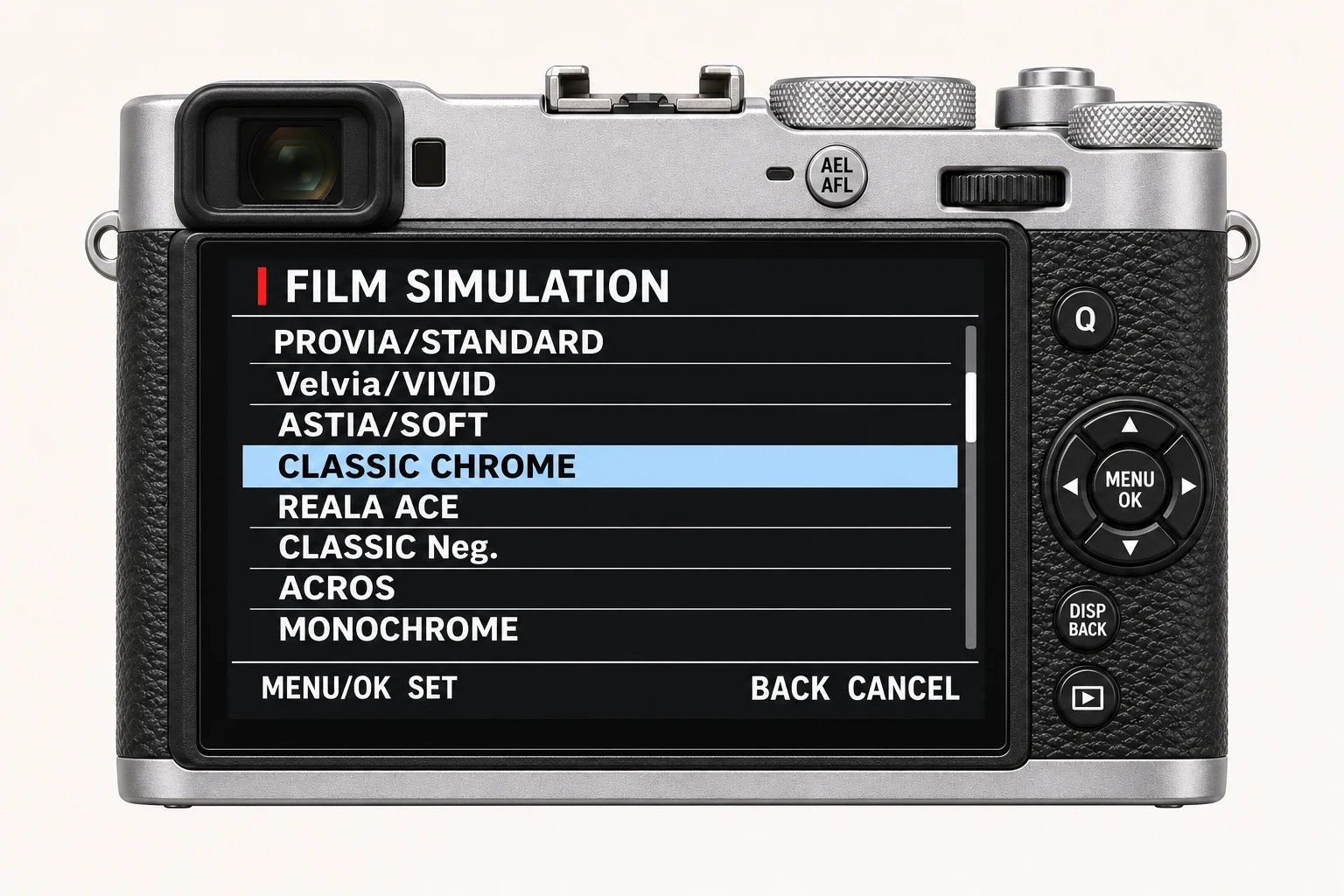
Review your main camera model and film simulation, then check the tone, colour, grain and white balance settings together. Recognised values are editable, so you can correct or complete the recipe before saving it. Pay particular attention to the red and blue white balance shifts. The compatibility dropdown explains which other camera models support the settings and any relevant limitations. Check missing values against your camera or a reliable recipe source.
Step 3 of 3
Save or share
Give your recipe a memorable name and describe when the look works best. Add relevant tags, then choose whether to keep it private or publish it to the community. Complete the required fields and confirm that you have the rights to the text and photographs before publishing. Not ready yet? Save a draft and return to it later. You keep a useful reference for your next shoot, with settings and sample photos together.
Four recipes to try next
Choose a community recipe, check it against your camera and take it into the field.