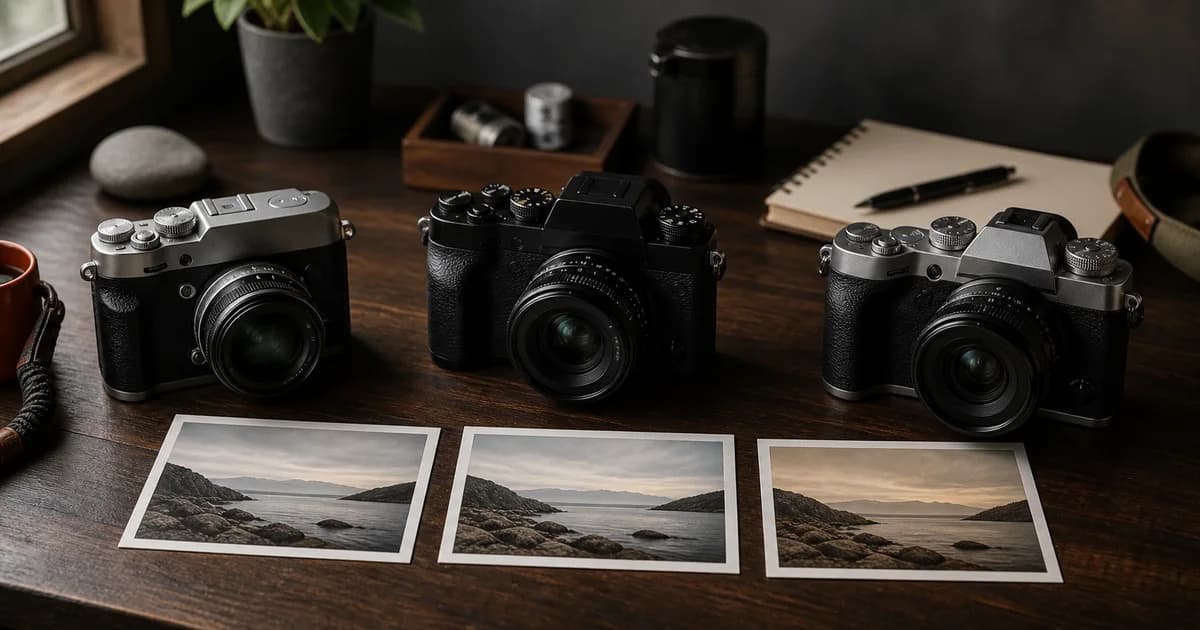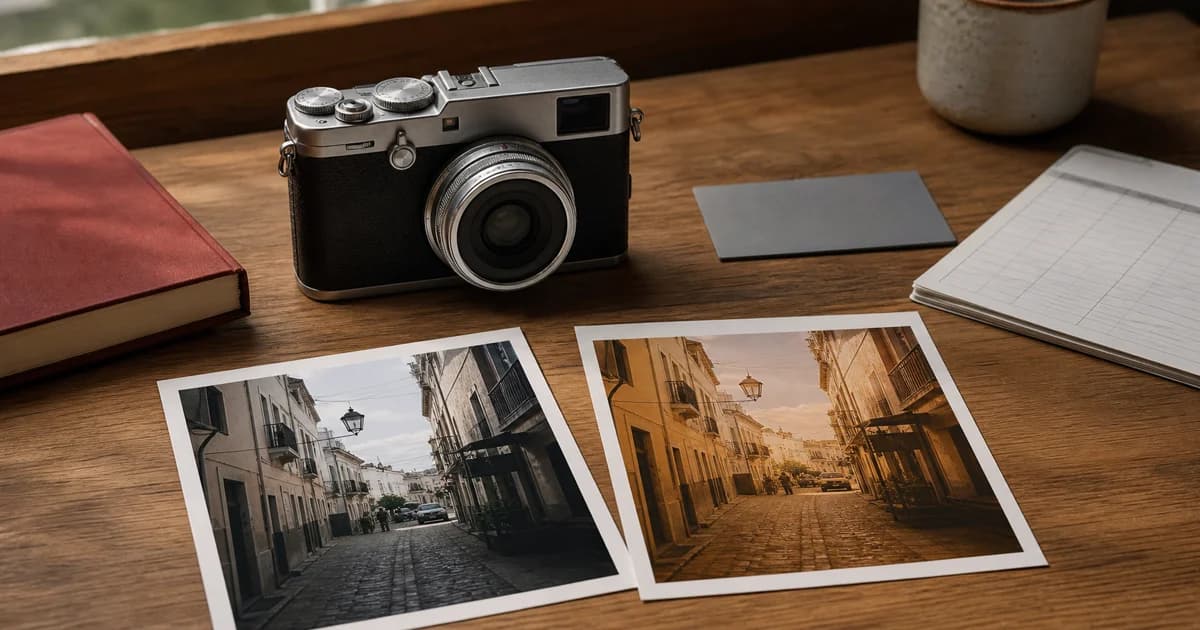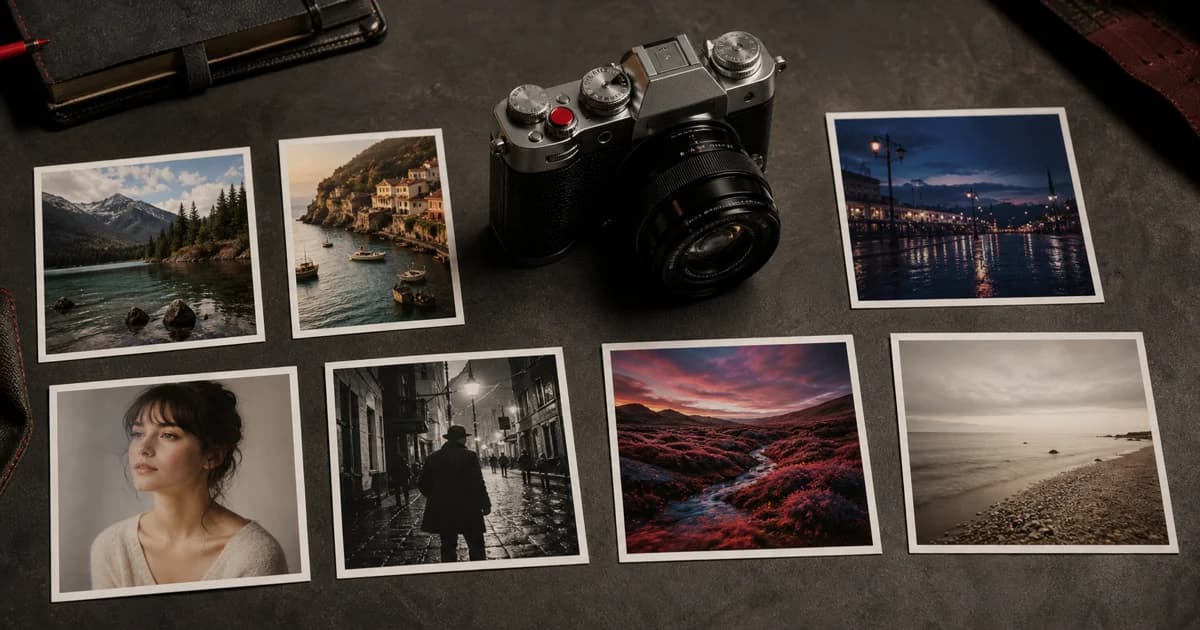


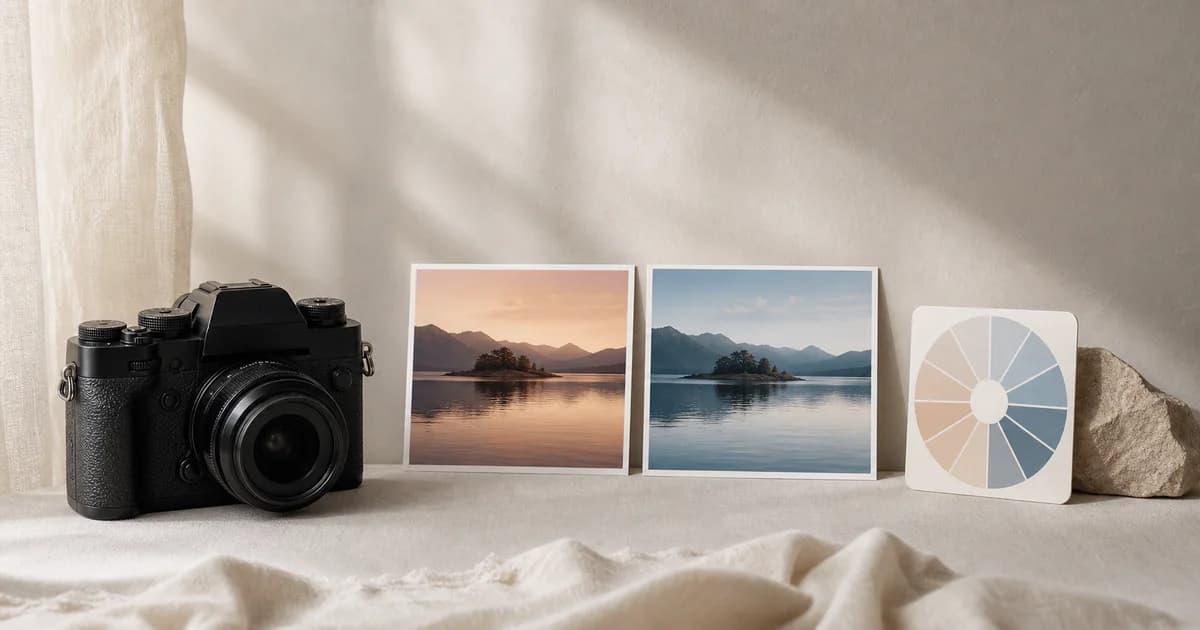
White balance shift is one of the small Fujifilm recipe settings with the largest visual payoff. Two recipes can share the same Film Simulation, Dynamic Range, and tone settings but feel completely different when one leans slightly toward warm yellow-red and the other holds a cooler blue-cyan balance.
The important word is slightly. White balance shift is best used as a final color decision after you choose a sensible base white balance. This guide explains the Fujifilm R/B control, a reliable testing workflow, and the common reasons a copied recipe does not look like its sample image.
Quick Answer: Set the Light First, Then Nudge the Recipe
On most Fujifilm cameras, select a white balance option, press into its fine-tuning screen, and adjust the R/B grid. The R axis moves the balance toward red or cyan; the B axis moves it toward blue or yellow. A warm shift commonly combines a little more red with a little more yellow. A cool shift commonly moves toward cyan and blue.
Start at R:0, B:0, make one small change, and photograph a familiar scene in the same light. If a recipe specifies values such as R:+2, B:-3, treat them as a recipe clue rather than a universal color correction. The base white balance, the light, exposure, subject colors, and camera all matter.
White Balance vs. White Balance Shift
White balance decides the camera's broad interpretation of the light source. Auto, Daylight, Shade, Incandescent, Custom, and Kelvin options all start from a different assumption. White balance shift is the fine adjustment applied around that starting point.
| Control | What it solves | Example |
|---|---|---|
| Base white balance | The overall color of the light | Daylight for a sunlit afternoon |
| White balance shift | The recipe's subtle color bias | A gentle red/yellow nudge for a warmer JPEG |
| Exposure compensation | Brightness before the JPEG is rendered | Protecting a bright sky or lifting a dark subject |
When a recipe is too orange, too blue, or too magenta, do not immediately push the R/B values harder. First check whether the base white balance makes sense for the light. A wrong base setting cannot be made reliably consistent with a large shift.
How the Fujifilm R/B Grid Changes a Recipe
The labels are intentionally simple: R means red and B means blue. Their opposite directions lead toward cyan and yellow. The exact grid range and menu layout vary by camera, but the principle stays the same.
- More red: can make skin, wood, brick, sunset light, and warm neutrals feel richer. Too much can turn a clean recipe pink or magenta.
- More cyan: can reduce a red cast and make warm scenes feel cleaner or more restrained. Too much can make skin look lifeless.
- More blue: can reinforce cool shade, winter light, and a quiet editorial palette. Too much often makes neutral whites look icy.
- More yellow: can add a soft sunlit or nostalgic bias. Too much can make whites look dirty instead of warm.
White balance shift affects relationships between colors, not only the temperature slider feeling you may know from editing software. That is why a small change can make a Film Simulation feel more personal without changing its contrast or grain.
Three Safe Starting Points for Testing R/B Shift
These are testing directions, not fixed recipes. Begin in repeatable daylight and compare the results on a calibrated screen or in a small set of prints.
Warm and understated
Try a small positive R shift and a small negative B shift.
Useful when a neutral Daylight recipe needs a little more amber-red character.
Cool and quiet
Try a small negative R shift and a small positive B shift.
Useful for overcast scenes, blue-hour work, or a restrained editorial palette.
Neutral with intent
Keep R:0, B:0 and change only the base white balance first.
Useful when you are learning a Film Simulation or need a dependable reference.
A Repeatable Fujifilm White Balance Shift Workflow
- Choose one base white balance. Start with Daylight, Auto, a custom measurement, or a Kelvin value that suits the light. Do not change the base and the shift at the same time.
- Photograph a familiar test scene. Include a neutral object, skin if relevant, foliage, and a highlight. These reveal unwanted color casts quickly.
- Move one axis by one or two steps. Compare it with the neutral frame before adding another adjustment.
- Repeat in the light you actually use. A street recipe that feels right in open shade may feel excessive under warm indoor lighting.
- Save a named custom setting. Store the film simulation, base white balance, R/B values, tones, dynamic range, and exposure approach together. See our guide to Fujifilm C1–C7 custom settings for a practical way to organize those looks.
Why Copied Fujifilm Recipes Often Look Wrong
A published recipe may have been photographed in one type of weather, on a different sensor generation, with a specific exposure choice, and then viewed through a phone display or edited export. Copying its Film Simulation and R/B values is useful, but it does not recreate the original light or subject.
If the result feels wrong, check the base white balance first, then exposure compensation, Dynamic Range, and the shift. Our detailed troubleshooting guide covers the rest of the common causes in Why Your Fujifilm Recipe Looks Wrong.
JPEG, RAF, and In-Camera RAW Conversion
White balance and R/B shift are particularly important when you want a finished straight-out-of-camera JPEG. The JPEG records the camera's rendering decisions. A RAF file preserves the captured image data separately, giving you more flexibility later.
On cameras that support in-camera RAW conversion, Fujifilm includes white balance and white balance shift among the settings you can use when creating a new JPEG copy. That makes a RAW file a useful way to compare restrained recipe variations without changing the original photograph. Menu names and options vary by model, so use your own camera manual as the final reference.
Frequently Asked Questions
What does Fujifilm white balance shift do?
White balance shift fine-tunes the white balance you have already selected. The R axis moves a look toward red or cyan, while the B axis moves it toward blue or yellow. It is a small color-balance control, not a replacement for choosing the right base white balance.
Does white balance shift affect Fujifilm JPEG recipes?
Yes. It is part of the in-camera rendering of a JPEG and is one of the settings that gives a Fujifilm recipe its color character. A RAW file retains the original sensor data, and compatible in-camera RAW conversion lets you create JPEG copies with white balance and WB shift adjustments.
Which Fujifilm white balance shift makes a recipe warmer?
A small move toward red and yellow usually reads warmer. On the Fujifilm R/B grid that generally means a positive R adjustment and a negative B adjustment. Start with one or two steps, then judge the result in the light you actually photograph in.
Why does the same Fujifilm recipe look different in another light?
A recipe combines white balance, white balance shift, film simulation, exposure, dynamic range, and the color of the scene itself. Auto white balance can also react differently as the light changes. Use a fixed base setting when you need a repeatable look and treat published R/B values as a starting point, not a guarantee.
Can I use the same R/B shift on every Fujifilm camera?
You can use the same values as a starting point when the options are available, but camera generation, film simulation support, firmware, light, and the subject can change the result. Test a recipe on your own camera before relying on it for an important shoot.
Keep the Color Decisions with the Recipe
A useful Fujifilm recipe records more than a Film Simulation name. Save its base white balance and R/B shift beside tone, grain, and dynamic-range choices, then add notes about the light it was tested in. That turns a good-looking JPEG into a repeatable starting point for the next shoot.
Save the complete look, then refine it under your own light.
Explore Fujifilm recipes in Receptree