

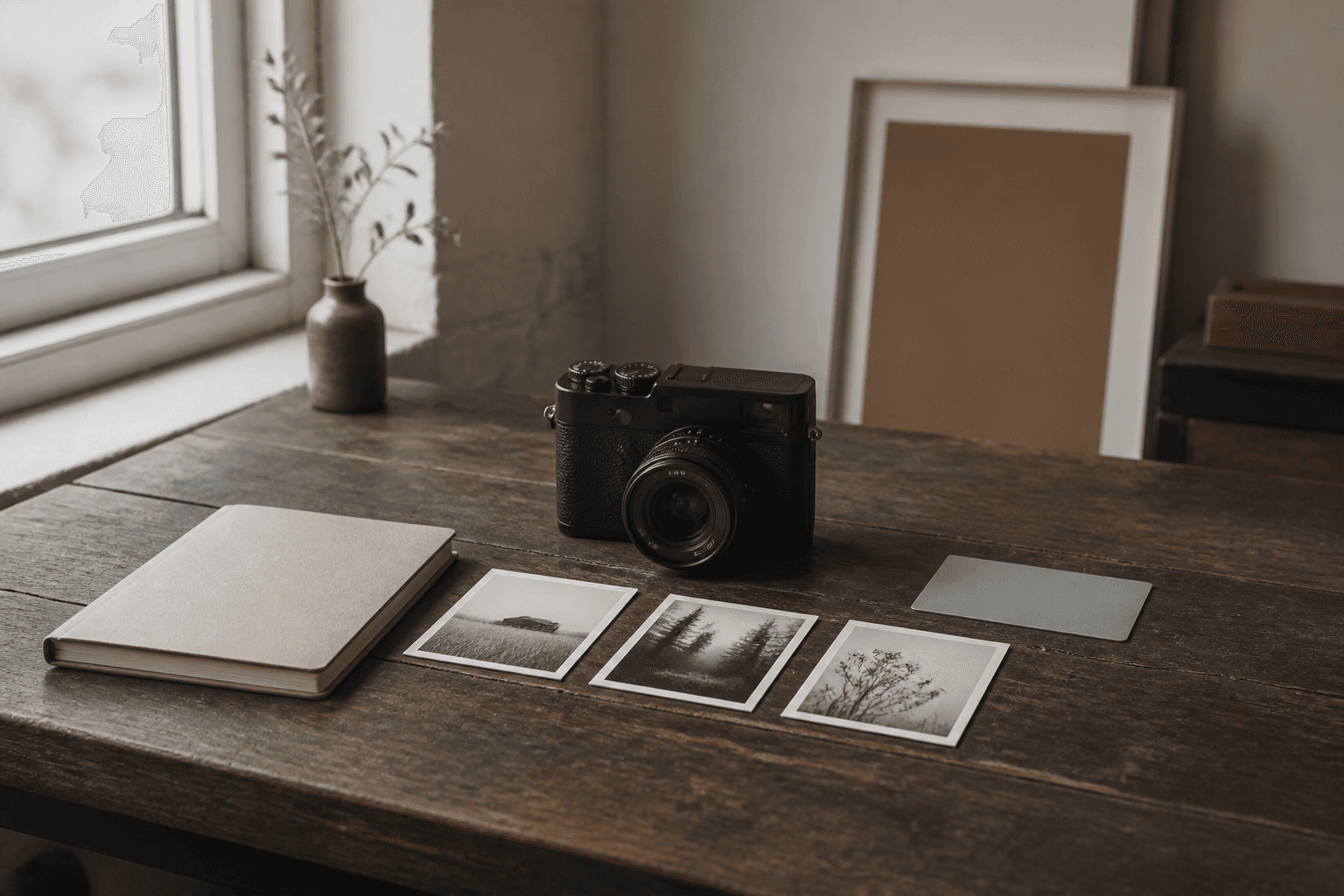
Start hereFilm RecipesGuideBeginner4 min read
How to Test Fujifilm Recipes in Receptree
A practical field workflow for saving a look, testing it in consistent light and comparing the results without changing every variable at once.
Read guidePractical guides
Choose a group to get straight to the guidance that fits your next step.
Build, test and organise complete JPEG recipes—from film simulation and WB shift to tone, colour and grain.
Choose a Fujifilm colour-and-tone starting point for the subject and light, then make it your own.
Use exposure compensation, Auto ISO limits and custom settings deliberately instead of chasing the meter.

Read contrast, protect important highlights and build small, purposeful sequences in changing light.
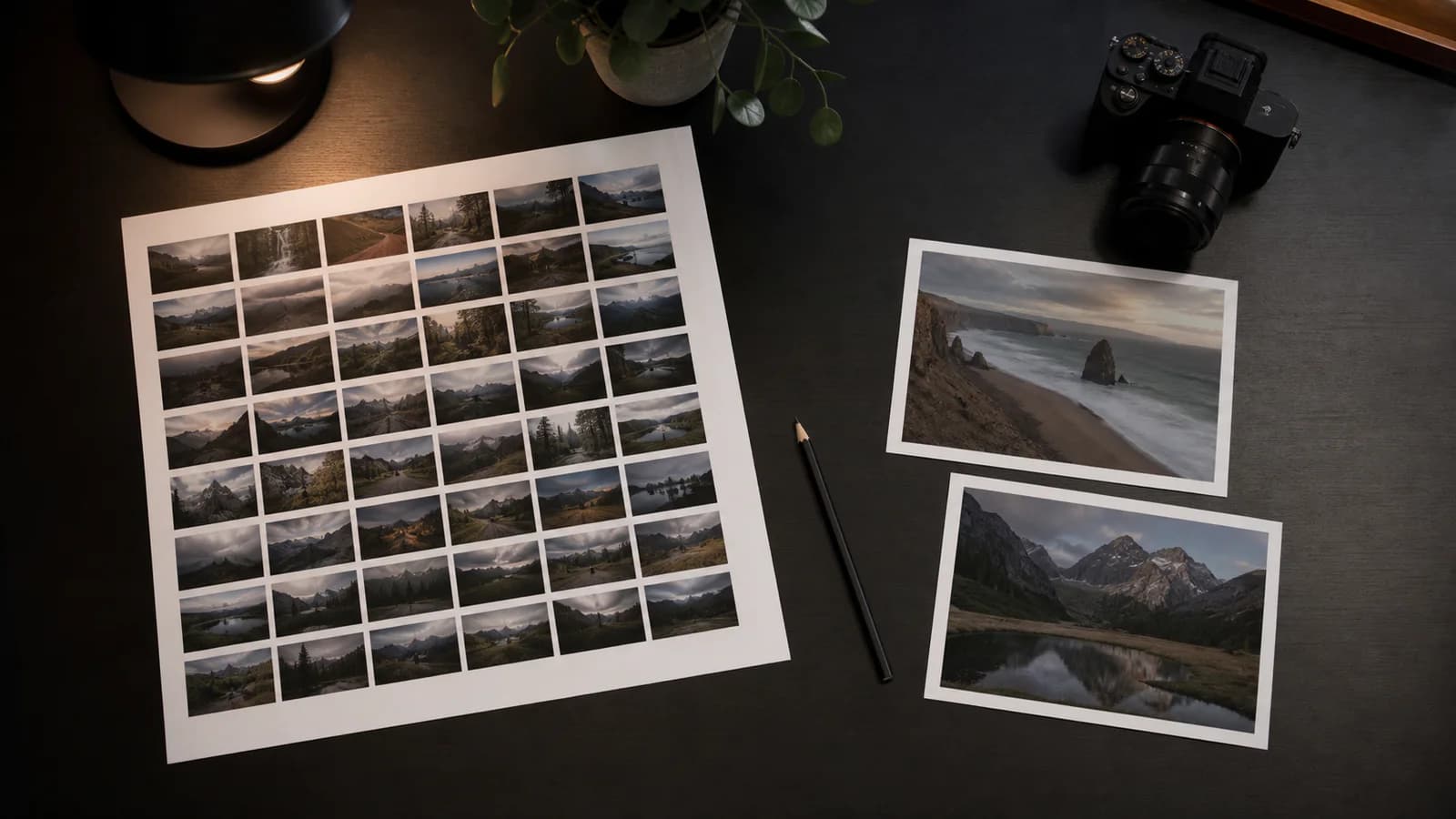
Separate first reaction from technical inspection, compare near-duplicates and keep the frame with intent.
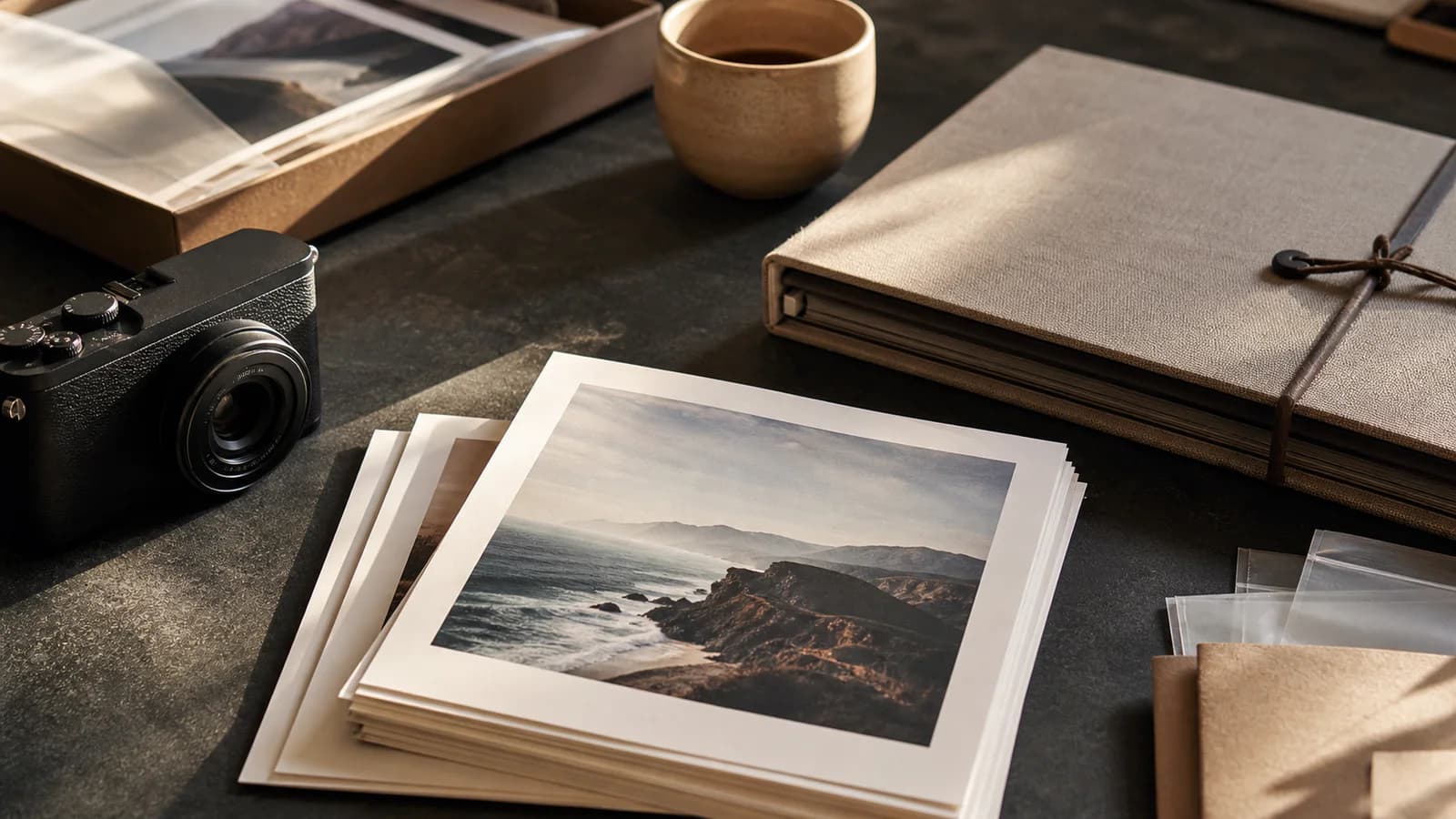
Name, export and present a finished set with recipe cards and EXIF frames that support the photograph.
Guide library
In-depth workflows and focused decisions for Fujifilm recipes, camera setup, shooting, review and presentation.
20 of 20 guides
Build, test and organise complete JPEG recipes—from film simulation and WB shift to tone, colour and grain.
A practical field workflow for saving a look, testing it in consistent light and comparing the results without changing every variable at once.
Read guide
Use Receptree as a Fujifilm Recipe Manager to save, organise and revisit film simulation recipes by camera, light and intent.
Read guide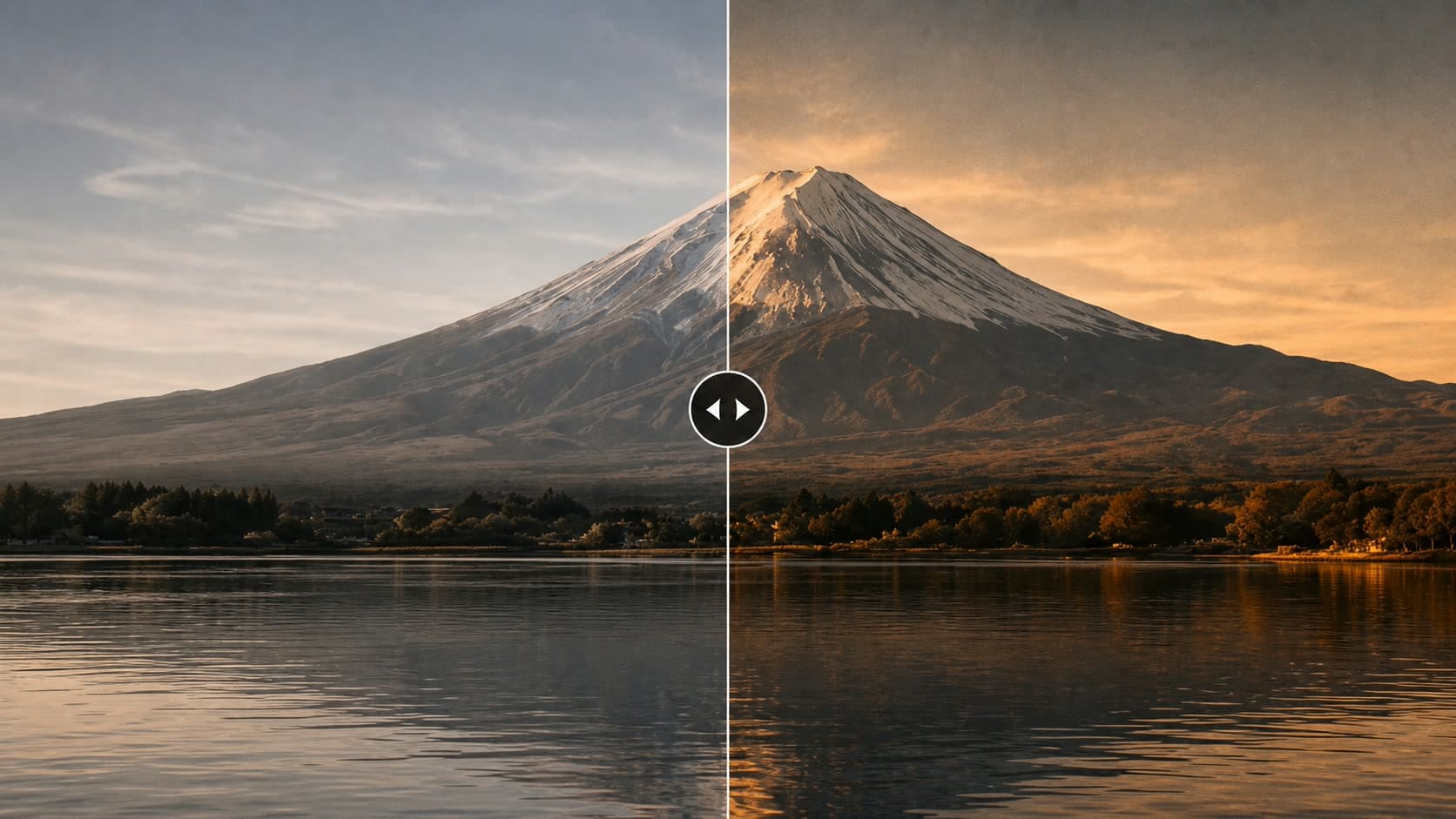
Use a Fujifilm Recipe Reader to recover supported camera settings from an original JPEG, review the result, and turn it into a reusable recipe in Receptree.
Read guide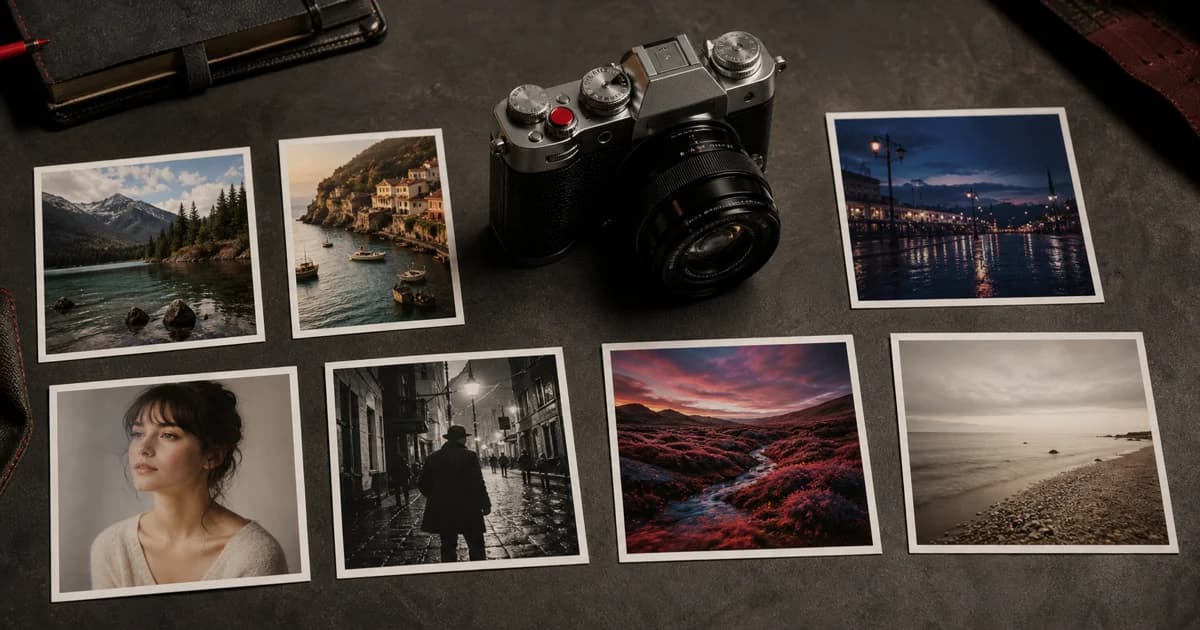
Enter a Fujifilm film simulation recipe correctly, save it to a custom setting and check the details that commonly cause a different-looking JPEG.
Read guide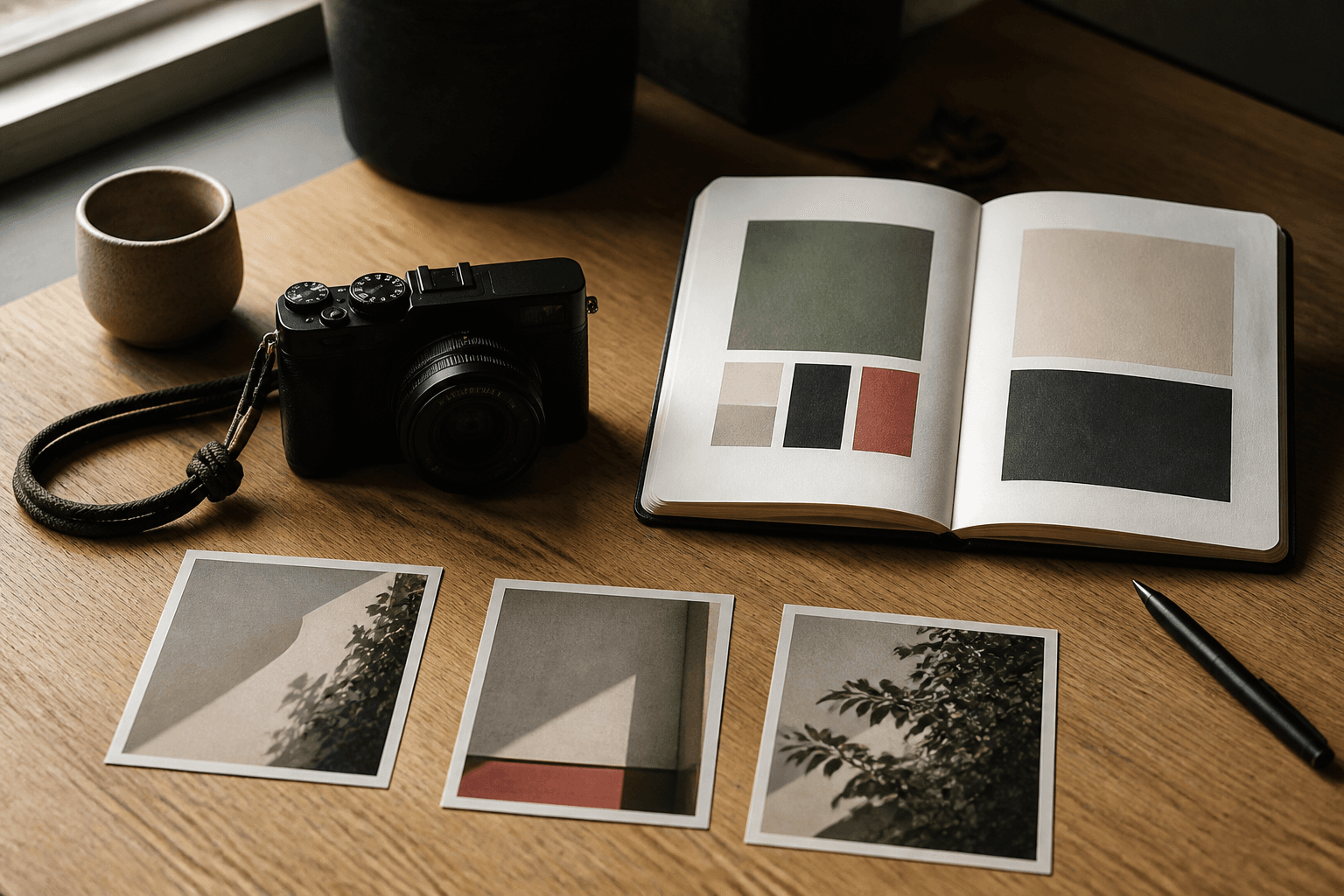
Create a repeatable Fujifilm recipe that matches your subjects, your light and the way you want your photographs to feel—without chasing every trend.
Read guideChoose a Fujifilm colour-and-tone starting point for the subject and light, then make it your own.
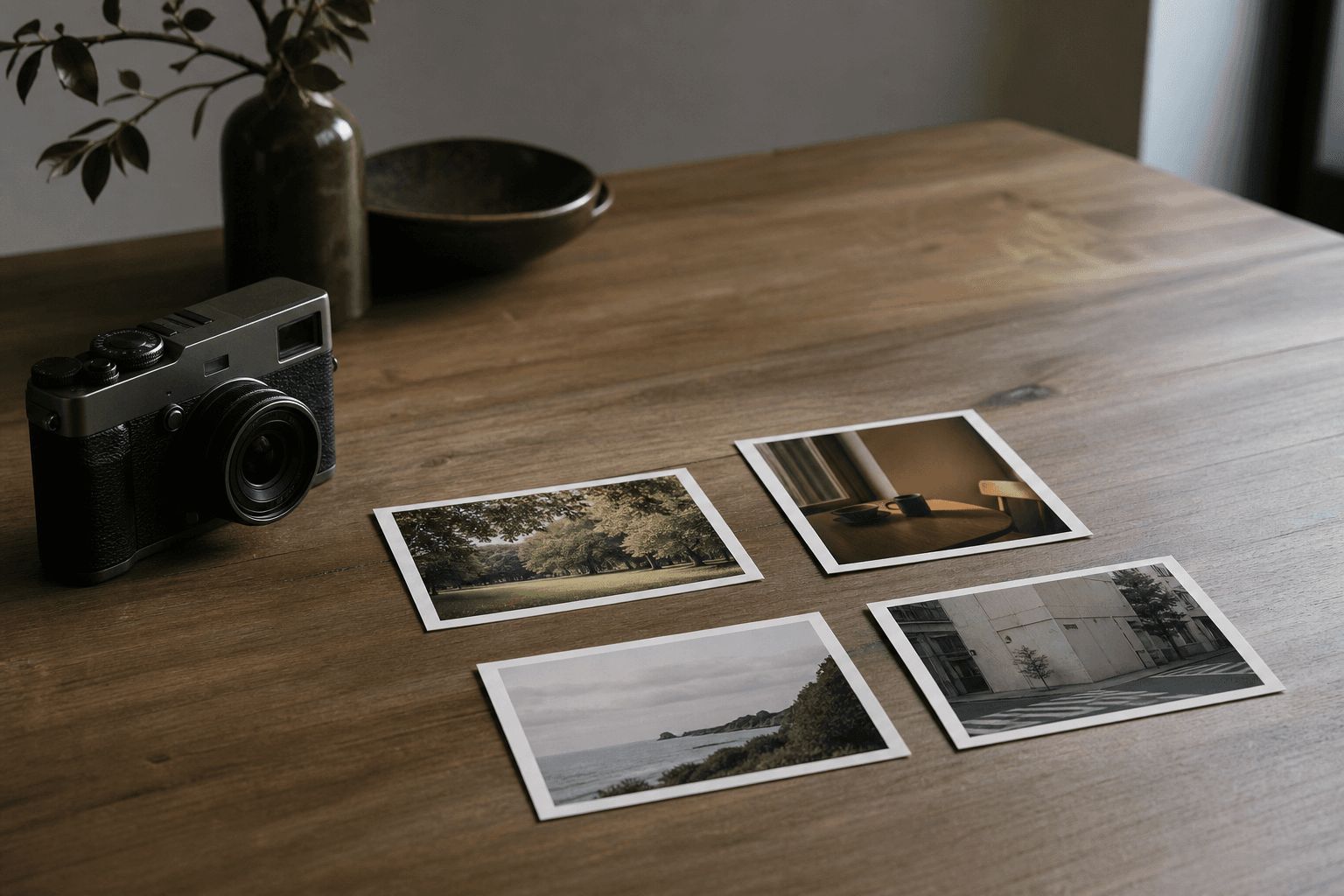
Understand the character of Fujifilm film simulations, choose a useful starting point and turn it into a recipe that suits your own photographs.
Read guide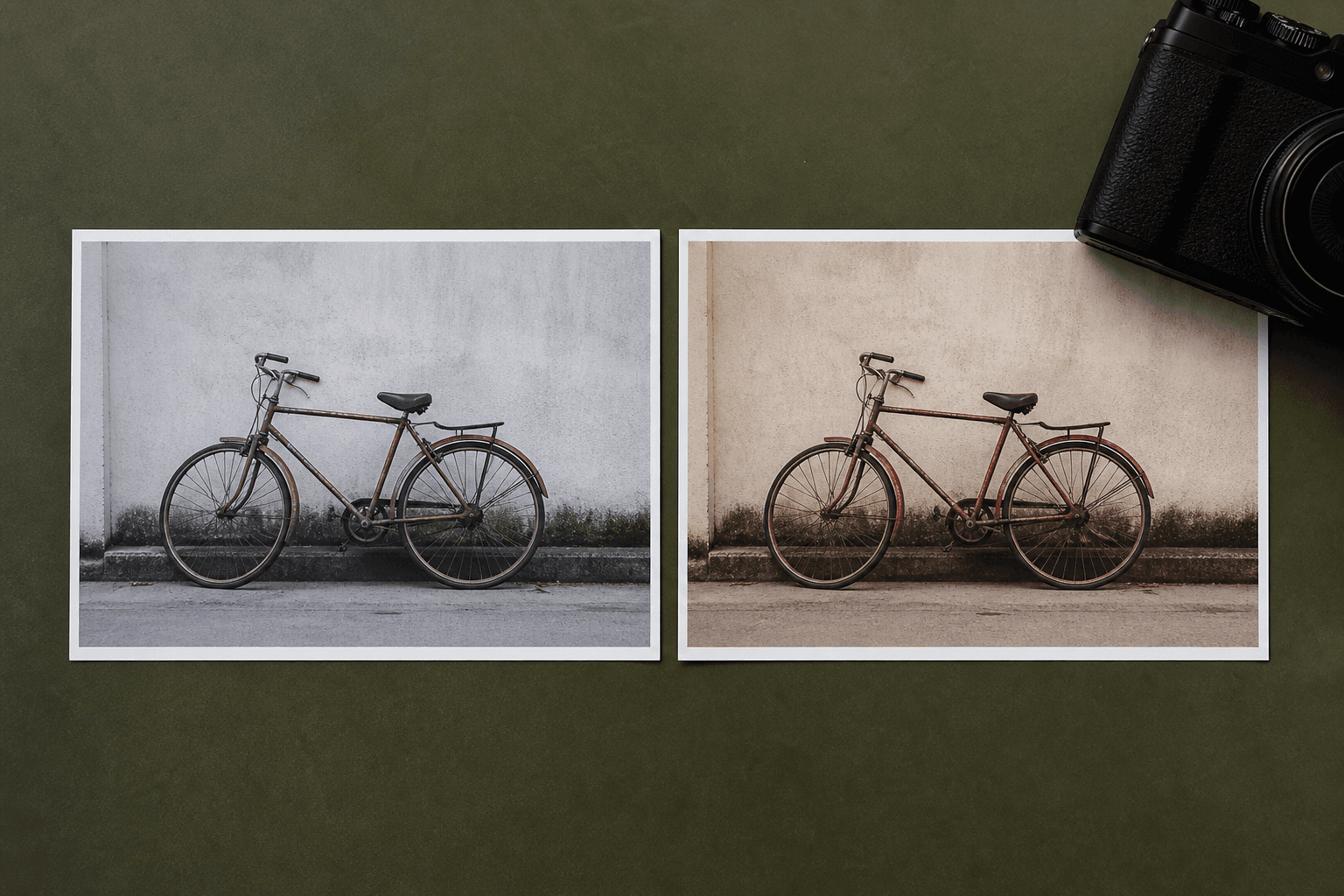
Understand the difference between Classic Chrome and Classic Neg, then choose the starting point that better supports your subject, light and intended mood.
Read guide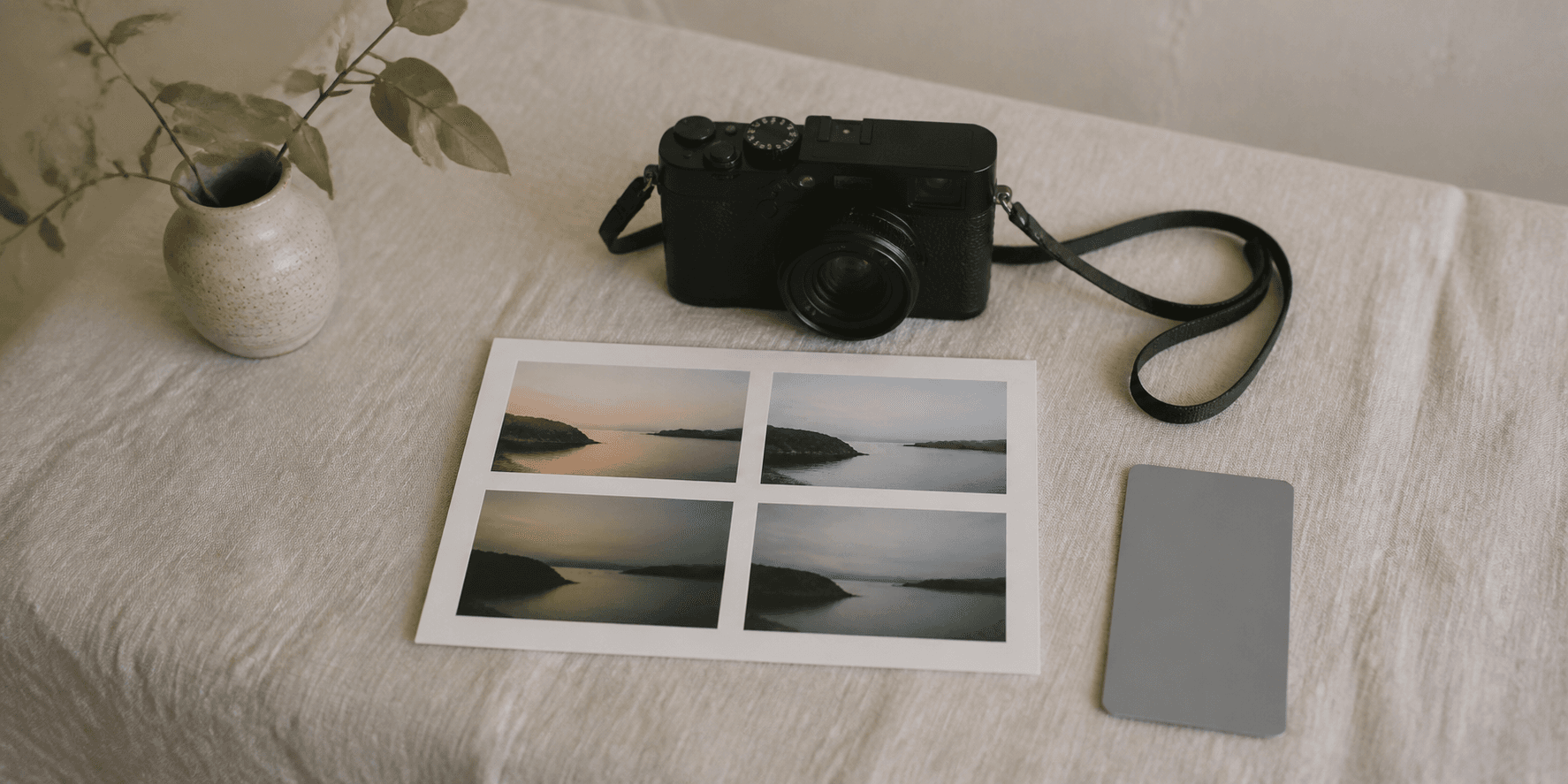
A practical Receptree workflow for turning a visual intention into a small set of Fujifilm recipes worth testing and keeping.
Read guide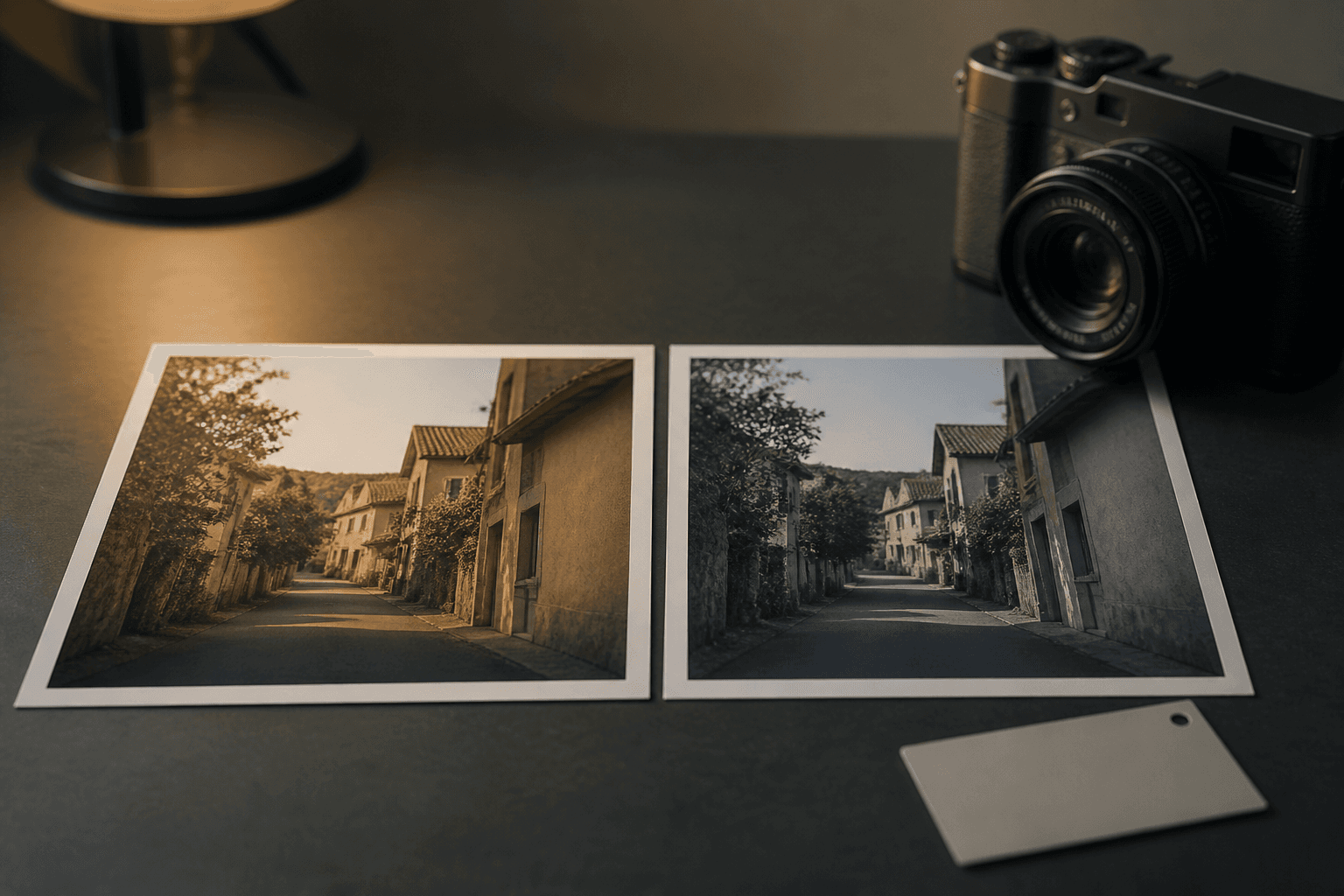
Learn why the same Fujifilm film simulation can produce a different JPEG, and use Receptree to check the settings and compare a real test sequence.
Read guideUse exposure compensation, Auto ISO limits and custom settings deliberately instead of chasing the meter.
Learn when exposure compensation is the fastest way to protect the mood of a frame.
Read guide
Set sensible boundaries so your camera responds to changing light while you protect motion and intent.
Read guideRead contrast, protect important highlights and build small, purposeful sequences in changing light.

A short field exercise that turns one promising scene into three deliberate compositional choices.
Read guide
A practical approach to bright skies, windows and reflective surfaces without making every image too dark.
Read guideSeparate first reaction from technical inspection, compare near-duplicates and keep the frame with intent.

Learn how Fujifilm photo culling software can help you review, compare, rate and select JPEG and RAF photographs locally in your browser with Receptree Review.
Read guide
Separate the emotional first reaction from the careful technical decision and make choosing less exhausting.
Read guide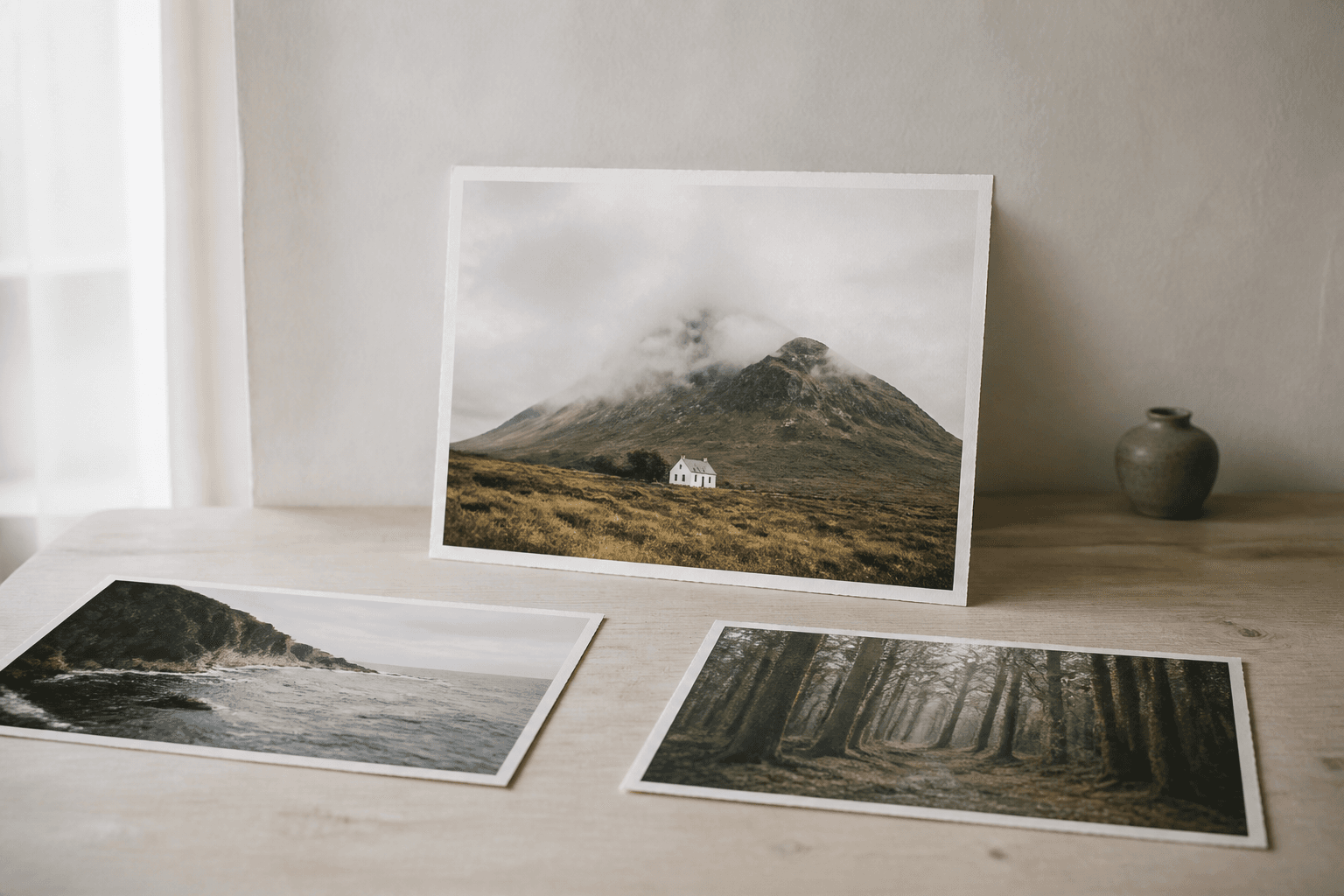
A useful set of questions for choosing photographs that stay meaningful after the novelty of the shoot fades.
Read guideName, export and present a finished set with recipe cards and EXIF frames that support the photograph.
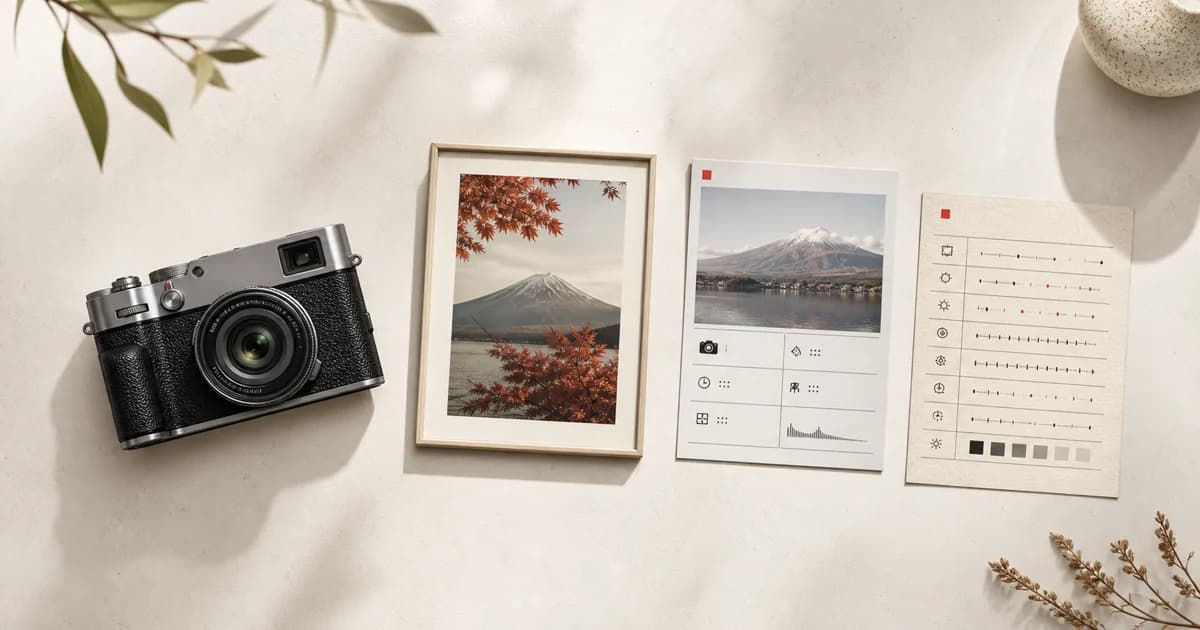
Learn when Fujifilm EXIF Frames help a photograph: turn camera, lens, exposure and supported recipe metadata into a clear Metaframe in Receptree Studio.
Read guide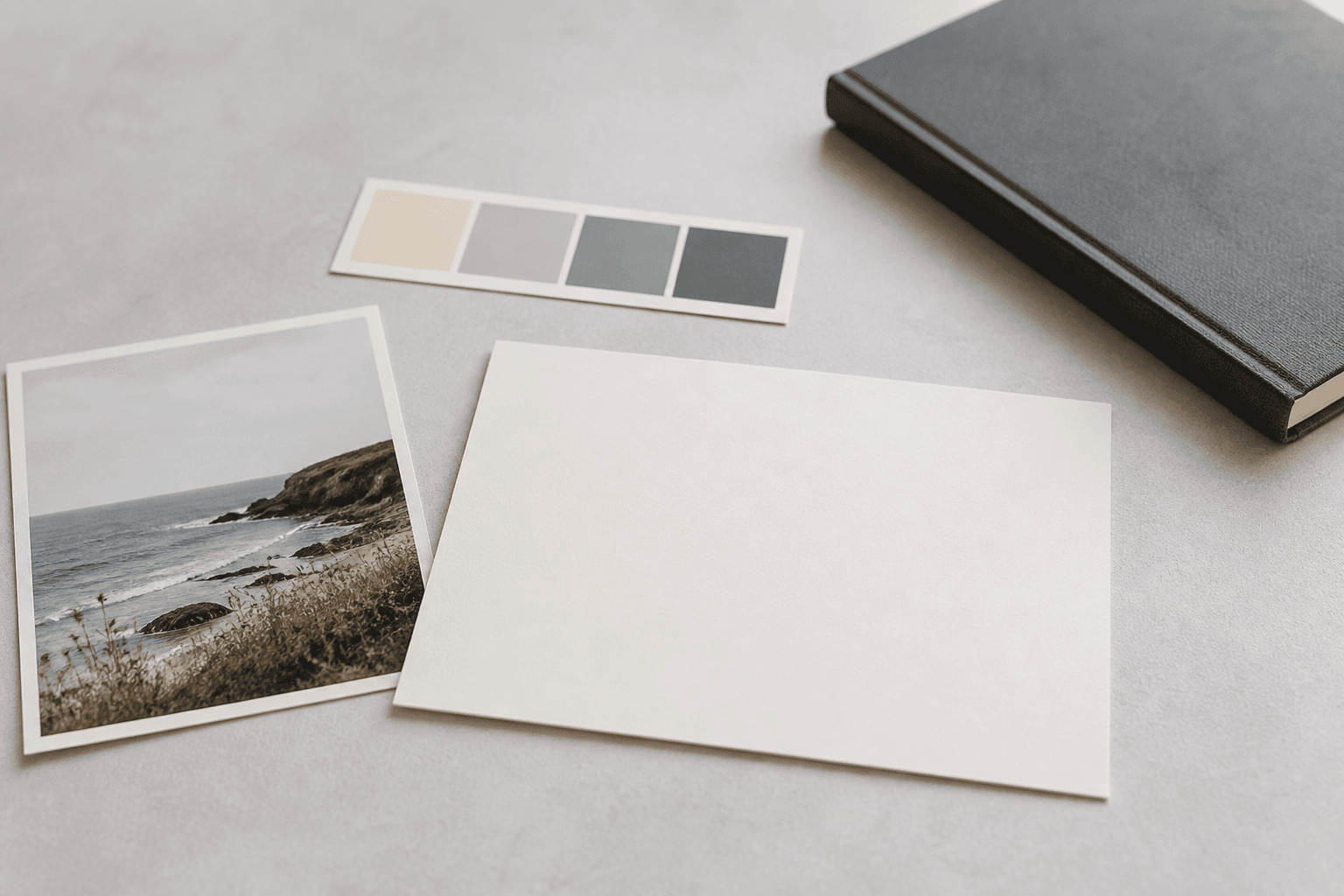
Use Receptree as a Fujifilm Recipe Card Maker to turn complete camera settings and a sample photo into a clear, shareable reference.
Read guide
Keep finished photographs findable and prepare versions for sharing without duplicating confusion.
Read guide
A lightweight ritual for turning a shoot into a finished set instead of a growing folder of loose files.
Read guidePut it into practice
Guides help you make one clear decision. Choose a starting point, compare a real sequence, or create and share your own.